Ga door naar hoofdinhoud
Word lid van de reparatiegemeenschap - Account aanmaken

Cineyo BT-03 Device Battery Replacement

Wat je nodig hebt

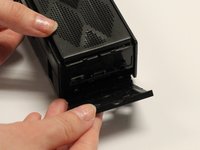
    1. Cineyo BT-03 Device Battery Replacement, Cineyo BT-03 Device Disassembly: stap 1, afbeelding 1 van 3 Cineyo BT-03 Device Battery Replacement, Cineyo BT-03 Device Disassembly: stap 1, afbeelding 2 van 3 Cineyo BT-03 Device Battery Replacement, Cineyo BT-03 Device Disassembly: stap 1, afbeelding 3 van 3
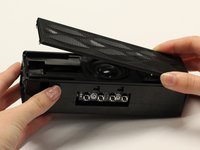
      • Remove the top (button side) rubber cover using your hands.

      Vraag FixBot

      Voeg opmerking toe

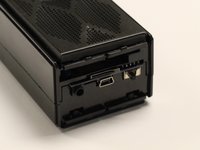
    2. Cineyo BT-03 Device Battery Replacement: stap 2, afbeelding 1 van 2 Cineyo BT-03 Device Battery Replacement: stap 2, afbeelding 2 van 2
      • Flip over the device and remove the bottom rubber cover using your hands.

      Vraag FixBot

      Voeg opmerking toe

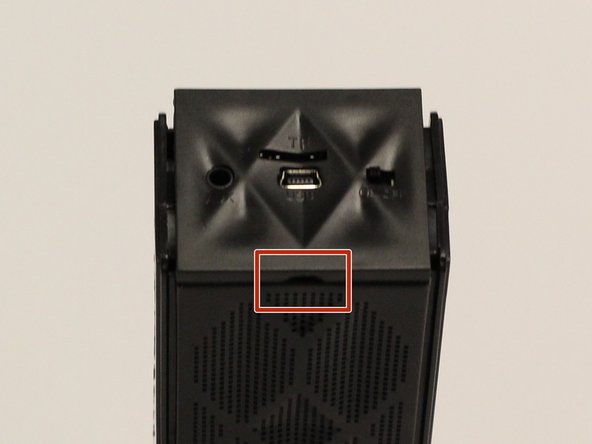
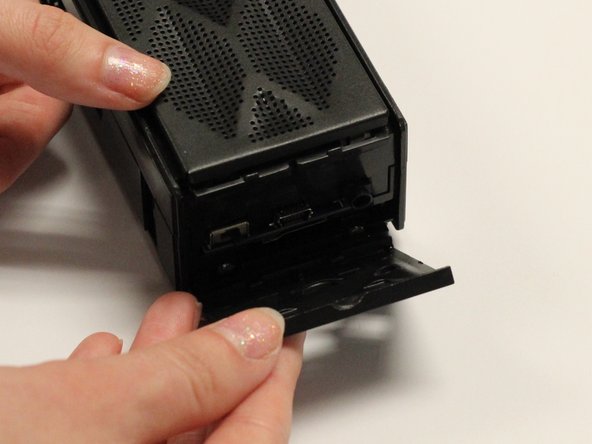
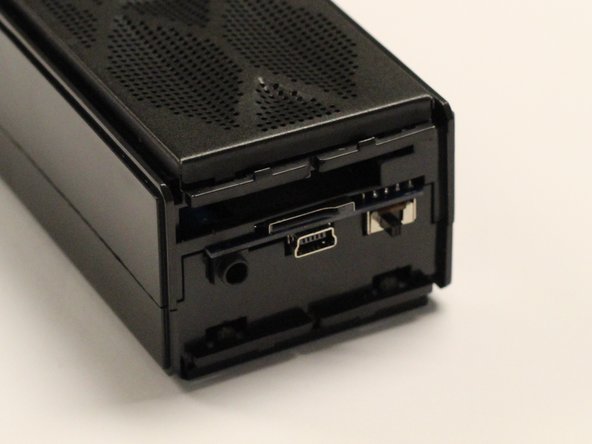
    3. Cineyo BT-03 Device Battery Replacement: stap 3, afbeelding 1 van 3 Cineyo BT-03 Device Battery Replacement: stap 3, afbeelding 2 van 3 Cineyo BT-03 Device Battery Replacement: stap 3, afbeelding 3 van 3
      • Using your hands, pull off the plastic side cover (on the side with the audio jack) using the indented tab. The indented tab has been highlighted in the picture.

      Vraag FixBot

      Voeg opmerking toe

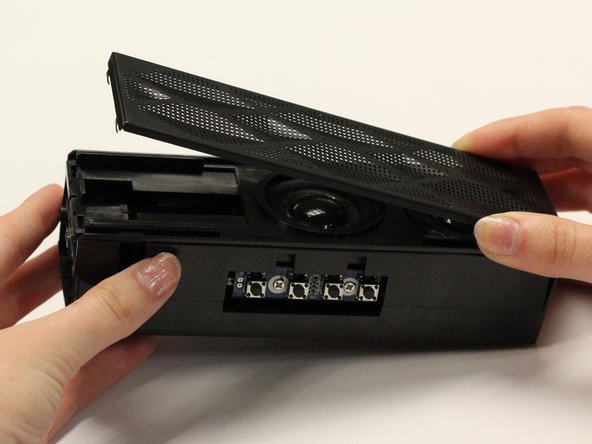
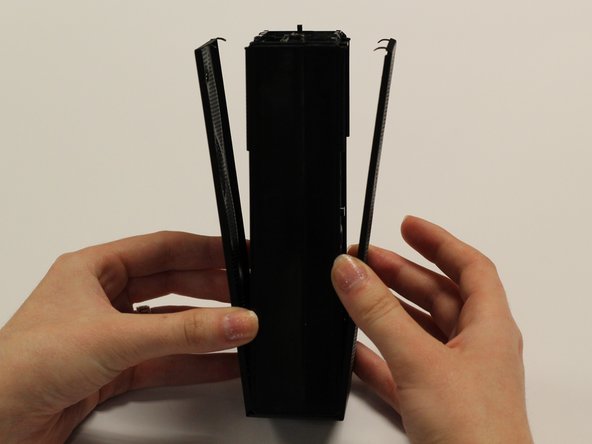
    4. Cineyo BT-03 Device Battery Replacement: stap 4, afbeelding 1 van 3 Cineyo BT-03 Device Battery Replacement: stap 4, afbeelding 2 van 3 Cineyo BT-03 Device Battery Replacement: stap 4, afbeelding 3 van 3
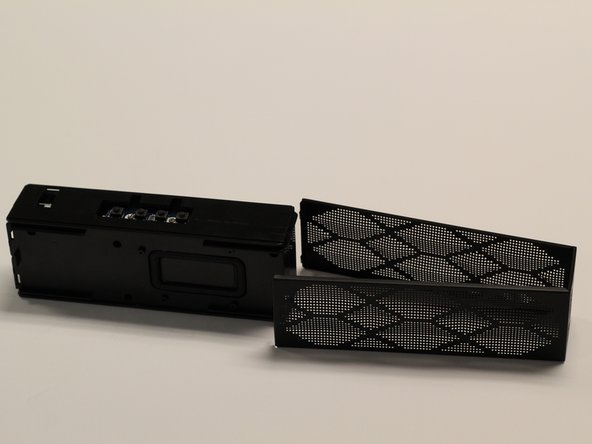
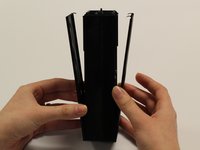
      • Detach the plastic speaker cover on both the front and back sides. Then slide the cover off of the device.

      • The cover should remain as one solid piece.

      Vraag FixBot

      Voeg opmerking toe

    5. Cineyo BT-03 Device Battery Replacement: stap 5, afbeelding 1 van 1
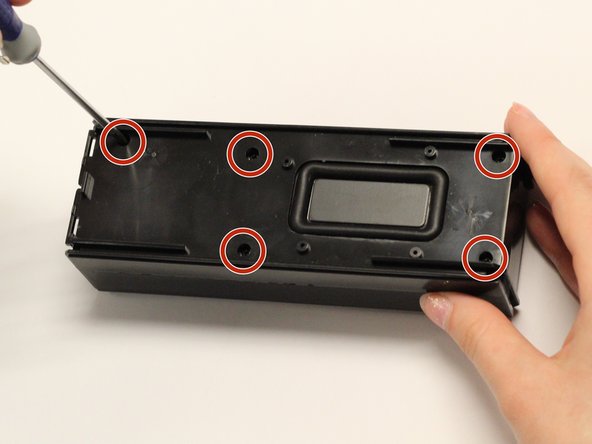
      • Remove the five 1 cm screws on the back side (opposite of the speakers) of the device using a Phillips #1 screwdriver.

      Vraag FixBot

      Voeg opmerking toe

    6. Cineyo BT-03 Device Battery Replacement: stap 6, afbeelding 1 van 1
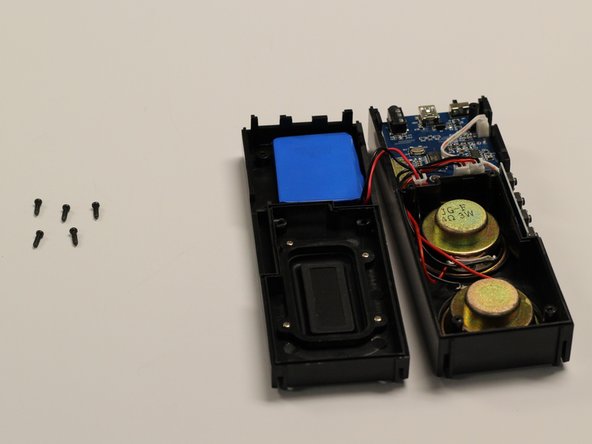
      • Gently pull apart the two sections of the device.

      Vraag FixBot

      Voeg opmerking toe

    1. Cineyo BT-03 Device Battery Replacement, Battery: stap 7, afbeelding 1 van 2 Cineyo BT-03 Device Battery Replacement, Battery: stap 7, afbeelding 2 van 2
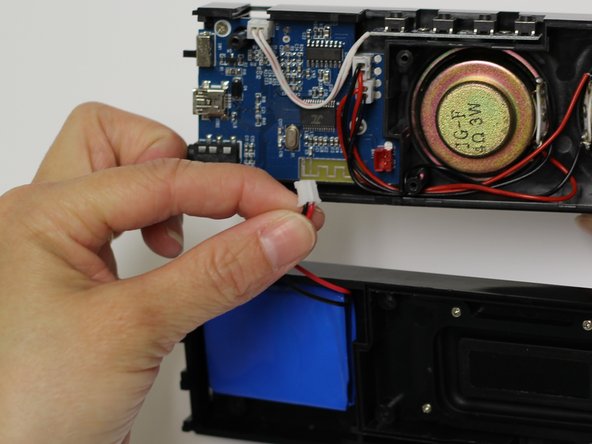
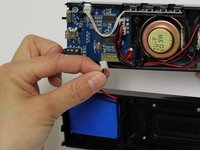
      • Pull the wires connecting the blue battery out of the circuit board.

      Vraag FixBot

      Voeg opmerking toe

    2. Cineyo BT-03 Device Battery Replacement: stap 8, afbeelding 1 van 2 Cineyo BT-03 Device Battery Replacement: stap 8, afbeelding 2 van 2
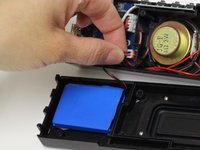
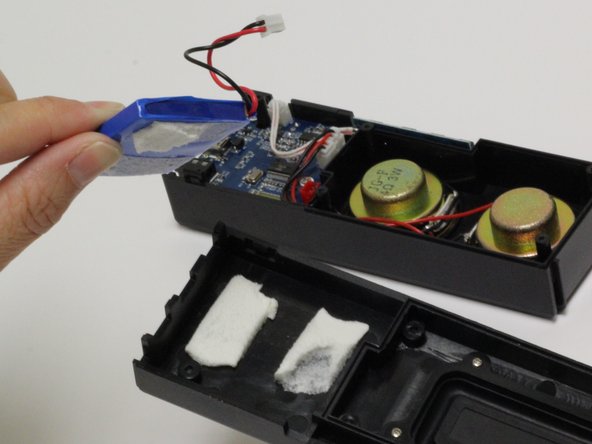
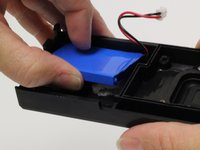
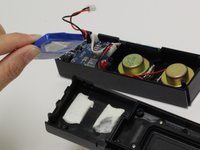
      • Using your fingers, pull the blue battery out of the casing.

      • There might be slight hesitation due to the adhesive attaching the battery to the casing, so a slight bit of force might be necessary.

      Vraag FixBot

      Voeg opmerking toe

Conclusie

To reassemble your device, follow these instructions in reverse order.

Annuleren: ik heb deze handleiding niet afgemaakt.

Cole Crawford

Lid sinds: 02/13/17

88 Reputatie

1 Handleiding geschreven

Team

Baylor, Team 8-3, Whitney Spring 2017 Lid van Baylor, Team 8-3, Whitney Spring 2017

BU-WHITNEY-S17S8G3

5 Leden

15 handleidingen geschreven

0Gids Commentaar

Voeg opmerking toe

Weergavestatistieken:

Afgelopen 24 uren: 2

Afgelopen 7 dagen: 16

Afgelopen 30 dagen: 84

Altijd: 606