Ga door naar hoofdinhoud
Word lid van de reparatiegemeenschap - Account aanmaken

Canon EOS 300 Command Dial Replacement

Wat je nodig hebt

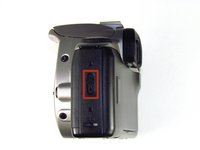
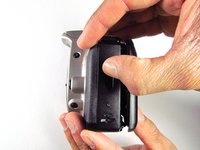
  1. Canon EOS 300 Command Dial Replacement, Batteries: stap 1, afbeelding 1 van 3 Canon EOS 300 Command Dial Replacement, Batteries: stap 1, afbeelding 2 van 3 Canon EOS 300 Command Dial Replacement, Batteries: stap 1, afbeelding 3 van 3
    • Open up the battery door.

    Vraag FixBot
    Voeg opmerking toe

  2. Canon EOS 300 Command Dial Replacement: stap 2, afbeelding 1 van 2 Canon EOS 300 Command Dial Replacement: stap 2, afbeelding 2 van 2
    • Remove the batteries from the camera by sliding them out into your palm.

    Vraag FixBot
    Voeg opmerking toe

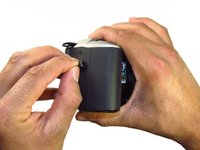
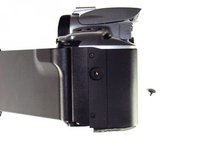
  3. Canon EOS 300 Command Dial Replacement, Side Panel with Lever: stap 3, afbeelding 1 van 2 Canon EOS 300 Command Dial Replacement, Side Panel with Lever: stap 3, afbeelding 2 van 2
    • Release the side latch to open the back panel.

    Vraag FixBot

    Voeg opmerking toe

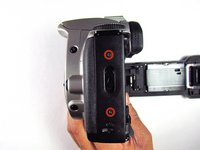
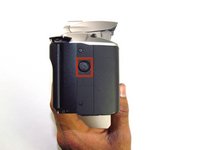
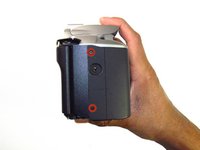
  4. Canon EOS 300 Command Dial Replacement: stap 4, afbeelding 1 van 2 Canon EOS 300 Command Dial Replacement: stap 4, afbeelding 2 van 2
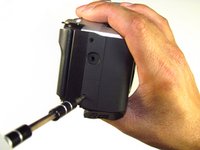
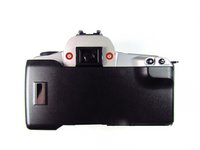
    • Remove the two black 4.5mm screws above and below the latch.

    Vraag FixBot

    Voeg opmerking toe

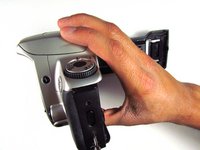
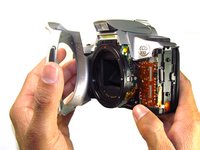
  5. Canon EOS 300 Command Dial Replacement: stap 5, afbeelding 1 van 2 Canon EOS 300 Command Dial Replacement: stap 5, afbeelding 2 van 2
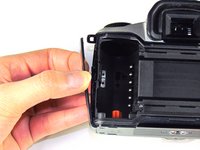
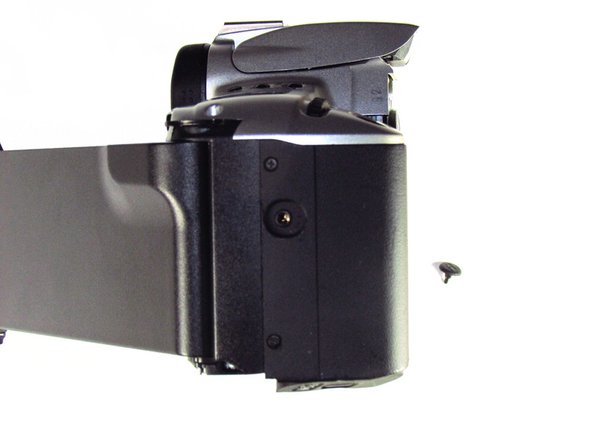
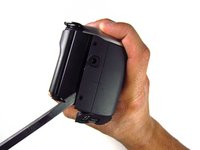
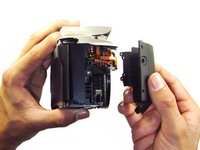
    • Using your finger, carefully pry open the side panel from the top of camera.

    • Pull panel downwards to remove.

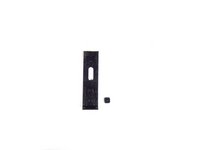
    • Make sure to keep track of the small black piece of rubber under the latch.

    Vraag FixBot
    Voeg opmerking toe

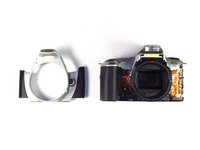
  6. Canon EOS 300 Command Dial Replacement, Front Panel: stap 6, afbeelding 1 van 2 Canon EOS 300 Command Dial Replacement, Front Panel: stap 6, afbeelding 2 van 2
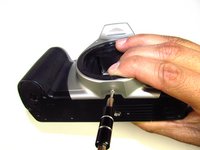
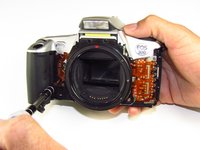
    • Remove the two silver 6mm Phillips #1 screws.

    Vraag FixBot
    Voeg opmerking toe

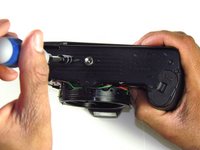
  7. Canon EOS 300 Command Dial Replacement: stap 7, afbeelding 1 van 2 Canon EOS 300 Command Dial Replacement: stap 7, afbeelding 2 van 2
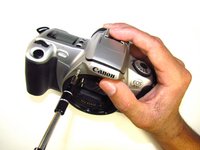
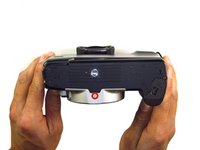
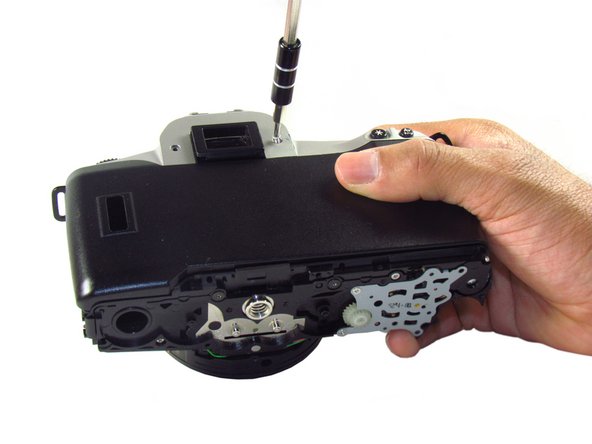
    • Flip camera over to the bottom.

    • Remove the one 5mm Phillips #1 silver screw.

    Vraag FixBot

    Voeg opmerking toe

  8. Canon EOS 300 Command Dial Replacement: stap 8, afbeelding 1 van 2 Canon EOS 300 Command Dial Replacement: stap 8, afbeelding 2 van 2
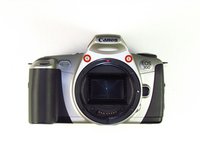
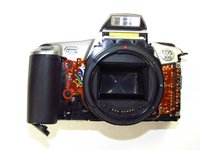
    • Remove the front panel by pulling away from the side with the lever.

    Vraag FixBot

    Voeg opmerking toe

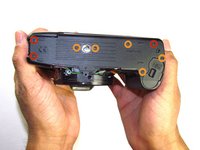
  9. Canon EOS 300 Command Dial Replacement, Bottom Panel: stap 9, afbeelding 1 van 2 Canon EOS 300 Command Dial Replacement, Bottom Panel: stap 9, afbeelding 2 van 2
    • Remove three black 7.3mm Phillips #1 screws located on the corners of the camera.

    • Remove five black 4.8mm Phillips #1 screws.

    Vraag FixBot

    Voeg opmerking toe

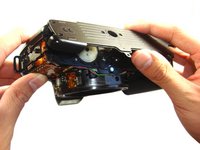
  10. Canon EOS 300 Command Dial Replacement: stap 10, afbeelding 1 van 3 Canon EOS 300 Command Dial Replacement: stap 10, afbeelding 2 van 3 Canon EOS 300 Command Dial Replacement: stap 10, afbeelding 3 van 3
    • Simply remove the bottom panel by prying it off with your finger.

    • When removing the panel, be sure the bottom of the camera is facing upright. There are loose gears that may fall out.

    • Be wary of a loose piece of foam attached to the bottom panel.

    Vraag FixBot
    Voeg opmerking toe

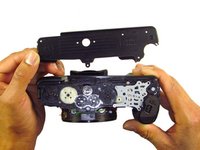
  11. Canon EOS 300 Command Dial Replacement, Side Panel with Grip: stap 11, afbeelding 1 van 3 Canon EOS 300 Command Dial Replacement, Side Panel with Grip: stap 11, afbeelding 2 van 3 Canon EOS 300 Command Dial Replacement, Side Panel with Grip: stap 11, afbeelding 3 van 3
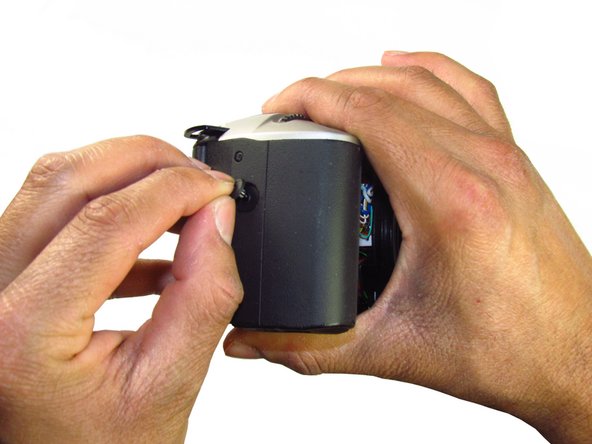
    • Remove the remote control socket cover.

    Vraag FixBot
    Voeg opmerking toe

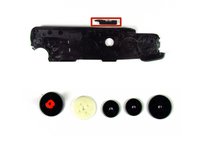
  12. Canon EOS 300 Command Dial Replacement: stap 12, afbeelding 1 van 2 Canon EOS 300 Command Dial Replacement: stap 12, afbeelding 2 van 2
    • Remove two black 4.5mm Phillips #1 screws.

    Vraag FixBot
    Voeg opmerking toe

  13. Canon EOS 300 Command Dial Replacement: stap 13, afbeelding 1 van 2 Canon EOS 300 Command Dial Replacement: stap 13, afbeelding 2 van 2
    • Remove two black 4.8mm Phillips #1 screws on the front of the camera.

    Vraag FixBot

    Voeg opmerking toe

  14. Canon EOS 300 Command Dial Replacement: stap 14, afbeelding 1 van 2 Canon EOS 300 Command Dial Replacement: stap 14, afbeelding 2 van 2
    • Pry open the side grip using a spudger.

    Vraag FixBot

    Voeg opmerking toe

  15. Canon EOS 300 Command Dial Replacement, Eyecup: stap 15, afbeelding 1 van 2 Canon EOS 300 Command Dial Replacement, Eyecup: stap 15, afbeelding 2 van 2
    • With your hands, remove the rubber grip from the eye piece.

    Vraag FixBot

    Voeg opmerking toe

  16. Canon EOS 300 Command Dial Replacement: stap 16, afbeelding 1 van 1
    • Remove the eyecup from the eyepiece by pushing the eyecup up.

    Vraag FixBot

    Voeg opmerking toe

  17. Canon EOS 300 Command Dial Replacement, Top Panel: stap 17, afbeelding 1 van 2 Canon EOS 300 Command Dial Replacement, Top Panel: stap 17, afbeelding 2 van 2
    • Remove two silver 5.0mm Phillips #1 screws.

    Vraag FixBot

    Voeg opmerking toe

  18. Canon EOS 300 Command Dial Replacement: stap 18, afbeelding 1 van 1
    • Remove the silver 5.5mm Phillips #1 screw.

    Vraag FixBot

    Voeg opmerking toe

  19. Canon EOS 300 Command Dial Replacement: stap 19, afbeelding 1 van 2 Canon EOS 300 Command Dial Replacement: stap 19, afbeelding 2 van 2
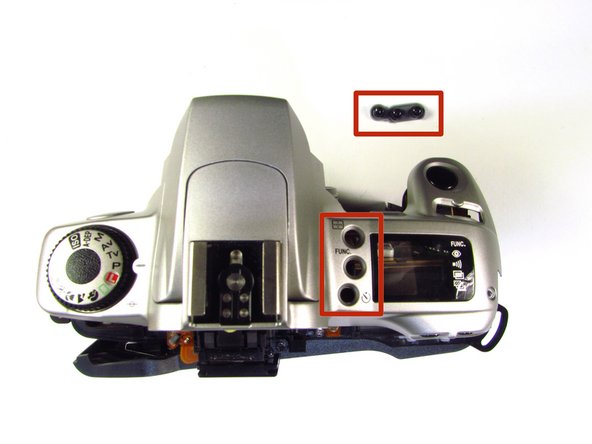
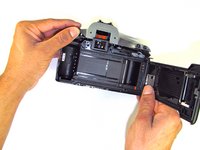
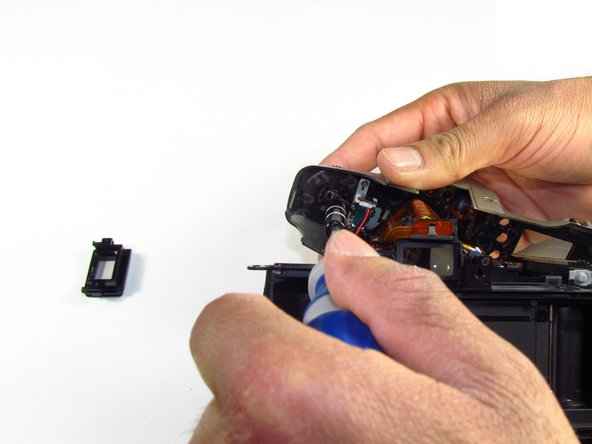
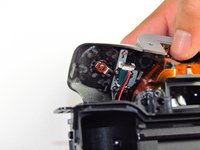
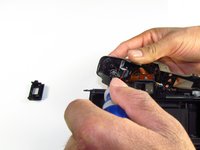
    • Pry the top silver part of the camera off.

    • Buttons may slip out of the camera's top as the top is pulled off the camera (shown in picture two).

    Vraag FixBot

    Voeg opmerking toe

  20. Canon EOS 300 Command Dial Replacement, Command Dial: stap 20, afbeelding 1 van 3 Canon EOS 300 Command Dial Replacement, Command Dial: stap 20, afbeelding 2 van 3 Canon EOS 300 Command Dial Replacement, Command Dial: stap 20, afbeelding 3 van 3
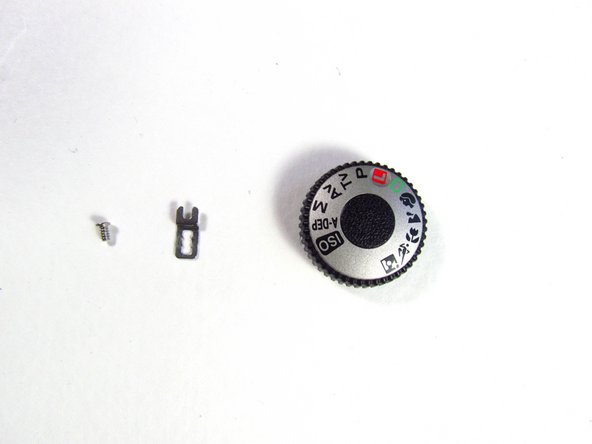
    • On the top panel, remove the silver 3.8mm Phillips #1 screw right below the command dial.

    • A small metal piece will come off with the screw.

    Vraag FixBot

    Voeg opmerking toe

Conclusie

To reassemble your device, follow these instructions in reverse order.

Annuleren: ik heb deze handleiding niet afgemaakt.

Tammy Kong

Lid sinds: 01/23/14

805 Reputatie

6 handleidingen geschreven

Team

Cal Poly, Team 6-20, Maness Winter 2014 Lid van Cal Poly, Team 6-20, Maness Winter 2014

CPSU-MANESS-W14S6G20

4 Leden

32 handleidingen geschreven

0Gids Commentaar

Voeg opmerking toe

Weergavestatistieken:

Afgelopen 24 uren: 1

Afgelopen 7 dagen: 19

Afgelopen 30 dagen: 65

Altijd: 2,330