Wat je nodig hebt
-
-
-
Place the phone on a flat surface with the screen facing down.
-
Remove the plastic backplate by pulling up on the bottom of the cover.
 Vraag FixBot
-
-
-
-
-
-
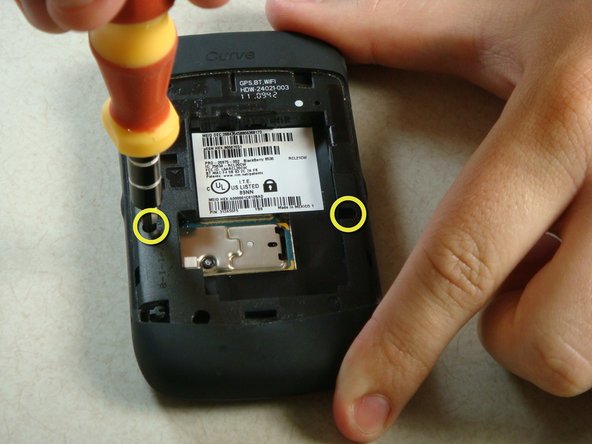
Remove the two screws midway up the phone on the left and right sides using a T6 Torx Screwdriver.
-
Warning: One screw will have warranty tape covering the screw. Removing this screw will likely void the phones warranty.
-
-
-
Flip the phone over so the keyboard faces up.
-
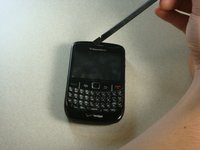
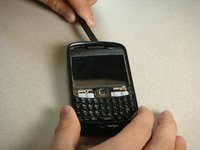
Insert a plastic spudger into the screen where speaker resides.
-
I recommend going from the side. There are two layers to the cover. You need to make sure you get underneath the bottom layer if you plan on reusing this cover.
-
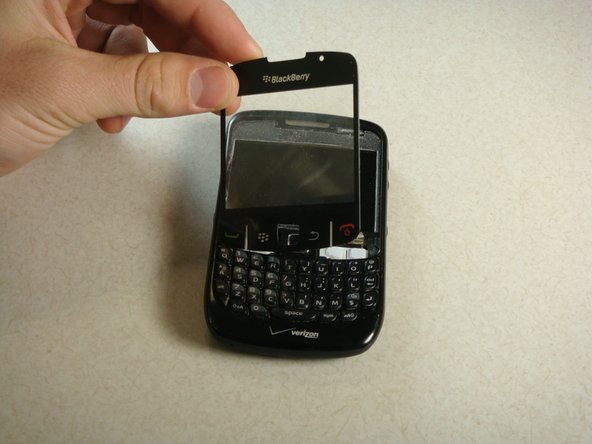
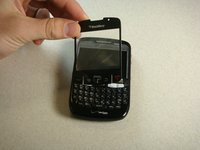
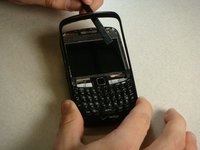
Gently lift up plastic screen cover until screen cover separates from screen.
-
Continue until screen cover is completely removed.
-
-
-
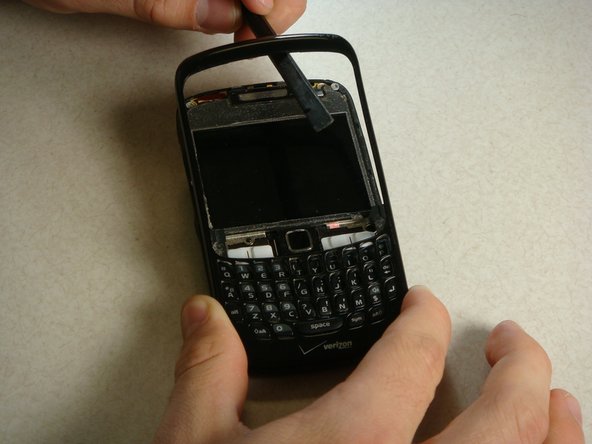
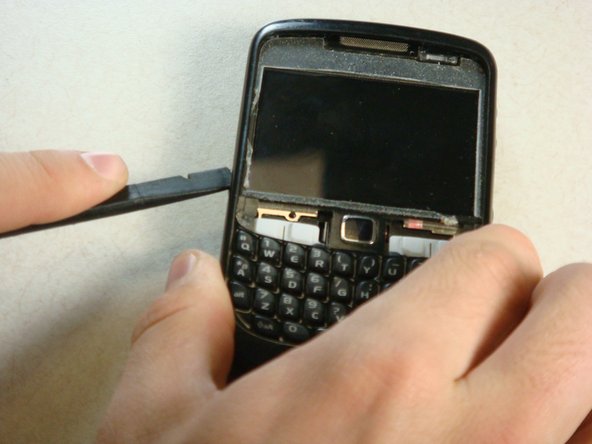
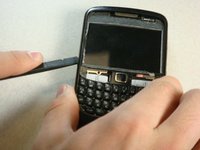
Insert the spudger into the top of the plastic siding on the front of the phone and lift up until the siding lifts up.
-
Slide the tool around the entire perimeter of the phone until the plastic siding is completely removed.
-
-
-
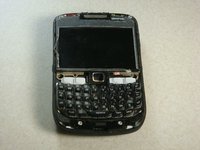
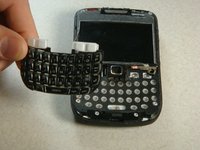
The keyboard should slide off of the phone now that the plastic siding has been removed.
-
-






To reassemble the device, follow the instructions in reverse order.
Annuleren: ik heb deze handleiding niet afgemaakt.
4 andere personen hebben deze handleiding voltooid.

Team

Cal Poly, Team 15-13, Regan Spring 2011 Lid van Cal Poly, Team 15-13, Regan Spring 2011
CPSU-REGAN-S11S15G13
3 Leden
35 handleidingen geschreven
1Gids Commentaar
This is a handy technique I will use it when next time I fix my phone and if you get time do visit us we fix these type of problems in India, Kolkata here is our site link https://techyuga.com/kolkata/
