Ga door naar hoofdinhoud
Word lid van de reparatiegemeenschap - Account aanmaken

Bissell OptiClean Cyclonic Vacuum Filter Replacements

Wat je nodig hebt

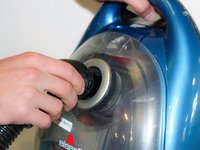
    1. Bissell OptiClean Cyclonic Vacuum Filter Replacements, Flex Hose with Handle: stap 1, afbeelding 1 van 2 Bissell OptiClean Cyclonic Vacuum Filter Replacements, Flex Hose with Handle: stap 1, afbeelding 2 van 2
      • Grab hold of both the flex hose handle and the extension wand.

      • Pull straight out to detach the handle from the extension wand.

      Vraag FixBot

      Voeg opmerking toe

    2. Bissell OptiClean Cyclonic Vacuum Filter Replacements: stap 2, afbeelding 1 van 1
      • Locate the lock clip on the other end of the flex hose.

      Vraag FixBot

      Voeg opmerking toe

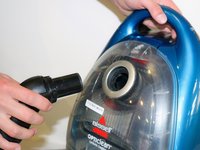
    3. Bissell OptiClean Cyclonic Vacuum Filter Replacements: stap 3, afbeelding 1 van 2 Bissell OptiClean Cyclonic Vacuum Filter Replacements: stap 3, afbeelding 2 van 2
      • Hold down the lock clip to unlock the flex hose from the vacuum.

      • Remove the flex hose from the vacuum.

      Vraag FixBot

      Voeg opmerking toe

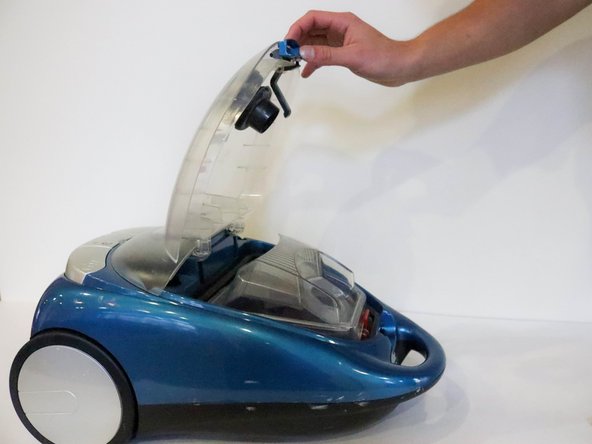
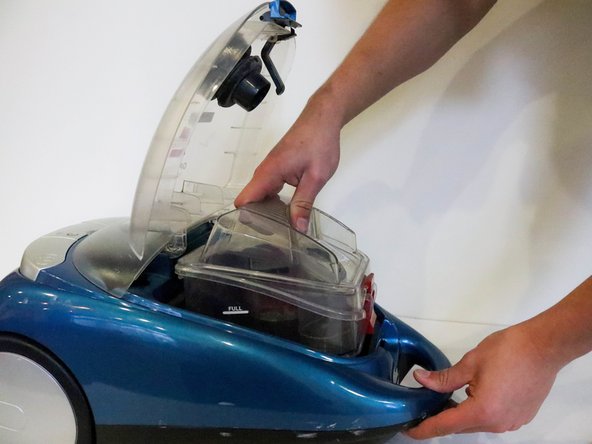
    1. Bissell OptiClean Cyclonic Vacuum Filter Replacements, Filters: stap 4, afbeelding 1 van 3 Bissell OptiClean Cyclonic Vacuum Filter Replacements, Filters: stap 4, afbeelding 2 van 3 Bissell OptiClean Cyclonic Vacuum Filter Replacements, Filters: stap 4, afbeelding 3 van 3
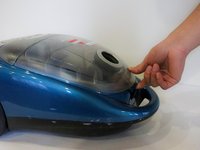
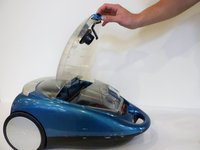
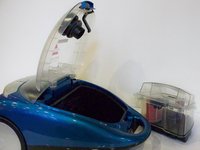
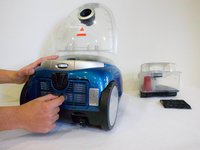
      • After removing hose, place vacuum on back and unclip the top compartment.

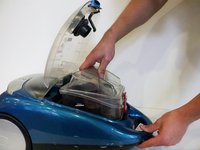
      • Open the compartment.

      • Pull the dirt collection box out of the vacuum.

      Vraag FixBot

      Voeg opmerking toe

    2. Bissell OptiClean Cyclonic Vacuum Filter Replacements: stap 5, afbeelding 1 van 3 Bissell OptiClean Cyclonic Vacuum Filter Replacements: stap 5, afbeelding 2 van 3 Bissell OptiClean Cyclonic Vacuum Filter Replacements: stap 5, afbeelding 3 van 3
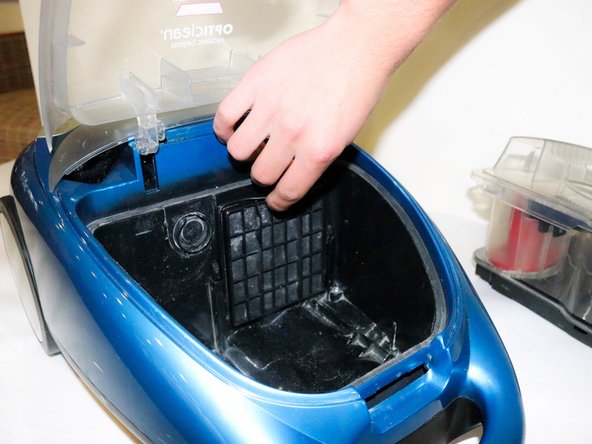
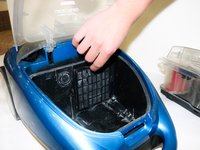
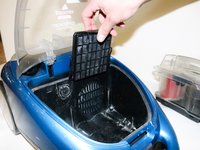
      • Place dirt collection box to the side.

      • Locate the Pre-Motor Filter.

      • Pull the filter out by grabbing the pull tab on top.

      Vraag FixBot

      Voeg opmerking toe

    3. Bissell OptiClean Cyclonic Vacuum Filter Replacements: stap 6, afbeelding 1 van 3 Bissell OptiClean Cyclonic Vacuum Filter Replacements: stap 6, afbeelding 2 van 3 Bissell OptiClean Cyclonic Vacuum Filter Replacements: stap 6, afbeelding 3 van 3
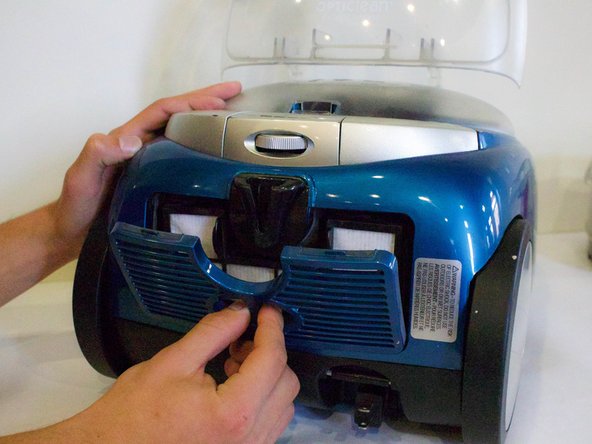
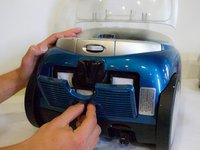
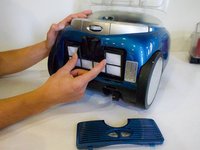
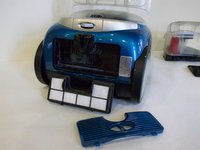
      • Turn vacuum around and locate the filter cover on the bottom.

      • Place fingers in the opening and pull off the filter cover.

      • Place fingers on each tab on the Post-Motor HEPA Media Filter and pull out.

      Vraag FixBot

      Voeg opmerking toe

    4. Bissell OptiClean Cyclonic Vacuum Filter Replacements: stap 7, afbeelding 1 van 3 Bissell OptiClean Cyclonic Vacuum Filter Replacements: stap 7, afbeelding 2 van 3 Bissell OptiClean Cyclonic Vacuum Filter Replacements: stap 7, afbeelding 3 van 3
      • Take filter out to clean or replace.

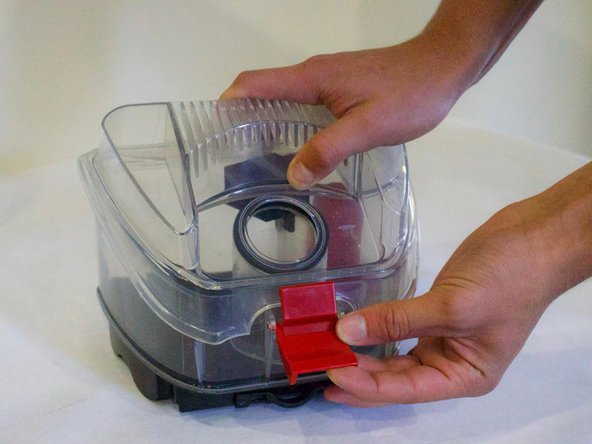
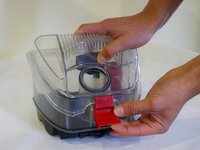
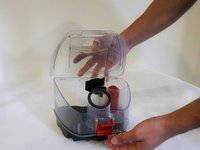
      • To clean Dirt Collection Box, unlatch lid and take off.

      Vraag FixBot

      Voeg opmerking toe

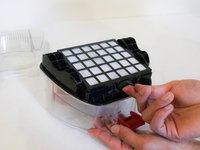
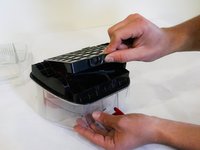
    5. Bissell OptiClean Cyclonic Vacuum Filter Replacements: stap 8, afbeelding 1 van 3 Bissell OptiClean Cyclonic Vacuum Filter Replacements: stap 8, afbeelding 2 van 3 Bissell OptiClean Cyclonic Vacuum Filter Replacements: stap 8, afbeelding 3 van 3
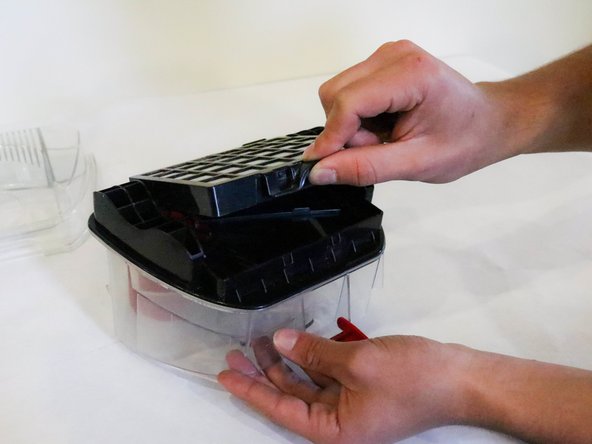
      • Flip Dirt Collection Box over and locate the push tab.

      • Push the Dirt Cup HEPA Media Filter up to take it off.

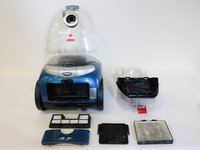
      • Picture 3 Shows all the filters taken out of the vacuum.

      Vraag FixBot

      Voeg opmerking toe

Conclusie

To reassemble your device, follow these instructions in reverse order.

Annuleren: ik heb deze handleiding niet afgemaakt.

Austin Marshall

Lid sinds: 01/18/18

130 Reputatie

1 Handleiding geschreven

Team

Cal Poly, Team S12-G1, Banghart Winter 2018 Lid van Cal Poly, Team S12-G1, Banghart Winter 2018

CPSU-BANGHART-W18S12G1

5 Leden

10 handleidingen geschreven

0Gids Commentaar

Voeg opmerking toe

Weergavestatistieken:

Afgelopen 24 uren: 0

Afgelopen 7 dagen: 3

Afgelopen 30 dagen: 25

Altijd: 1,065