Inleiding
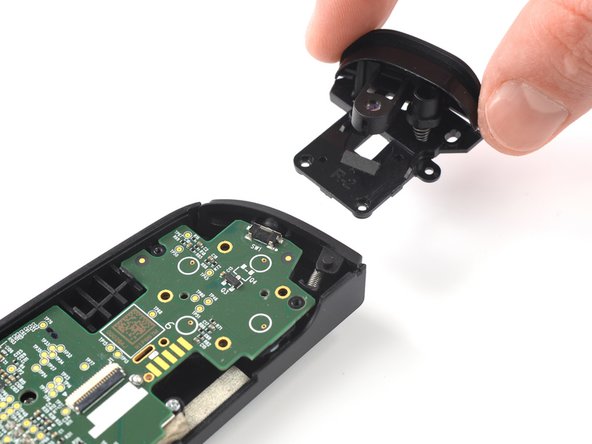
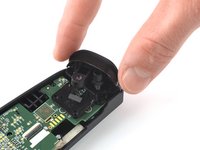
Use this guide to replace the right trigger on your Backbone One.
Wat je nodig hebt
-
-
Use a Phillips screwdriver to remove the four 5.9 mm-long screws.
 Vraag FixBot
-
-
-
Lift up the upper cover of the controller.
-
Swing the upper cover over and place it on the controller case.
-
-
Gereedschap gebruikt in deze stap:Tweezers$4.99
-
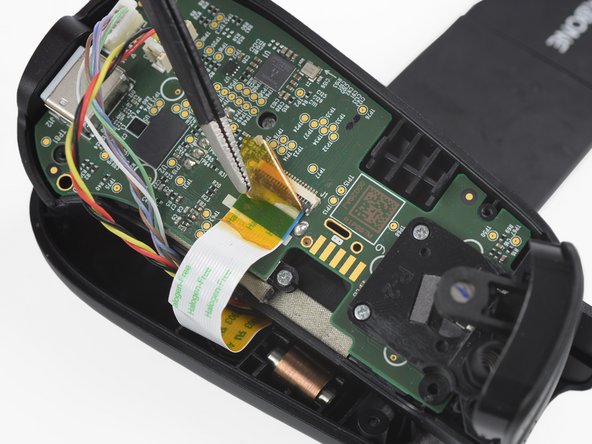
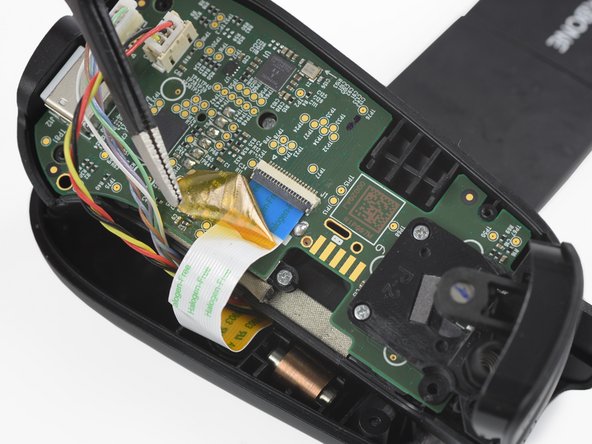
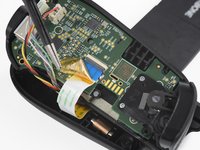
Use a pair of tweezers to remove the yellow protective tape which is placed over the interconnect cable and the connector.
-
-
-
-
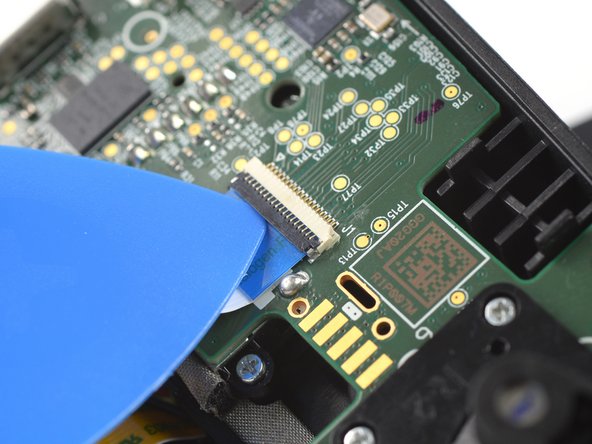
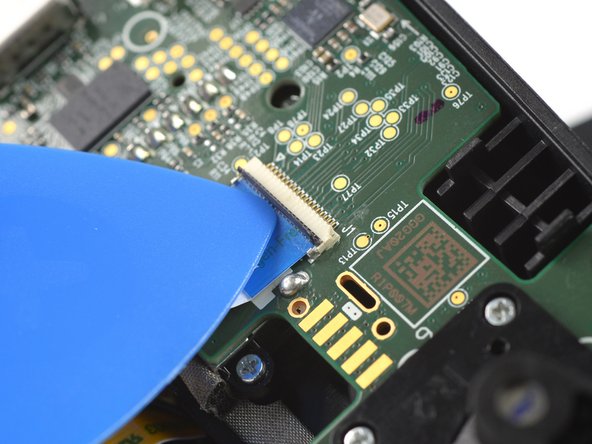
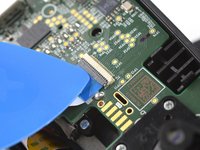
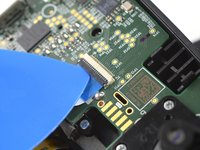
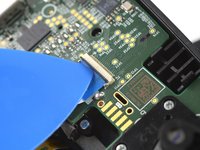
Use the tip of an opening pick to open the gray flap of the interconnect cable ZIF connector by pushing it upwards.
-
-
-
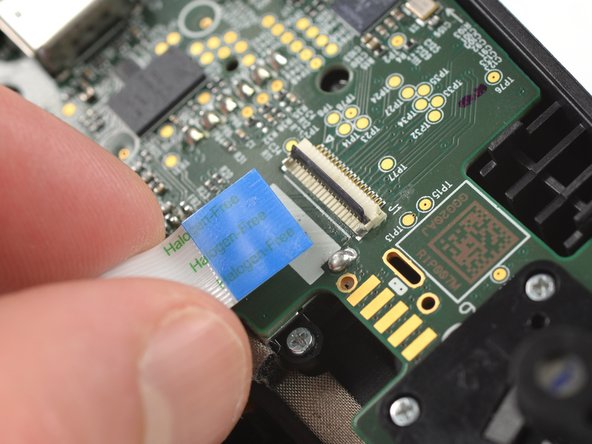
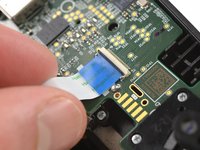
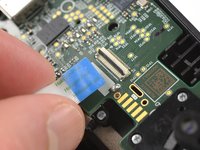
Disconnect the cable by pulling it straight out the ZIF connector.
-
-
-
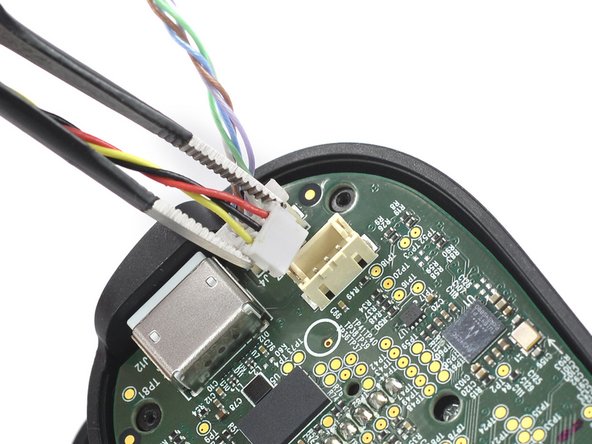
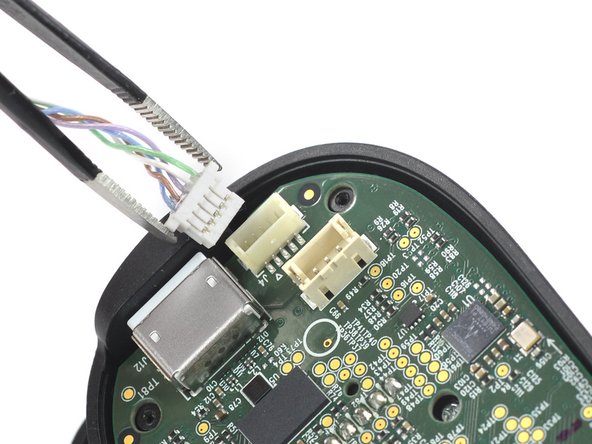
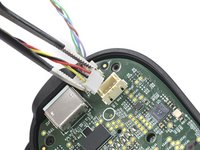
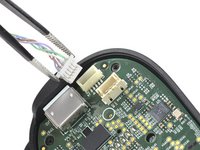
Use a pair of tweezers to disconnect the phone connector cables out from their sockets.
-
-
-
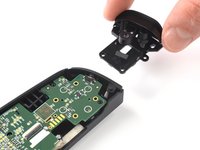
Separate the the upper case of the left controller handle.
-
-
-
Use a Phillips screwdriver to remove the three 5.9 mm-long screws.
-








To reassemble your device, follow these instructions in reverse order.
Opening didn’t go as planned? Answers community for help.
Annuleren: ik heb deze handleiding niet afgemaakt.
Één andere persoon heeft deze handleiding voltooid.


2Gids Commentaar
where can I buy a right trigger replacement?
where can I buy a right trigger replacement?
