Ga door naar hoofdinhoud
Word lid van de reparatiegemeenschap - Account aanmaken

Backbone One Left Trigger Replacement

Wat je nodig hebt

  1. Backbone One Left Trigger Replacement, Unfasten the screws: stap 1, afbeelding 1 van 1
    • Use a Phillips screwdriver to remove the four 5.9 mm-long screws.

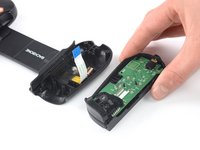
  2. Backbone One Left Trigger Replacement, Rotate the upper cover: stap 2, afbeelding 1 van 3 Backbone One Left Trigger Replacement, Rotate the upper cover: stap 2, afbeelding 2 van 3 Backbone One Left Trigger Replacement, Rotate the upper cover: stap 2, afbeelding 3 van 3
    • Lift up the upper part of the controller.

    • Swing over the upper cover and place it on the controller case.

    • Take care that the interconnecting cable has no tension.

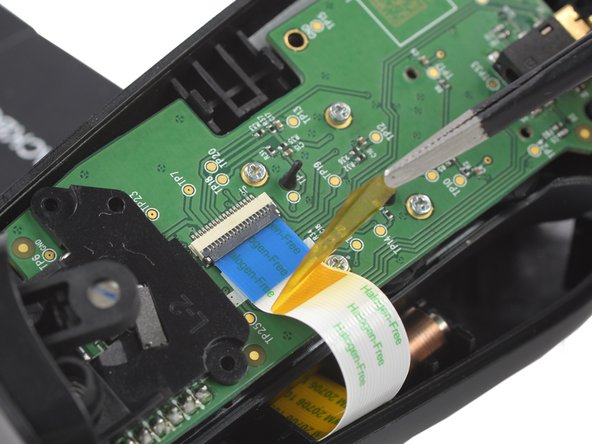
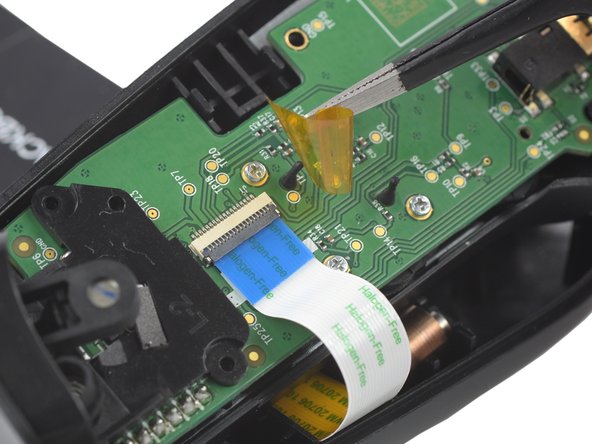
  3. Backbone One Left Trigger Replacement, Remove the protective tape: stap 3, afbeelding 1 van 3 Backbone One Left Trigger Replacement, Remove the protective tape: stap 3, afbeelding 2 van 3 Backbone One Left Trigger Replacement, Remove the protective tape: stap 3, afbeelding 3 van 3
    Gereedschap gebruikt in deze stap:
    Tweezers
    $4.99
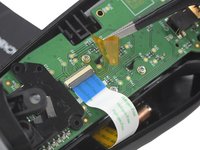
    • Use a pair of tweezers to remove the yellow protective tape which is placed over the interconnect cable connector.

  4. Backbone One Left Trigger Replacement, Open the ZIF connector: stap 4, afbeelding 1 van 2 Backbone One Left Trigger Replacement, Open the ZIF connector: stap 4, afbeelding 2 van 2
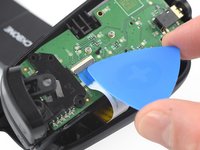
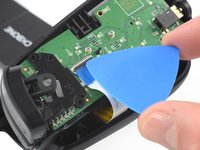
    • Use the tip of an opening pick to open the gray flap of the ZIF connector by pushing it upwards.

  5. Backbone One Left Trigger Replacement, Disconnect the interconnect cable: stap 5, afbeelding 1 van 2 Backbone One Left Trigger Replacement, Disconnect the interconnect cable: stap 5, afbeelding 2 van 2
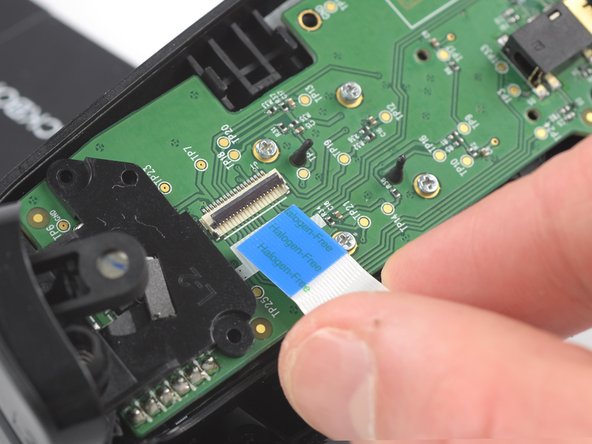
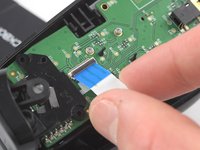
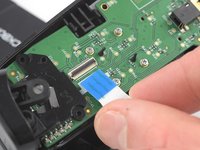
    • Use your fingers to disconnect the interconnect cable from its connector.

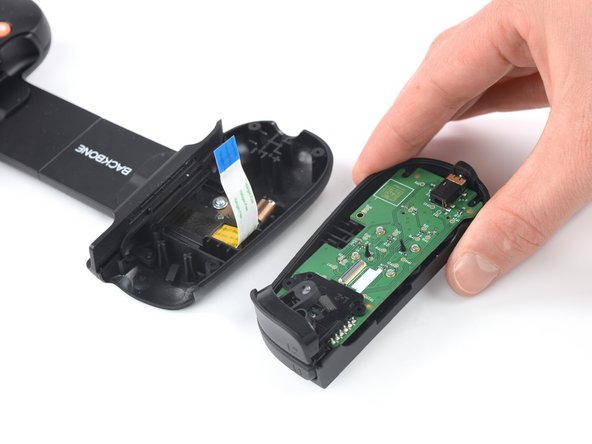
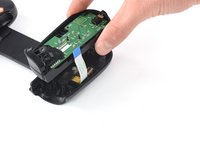
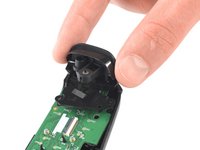
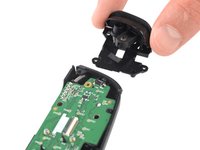
  6. Backbone One Left Trigger Replacement: stap 6, afbeelding 1 van 2 Backbone One Left Trigger Replacement: stap 6, afbeelding 2 van 2
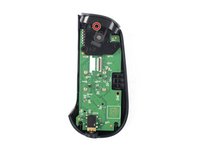
    • Remove the upper half of the left controller assembly.

  7. Backbone One Left Trigger Replacement, Remove the screw: stap 7, afbeelding 1 van 2 Backbone One Left Trigger Replacement, Remove the screw: stap 7, afbeelding 2 van 2
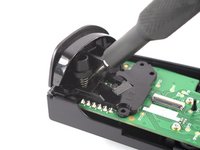
    • Use a Phillips screwdriver to remove the 5.9 mm-long screw which is securing the trigger.

    • The screw is difficult to reach. Insert the screwdriver at an angle of 45 degrees.

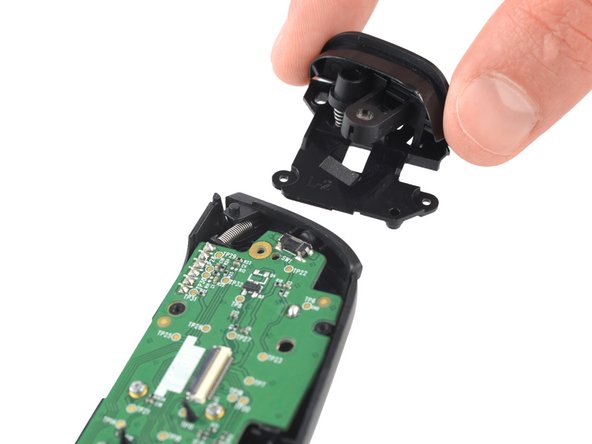
  8. Backbone One Left Trigger Replacement, Remove the trigger: stap 8, afbeelding 1 van 2 Backbone One Left Trigger Replacement, Remove the trigger: stap 8, afbeelding 2 van 2
    • Remove the left trigger.

Conclusie

To reassemble your device, follow these instructions in reverse order.

Repair didn’t go as planned? Ask our Answers community for help.

2 andere personen hebben deze handleiding voltooid.

Adriana Zwink

Lid sinds: 12/18/19

63.765 Reputatie

167 handleidingen geschreven

Team

iFixit Lid van iFixit

Staff

123 Leden

24.065 handleidingen geschreven

1Gids Commentaar

Where can I buy the trigger

Zach - Antwoord

Voeg opmerking toe

Weergavestatistieken:

Afgelopen 24 uren: 1

Afgelopen 7 dagen: 22

Afgelopen 30 dagen: 98

Altijd: 3,632