Inleiding
This guide is a prerequisite to accessing the inside of the Zoomer Dino Boomer, where the battery, electronics, and pulley system are located. It is important to be gentle while opening the dinosaur since the top covering will still be attached to the electronic system via a wire.
Wat je nodig hebt
-
-
-
Turn dinosaur over and hold upright.
-
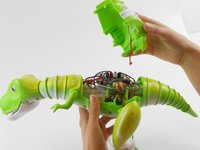
Use the spudger to pry apart the back cover from the remainder of the Zoomer Dino Boomer.
-
-
Gereedschap gebruikt in deze stap:Tweezers$4.99
-
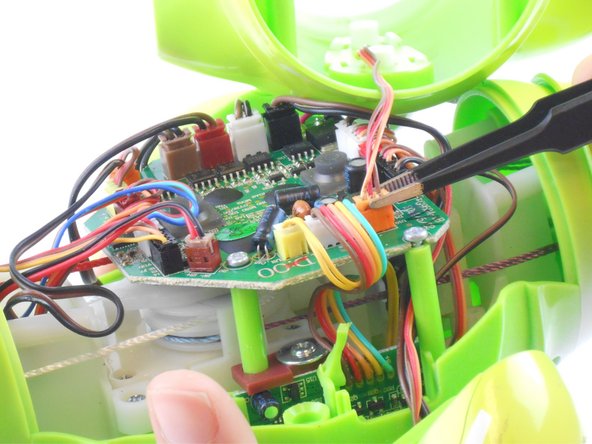
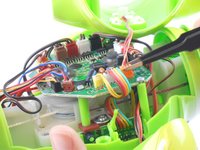
Disconnect the wire that connects the back cover of the dino to the main circuit board by carefully pulling on the orange wire connector with tweezers.
-
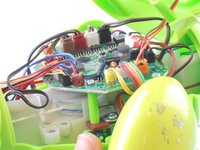
Remove back cover.
-

 Vraag FixBot




To reassemble your device, follow these instructions in reverse order.
Annuleren: ik heb deze handleiding niet afgemaakt.
Één andere persoon heeft deze handleiding voltooid.

Team

USF Tampa, Team 16-1, Wollert Fall 2015 Lid van USF Tampa, Team 16-1, Wollert Fall 2015
USFT-WOLLERT-F15S16G1
3 Leden
10 handleidingen geschreven
