Ga door naar hoofdinhoud
Word lid van de reparatiegemeenschap - Account aanmaken

Axess TA2513-10WT Side Button Replacement

Wat je nodig hebt

  1. Axess TA2513-10WT Side Button Replacement, Back Cover: stap 1, afbeelding 1 van 1
    • Lay the tablet down on a flat surface with the screen facing up, and the external camera facing upwards and closest to you.

    Vraag FixBot

    Voeg opmerking toe

  2. Axess TA2513-10WT Side Button Replacement: stap 2, afbeelding 1 van 3 Axess TA2513-10WT Side Button Replacement: stap 2, afbeelding 2 van 3 Axess TA2513-10WT Side Button Replacement: stap 2, afbeelding 3 van 3
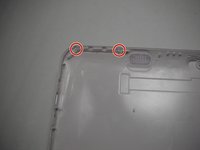
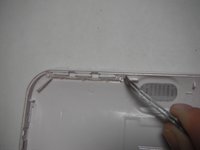
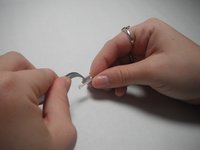
    • Insert the plastic opening tool in the space between the screen and the back cover above the volume buttons.

    • Slide the plastic opening tool gently along the sides.

    • If a small gap is not created between the screen and the back cover, pry gently upward at each of these latching points.

    Vraag FixBot

    Voeg opmerking toe

  3. Axess TA2513-10WT Side Button Replacement: stap 3, afbeelding 1 van 1
    • Place the spudger in an open space to keep the back case from shutting while you continue to slide the opening tool.

    Vraag FixBot

    Voeg opmerking toe

  4. Axess TA2513-10WT Side Button Replacement: stap 4, afbeelding 1 van 1
    • Remove the back cover with your hands once all points have been unlatched. It should separate completely from the screen that contains the battery and chip components.

    Vraag FixBot

    Voeg opmerking toe

  5. Axess TA2513-10WT Side Button Replacement, Buttons: stap 5, afbeelding 1 van 2 Axess TA2513-10WT Side Button Replacement, Buttons: stap 5, afbeelding 2 van 2
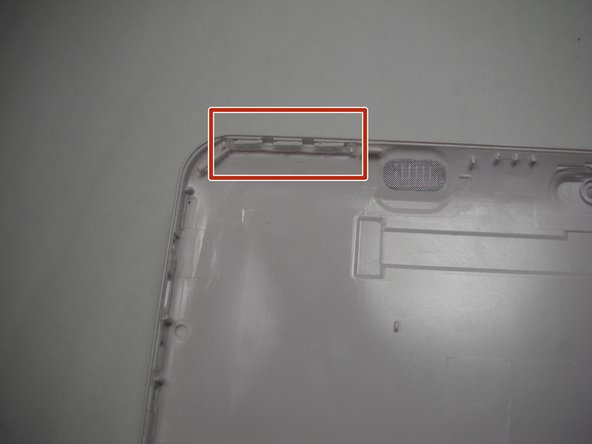
    • Orient the tablet's back cover so that the inside faces up and the buttons are positioned at the top left corner.

    Vraag FixBot

    Voeg opmerking toe

  6. Axess TA2513-10WT Side Button Replacement: stap 6, afbeelding 1 van 2 Axess TA2513-10WT Side Button Replacement: stap 6, afbeelding 2 van 2
    Gereedschap gebruikt in deze stap:
    Tweezers
    $4.99
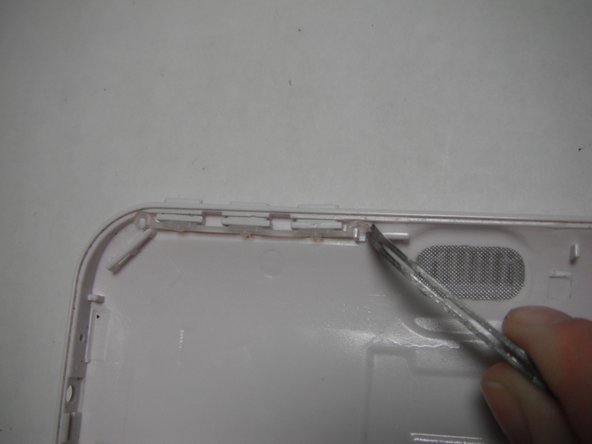
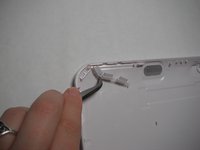
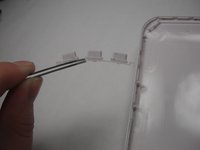
    • Unlatch the clear rubber holder from the posts with the tweezers.

    Vraag FixBot

    Voeg opmerking toe

  7. Axess TA2513-10WT Side Button Replacement: stap 7, afbeelding 1 van 2 Axess TA2513-10WT Side Button Replacement: stap 7, afbeelding 2 van 2
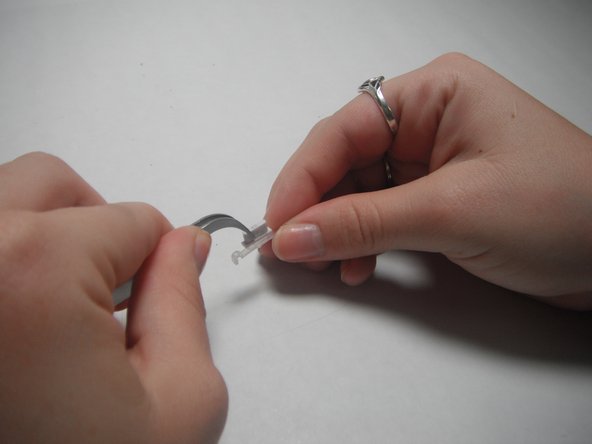
    • With tweezers, pull the rubber holder from the back cover completely.

    Vraag FixBot

    Voeg opmerking toe

  8. Axess TA2513-10WT Side Button Replacement: stap 8, afbeelding 1 van 3 Axess TA2513-10WT Side Button Replacement: stap 8, afbeelding 2 van 3 Axess TA2513-10WT Side Button Replacement: stap 8, afbeelding 3 van 3
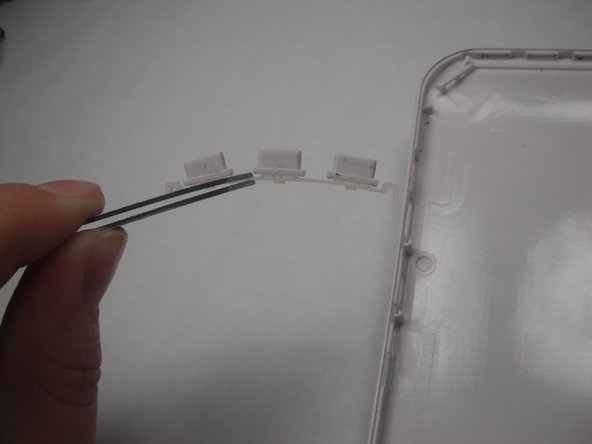
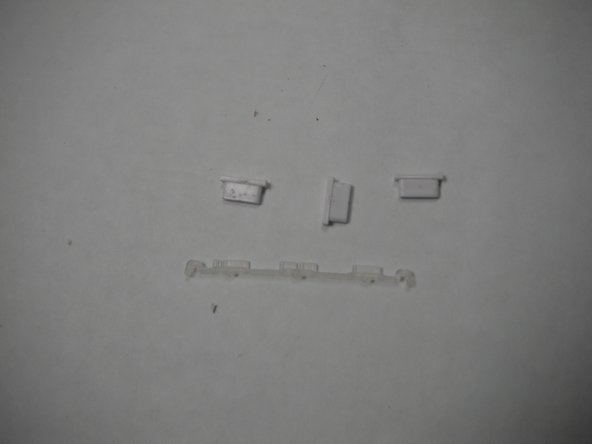
    • Remove the individual buttons with tweezers.

    Vraag FixBot

    Voeg opmerking toe

Conclusie

To reassemble your device, follow these instructions in reverse order.

Annuleren: ik heb deze handleiding niet afgemaakt.

Lori Scott

Lid sinds: 03/24/15

101 Reputatie

1 Handleiding geschreven

Team

Baylor, Team 6-3, Shaver Spring 2015 Lid van Baylor, Team 6-3, Shaver Spring 2015

BU-SHAVER-S15S6G3

3 Leden

10 handleidingen geschreven

0Gids Commentaar

Voeg opmerking toe

Weergavestatistieken:

Afgelopen 24 uren: 4

Afgelopen 7 dagen: 10

Afgelopen 30 dagen: 36

Altijd: 488