Deze vertaling is door een computer gegenereerd en is nog niet door iemand nagekeken. Spreek je deze taal? Bekijk het hier.
Inleiding
De lensdop is een plastic afdekking die de lens beschermt tegen krassen, vuil en ander afval. Gebruik deze handleiding om de lensdop te vervangen.
Wat je nodig hebt
-
-
-
Zoek het batterijcompartiment aan de achterzijde van de camera. Dit is het paneel met de plastic ribbels voor eenvoudige verwijdering.
-
Schuif het klepje van het batterijcompartiment naar beneden van de camerabehuizing af.
 Vraag FixBot
-
-
-
Wrik de batterij aan de onderkant met een vinger omhoog en haal de batterij uit de behuizing.
-
-
-
-
-
Verwijder het koord door het grijze veterdeel door de zwarte lus te trekken.
-
Trek de zwarte lus door de zilveren beugel.
-
-
-
Gebruik een plastic Openingsgereedschap om de zwarte bedieningskap los te wrikken.
-
-
-
-
Gebruik een kunststof Openingsgereedschap om het geribbelde achterpaneel en de zwarte knop los te wrikken.
-
-
-
Gebruik een plastic Openingsgereedschap om de zilveren frontplaat los te wrikken.
-
-
-
Open het USB-klepje om de kleine machineschroef bloot te leggen.
-
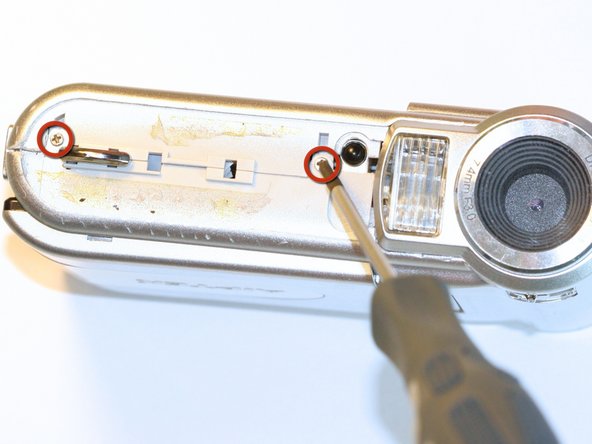
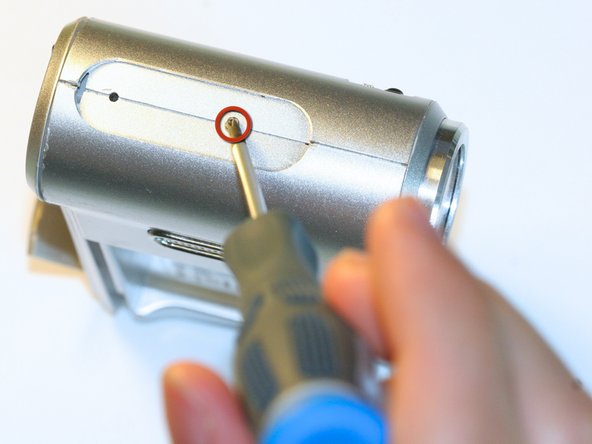
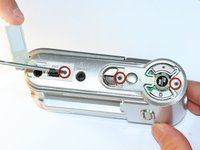
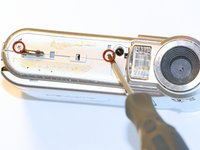
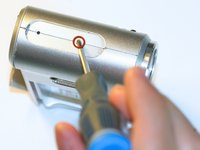
Gebruik de Phillips #00-kruiskopschroevendraaier om de zes machineschroeven van 0,5 cm van de behuizing los te draaien (verdeeld over de camerabehuizing).
-
-
Gereedschap gebruikt in deze stap:Tweezers$4.99
-
Klap het scherm open door de losse kant van het scherm van de behuizing weg te trekken.
-
Gebruik een pincet om de twee rubberen dopjes aan de buitenkant te verwijderen en de twee machineschroeven van 0,5 cm bloot te leggen.
-
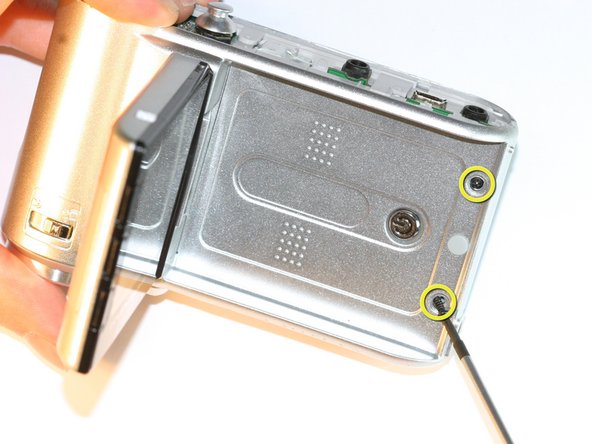
Gebruik de #00 kruiskopschroevendraaier om beide schroeven te verwijderen.
-
-
-
Trek de behuizing aan de onderkant van het apparaat ver genoeg uit elkaar om ruimte te maken voor het verwijderen van de zilveren plastic riemhouder.
-
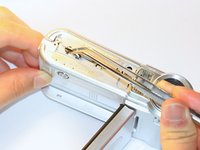
Gebruik een pincet om de zilveren plastic riemhouder te verwijderen.
-
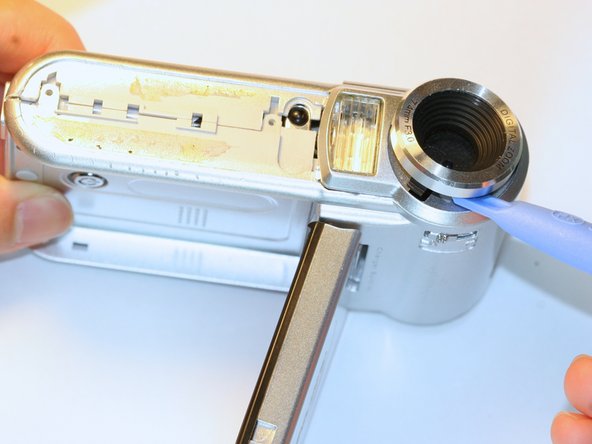
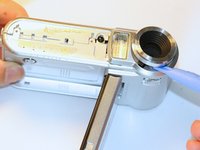
Gebruik een Openingsgereedschap om de lensbeschermer eraf te wippen.
-
-






Volg deze instructies in omgekeerde volgorde om uw apparaat weer in elkaar te zetten.
Annuleren: ik heb deze handleiding niet afgemaakt.
Één andere persoon heeft deze handleiding voltooid.

Team

Cal Poly, Team 5-5, Forte Spring 2012 Lid van Cal Poly, Team 5-5, Forte Spring 2012
CPSU-FORTE-S12S5G5
5 Leden
60 handleidingen geschreven
