Ga door naar hoofdinhoud
Word lid van de reparatiegemeenschap - Account aanmaken

ASUS UX50V-RX05 Motherboard Replacement

Wat je nodig hebt

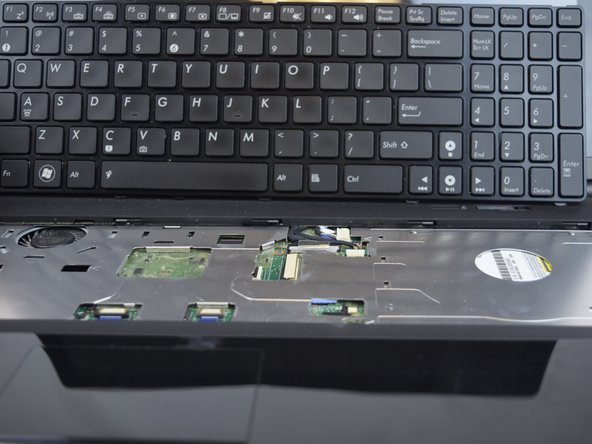
  1. ASUS UX50V-RX05 Motherboard Replacement, Keyboard: stap 1, afbeelding 1 van 3 ASUS UX50V-RX05 Motherboard Replacement, Keyboard: stap 1, afbeelding 2 van 3 ASUS UX50V-RX05 Motherboard Replacement, Keyboard: stap 1, afbeelding 3 van 3
    • Make sure the device is powered off and the battery is removed before beginning.

    • Use the Plastic Opening tool to pry the five slots up at the top of the keyboard.

    Vraag FixBot

    Voeg opmerking toe

  2. ASUS UX50V-RX05 Motherboard Replacement: stap 2, afbeelding 1 van 2 ASUS UX50V-RX05 Motherboard Replacement: stap 2, afbeelding 2 van 2
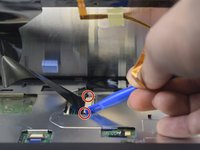
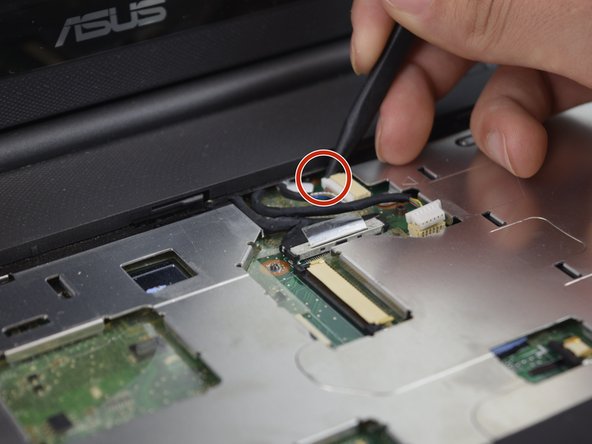
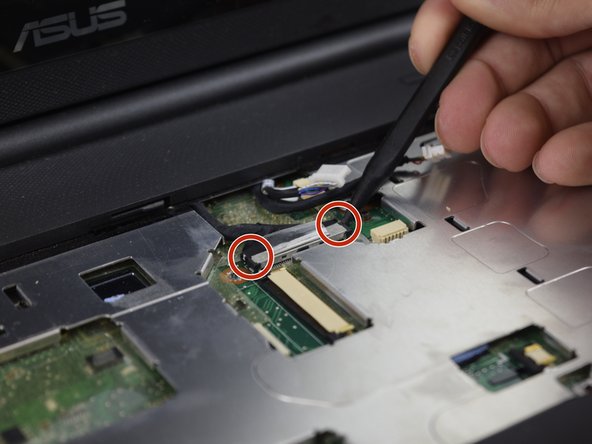
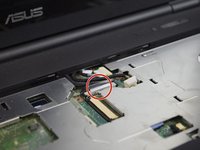
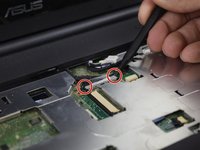
    • Lift the keyboard enough to expose the two ribbon connectors (LCD flex cable and flex band).

    • Use the Plastic Opening tool to push open the two black clips on each side of the connecting cords.

    • Remove the cable after pushing out the two black clips.

    Vraag FixBot

    Voeg opmerking toe

  3. ASUS UX50V-RX05 Motherboard Replacement: stap 3, afbeelding 1 van 2 ASUS UX50V-RX05 Motherboard Replacement: stap 3, afbeelding 2 van 2
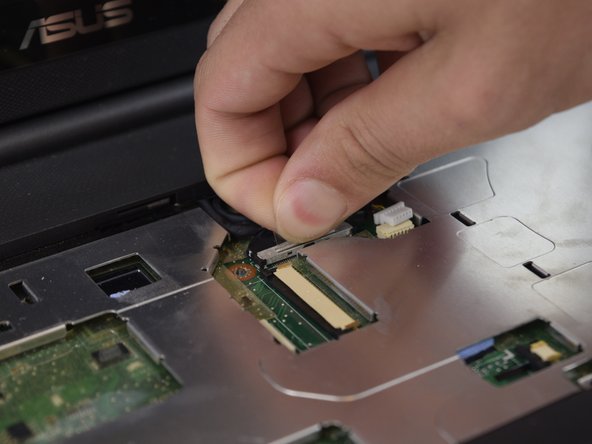
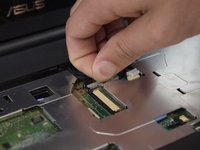
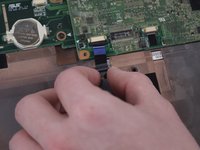
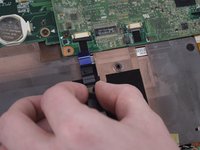
    • Push out each end of the black clip with a plastic opening tool or nylon spudger to remove the ribbon cable.

    • Remove the cable after pushing out both black clips.

    • Remove the keyboard.

    Vraag FixBot

    Voeg opmerking toe

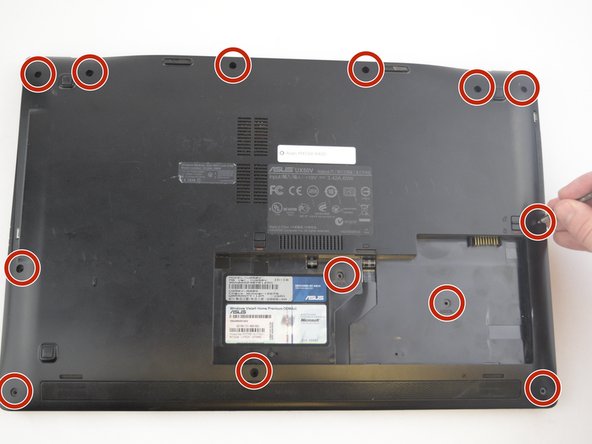
  4. ASUS UX50V-RX05 Motherboard Replacement, Case Removal: stap 4, afbeelding 1 van 3 ASUS UX50V-RX05 Motherboard Replacement, Case Removal: stap 4, afbeelding 2 van 3 ASUS UX50V-RX05 Motherboard Replacement, Case Removal: stap 4, afbeelding 3 van 3
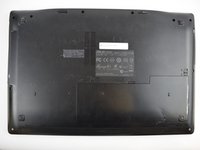
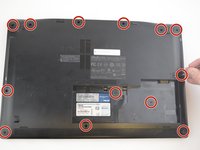
    • Remove the thirteen 5 mm J0 screws from the back of the laptop.

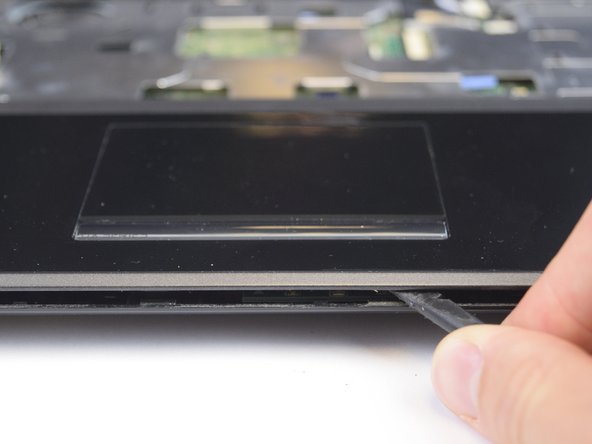
    • With the keyboard removed, use the spudger tool to pry around the edge of the laptop until it is free.

    Vraag FixBot

    Voeg opmerking toe

  5. ASUS UX50V-RX05 Motherboard Replacement: stap 5, afbeelding 1 van 2 ASUS UX50V-RX05 Motherboard Replacement: stap 5, afbeelding 2 van 2
    • Use the spudger tool to unplug the two cords from the body by pushing on the tabs on both sides of the plug.

    Vraag FixBot

    Voeg opmerking toe

  6. ASUS UX50V-RX05 Motherboard Replacement: stap 6, afbeelding 1 van 3 ASUS UX50V-RX05 Motherboard Replacement: stap 6, afbeelding 2 van 3 ASUS UX50V-RX05 Motherboard Replacement: stap 6, afbeelding 3 van 3
    • With the previous two cords unplugged and out of the way, you can work on unplugging the black cord.

    • Use your fingers to pull up on the clear tab, or use the spudger tool to push out both sides of the connector.

    Vraag FixBot

    Voeg opmerking toe

  7. ASUS UX50V-RX05 Motherboard Replacement: stap 7, afbeelding 1 van 1
    • Carefully lift and remove the plastic cover to avoid damaging anything.

    Vraag FixBot

    Voeg opmerking toe

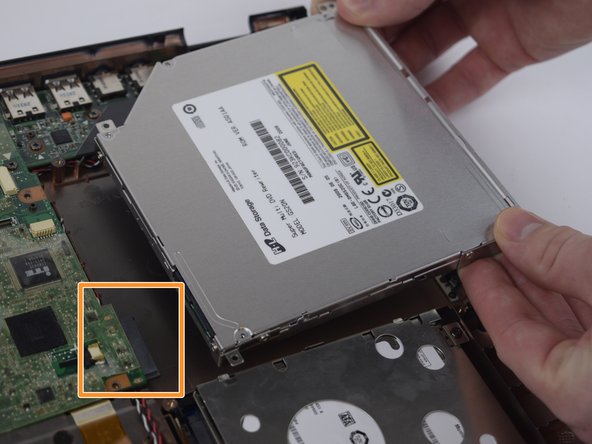
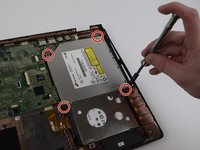
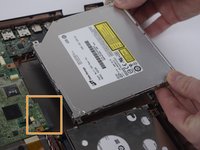
  8. ASUS UX50V-RX05 Motherboard Replacement, Optical Drive: stap 8, afbeelding 1 van 2 ASUS UX50V-RX05 Motherboard Replacement, Optical Drive: stap 8, afbeelding 2 van 2
    • Remove the four 5 mm J0 screws surrounding the Optical Drive.

    • Remove the optical drive by pulling it out and away from the connector.

    Vraag FixBot

    Voeg opmerking toe

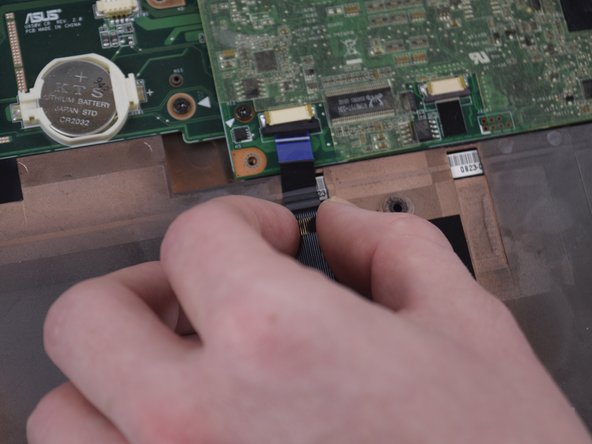
  9. ASUS UX50V-RX05 Motherboard Replacement, Motherboard: stap 9, afbeelding 1 van 3 ASUS UX50V-RX05 Motherboard Replacement, Motherboard: stap 9, afbeelding 2 van 3 ASUS UX50V-RX05 Motherboard Replacement, Motherboard: stap 9, afbeelding 3 van 3
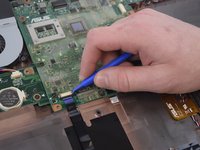
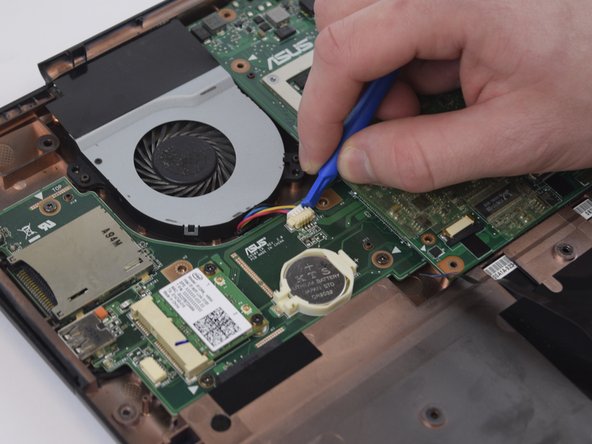
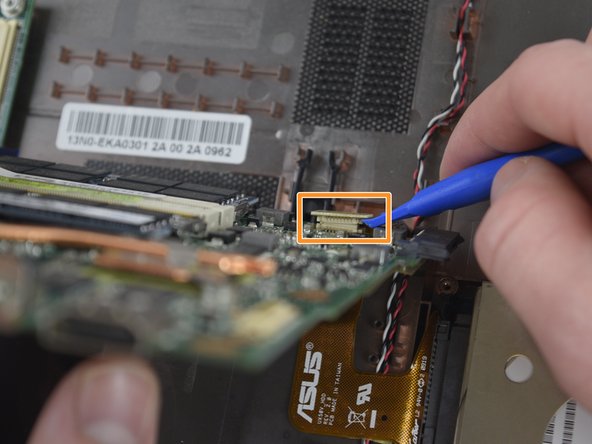
    • Use the Plastic Opening Tool to unplug the blue cord on the Motherboard.

    Vraag FixBot

    Voeg opmerking toe

  10. ASUS UX50V-RX05 Motherboard Replacement: stap 10, afbeelding 1 van 2 ASUS UX50V-RX05 Motherboard Replacement: stap 10, afbeelding 2 van 2
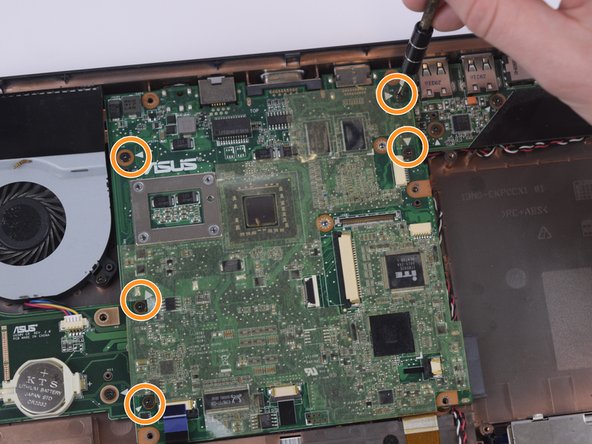
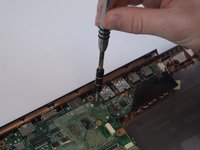
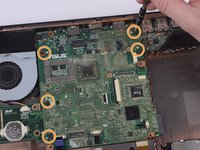
    • Remove the five 4 mm Phillips head 5 mm long screws that have white arrows pointing to them with the screwdriver.

    Vraag FixBot

    Voeg opmerking toe

  11. ASUS UX50V-RX05 Motherboard Replacement: stap 11, afbeelding 1 van 3 ASUS UX50V-RX05 Motherboard Replacement: stap 11, afbeelding 2 van 3 ASUS UX50V-RX05 Motherboard Replacement: stap 11, afbeelding 3 van 3
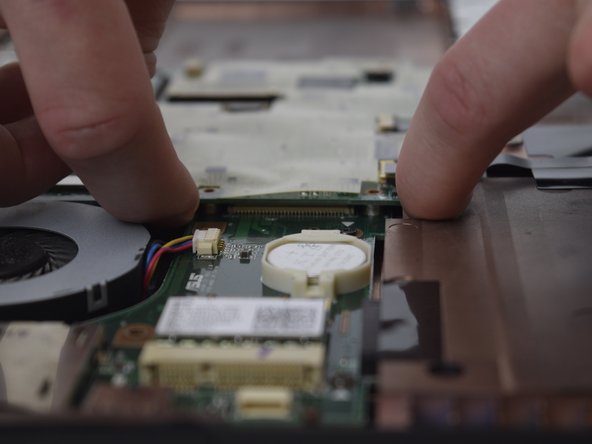
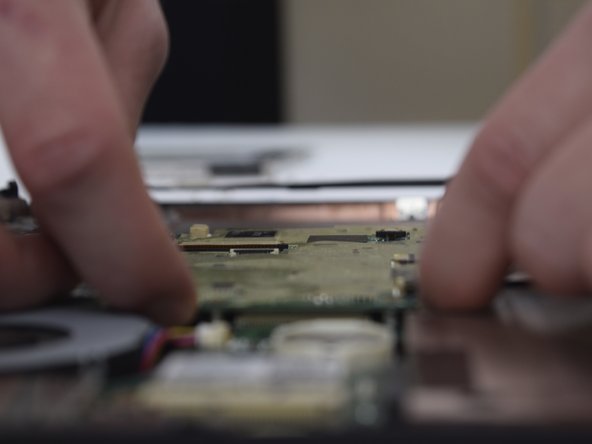
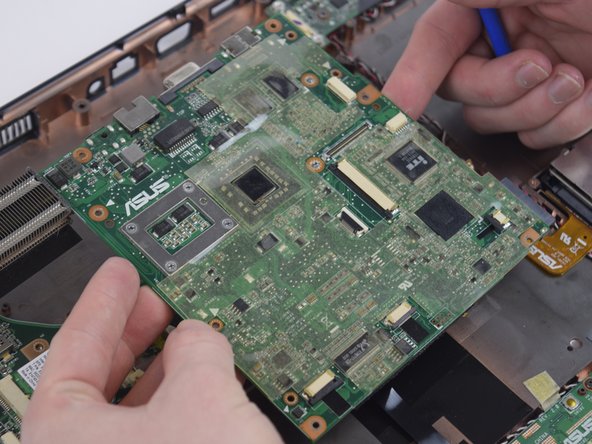
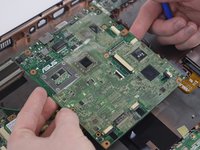
    • Lift the Motherboard with your fingers by reaching underneath the Motherboard and prying.

    Vraag FixBot

    Voeg opmerking toe

  12. ASUS UX50V-RX05 Motherboard Replacement: stap 12, afbeelding 1 van 3 ASUS UX50V-RX05 Motherboard Replacement: stap 12, afbeelding 2 van 3 ASUS UX50V-RX05 Motherboard Replacement: stap 12, afbeelding 3 van 3
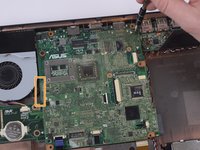
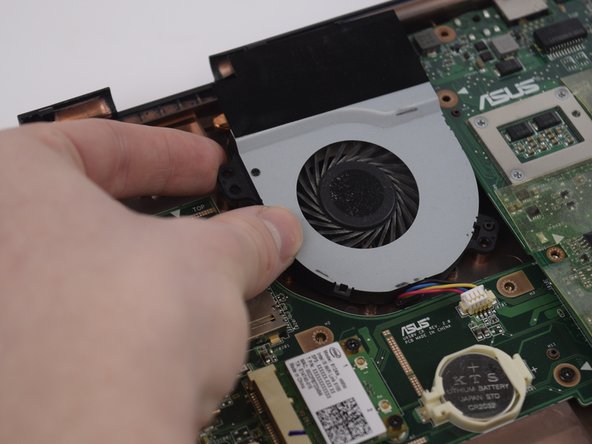
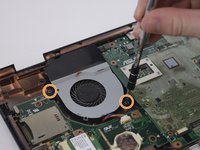
    • Remove the two 4 mm Phillips head 5 mm long screws from the fan using the screwdriver.

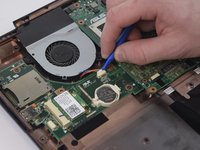
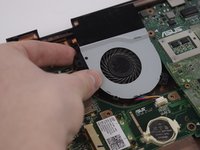
    • Using the Spudger, carefully remove the white connector and lift the fan out of the casing.

    Vraag FixBot

    Voeg opmerking toe

  13. ASUS UX50V-RX05 Motherboard Replacement: stap 13, afbeelding 1 van 3 ASUS UX50V-RX05 Motherboard Replacement: stap 13, afbeelding 2 van 3 ASUS UX50V-RX05 Motherboard Replacement: stap 13, afbeelding 3 van 3
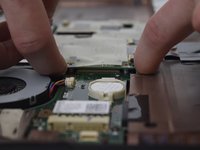
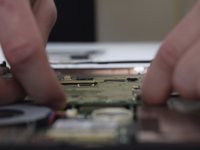
    • Slowly lift the motherboard up towards you being careful as to not rip any cords out of the bottom.

    • Using the Spudger, remove the connector towards the bottom of the motherboard.

    • Remove the motherboard from the casing.

    Vraag FixBot

    Voeg opmerking toe

Conclusie

To reassemble your device, follow these instructions in reverse order.

Annuleren: ik heb deze handleiding niet afgemaakt.

2 andere personen hebben deze handleiding voltooid.

James

Lid sinds: 02/14/17

663 Reputatie

6 handleidingen geschreven

Team

USF Tampa, Team 20-2, Remmell Spring 2017 Lid van USF Tampa, Team 20-2, Remmell Spring 2017

USFT-REMMELL-S17S20G2

4 Leden

6 handleidingen geschreven

1Gids Commentaar

From your knowledge is that mother board from the asus ux50v upgrade-able? is the processor integrated into the board?

A Snow - Antwoord Deel
Voeg opmerking toe

Weergavestatistieken:

Afgelopen 24 uren: 0

Afgelopen 7 dagen: 1

Afgelopen 30 dagen: 28

Altijd: 893