Ga door naar hoofdinhoud
Word lid van de reparatiegemeenschap - Account aanmaken

APS Tech 101629 Internal Drive Component Replacement

Wat je nodig hebt

  1. APS Tech 101629 Internal Drive Component Replacement, External Casing: stap 1, afbeelding 1 van 3 APS Tech 101629 Internal Drive Component Replacement, External Casing: stap 1, afbeelding 2 van 3 APS Tech 101629 Internal Drive Component Replacement, External Casing: stap 1, afbeelding 3 van 3
    • Pry all four of the plastic feet off the bottom of the enclosure using the iPod opening tool.

    Vraag FixBot

    Voeg opmerking toe

  2. APS Tech 101629 Internal Drive Component Replacement: stap 2, afbeelding 1 van 2 APS Tech 101629 Internal Drive Component Replacement: stap 2, afbeelding 2 van 2
    • Unscrew the four screws previously covered by the feet with a Phillips #1 screwdriver.

    Vraag FixBot

    Voeg opmerking toe

  3. APS Tech 101629 Internal Drive Component Replacement: stap 3, afbeelding 1 van 2 APS Tech 101629 Internal Drive Component Replacement: stap 3, afbeelding 2 van 2
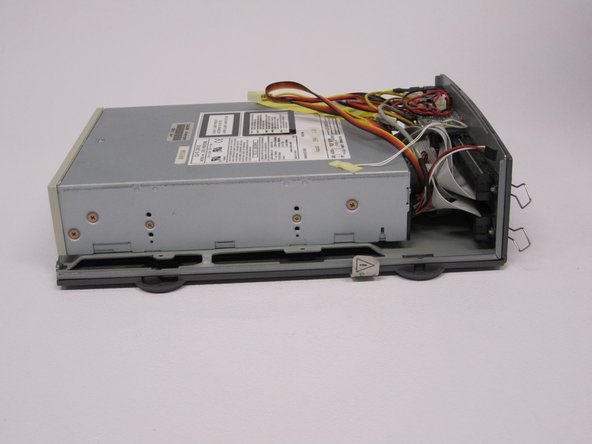
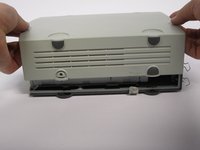
    • Flip the device right side up.

    • Gently slide the casing upwards and off the hard drive.

    Vraag FixBot

    Voeg opmerking toe

  4. APS Tech 101629 Internal Drive Component Replacement: stap 4, afbeelding 1 van 1
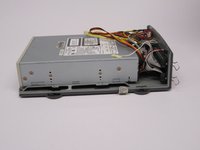
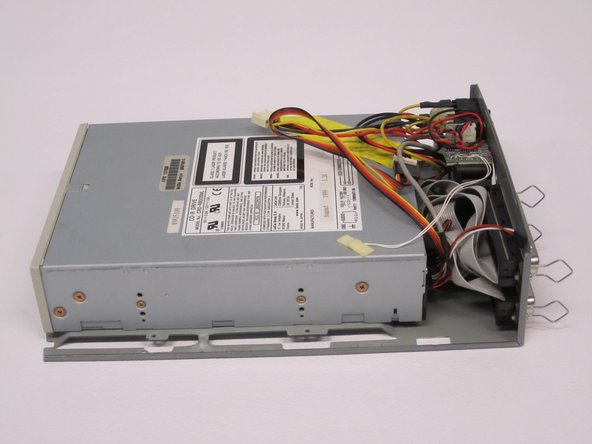
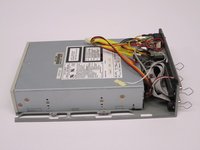
    • Flip device upside down again.

    • Gently pry the bottom gray casing away from the device.

    Vraag FixBot

    Voeg opmerking toe

  5. APS Tech 101629 Internal Drive Component Replacement: stap 5, afbeelding 1 van 2 APS Tech 101629 Internal Drive Component Replacement: stap 5, afbeelding 2 van 2
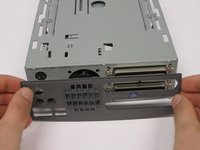
    • Rotate so the back of the device is facing you.

    • Gently pry the back casing away.

    • When the back casing is removed, the fan will become loose.

    Vraag FixBot

    Voeg opmerking toe

  6. APS Tech 101629 Internal Drive Component Replacement, Internal Drive Component: stap 6, afbeelding 1 van 2 APS Tech 101629 Internal Drive Component Replacement, Internal Drive Component: stap 6, afbeelding 2 van 2
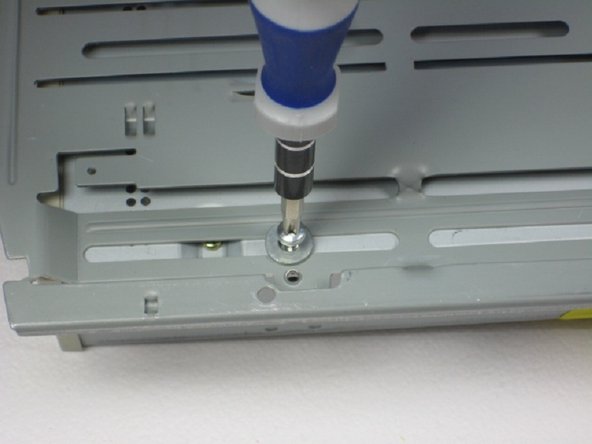
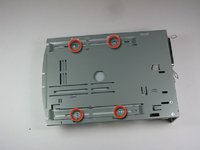
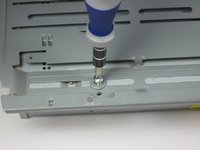
    • Flip so device is upside down.

    • Remove 4 screws with Phillips #1 screw driver.

    • Be sure to save the washers that seperate the screws from the baseplate for reassembly.

    Vraag FixBot

    Voeg opmerking toe

  7. APS Tech 101629 Internal Drive Component Replacement: stap 7, afbeelding 1 van 2 APS Tech 101629 Internal Drive Component Replacement: stap 7, afbeelding 2 van 2
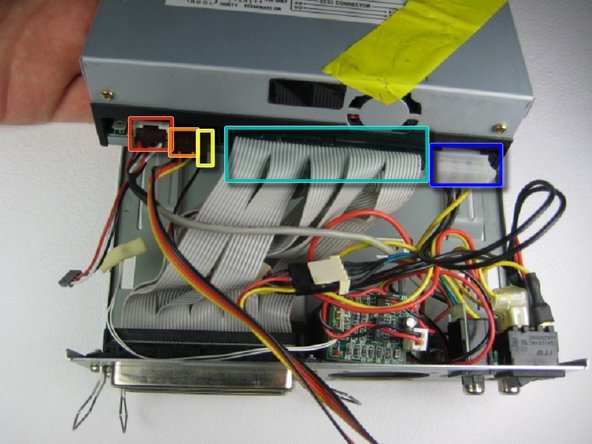
    • Slide the internal drive component away from the back of the device.

    • Remove the connections from the back of the internal component in the order of your choosing, we suggest left to right. The connections are:

    • Audio Connection

    • SCSI ID

    • Terminate On

    • SCSI Connection

    • DC Input (power)

    Vraag FixBot

    Voeg opmerking toe

Conclusie

To reassemble your device, follow these instructions in reverse order.

Annuleren: ik heb deze handleiding niet afgemaakt.

2 andere personen hebben deze handleiding voltooid.

Alexis Weckel

Lid sinds: 04/11/11

140 Reputatie

3 handleidingen geschreven

Team

Cal Poly, Team 24-60, Amido Spring 2011 Lid van Cal Poly, Team 24-60, Amido Spring 2011

CPSU-AMIDO-S11S24G60

5 Leden

12 handleidingen geschreven

0Gids Commentaar

Voeg opmerking toe

Weergavestatistieken:

Afgelopen 24 uren: 2

Afgelopen 7 dagen: 11

Afgelopen 30 dagen: 37

Altijd: 1,492