Ga door naar hoofdinhoud
Word lid van de reparatiegemeenschap - Account aanmaken

RAM Exchange - Cover prevents exhange

Hello community,

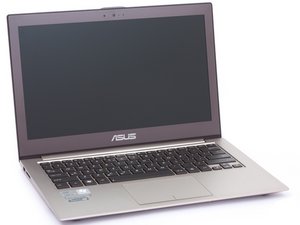
I have bought a SSD and a 16GB SODIMM RAM to upgrade my Asus Zenbook UX510UX(-CN179T). As I was trying to exhange the RAM, I realised there is a cover above it.

I am not sure if I can open it.

My questions:

Is there somebody who can tell me if I can remove the gray cable from the cover? What else do I need to do?

Block Image

Thank you very much!

Kind regards from germany!

Beantwoord! Bekijk het antwoord Dit probleem heb ik ook

Is dit een goede vraag?

Score 0
Voeg een opmerking toe

2 Antwoorden

Gekozen oplossing

Hi Paul Bmm

Below is one helpful link which you can refer to:

https://www.ultrabookreview.com/13046-as...

Was dit antwoord nuttig?

Score 0
Voeg een opmerking toe

Thank you! I got it.

You have to press the box from both short sides and move it a bit. It then opens easily. I have temporarily removed the grey cable as well, that doesnt seem to be a problem.

Was dit antwoord nuttig?

Score 0
Voeg een opmerking toe

Voeg je antwoord toe

Paul Bmn zal eeuwig dankbaar zijn.
Weergavestatistieken:

Afgelopen 24 uren: 0

Afgelopen 7 dagen: 0

Afgelopen 30 dagen: 17

Altijd: 99