Here's a breakdown of the onboard diagnostic LED's:
LED 1 - Indicates that the trickle voltage from the power supply is detected by the main logic board. This LED will remain ON while the iMac is connected to the AC power. The LED will remain on even when the computer has been shut down or put to sleep. The LED will turn off only if the AC power is disconnected or the power supply is faulty.
LED 2 - Indicates that the main logic board has detected proper power from the power supply when the computer is turned on. This LED will be ON when the computer is turned on and the power supply is working correctly.
LED 3 - Indicates that the computer and the video card are communicating. This LED will be ON when the computer is communicating properly with the video card. If LEDs 1 and 2 are ON and you heard the startup sound, but LED 3 is OFF, then the video card might be installed incorrectly or need replacement.
LED 4 - Indicates that the computer and the LCD display panel are communicating. This LED will be ON when the computer is turned on and video signal is being generated. If the LED is ON and there is no image on the LCD display panel, the LCD display panel or inverter might be installed incorrectly or need replacement.
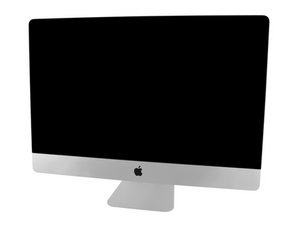
Sadly, this does indeed looks like a bad power supply! iMac Intel 27" (Late 2012-2020) Power Supply and here’s the guide to put it in iMac Intel 27" EMC 2546 Vervanging van de stroomvoorziening
I would point out a power surge or lightning could have hit you. Make sure you have a good surge suppressor and all of the peripherals are likewise plugged into the same surge suppressor. If you suspect that was the cause you might want to get a UPS as best solution.
You might want to check your outlet ground and the breaker panels ground connection to the water pipe (copper) or grounding rod/s making sure the surfaces are not green with corrosion.

 2
2 
 339
339  975
975 


1 Opmerking
Thank you i thik that was happen . i will order Power Supply a new one and a UPS for future proteccion
Thank!
door Orlando Luis