
 1
1  1
1 PSV - charging issue - troubleshooting ideas
Hello,
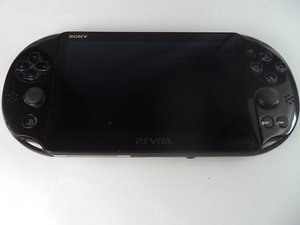
I recently bought psv slim on ebay. Visual everything looks fine and in good state.
Issue is that battery is almost empty and if you plug usb to charge (from electricity outlet with phone charger, laptop usb or power bank (already tried different usb cabels)) it’s not charging at all while psv itself on.
If you turn off the psv then it charges for about 10 minutes (always the same time) and then you can use console for some time. If you try charge longer, orange light do not show up. If you unplug and plug again the usb it shows for about 50sec and turn off (the orange light). And it’s always the same time. Old owner told me that he tried to replace batteries, but I am thinking to do this also.
I dissembled unit and find nothing unusual inside, everything looks in tact without any trash or visual damage.
PSV version is 3.65
It’s really strange that charging time is the same every time.
I tried to reset factory settings and also unplugged the battery for some time to perform physical reset.
Charger port itself looks intact and in good state on outside and motherboard side (visually) .
Maybe some overheating or voltage security measures stops charge?
Could any one suggest what else I can try to fix this?
Thank you very much :)
Is dit een goede vraag?



I also tried an official charger.
Same, you can see orange light for some time and it disappears. I am not sure if a battery charging at all. Maybe something wrong with the motherboard itself?
Would be interesting to check resistors with a multimeter, but I have no idea what discrepancies should look like. Also, just in case I cleaned motherboard. Any other ideas what to check?
door Aivaras