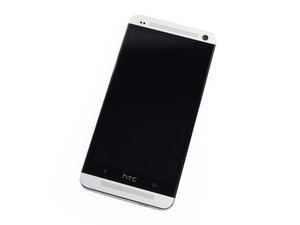

How to download images to computer with broken screen
Ok, so this ones a little different.
About 2 years ago i dropped my HTC One M7 and broke the display, though not shattered or into pieces but it stopped showing the correct display. With the left hand side completely black and the right hand side showing a little colour but only the same colour in a mute tone and across that side of the screen. The touch functionality however still works as I can still unlock the phone, I can tell this because the right hand side's colour changes slightly (I also know the pattern to unlock since its the same pattern for my current phone). The phone itself I'm not too worried about but I would love it if someone can assist me to downloading the pictures from it to my computer as I cannot tell what to press to enable file transferring.
I would love it if anyone has to time to show what exactly to do, Thanks.
Is dit een goede vraag?

 3,7k
3,7k  1,1k
1,1k  2,6k
2,6k 