Ga door naar hoofdinhoud
Word lid van de reparatiegemeenschap - Account aanmaken

Tungsten T3 Battery Replacement

Wat je nodig hebt

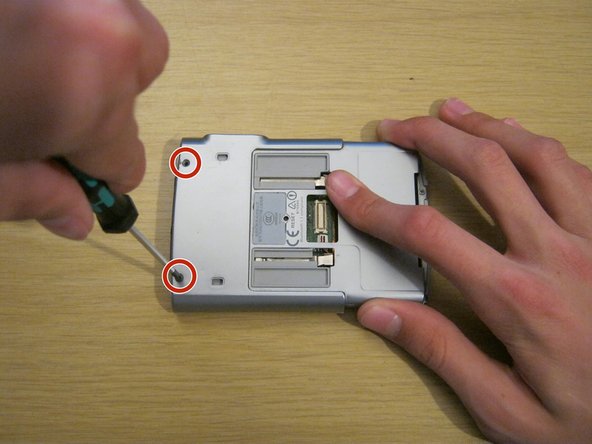
  1. Tungsten T3 Battery Replacement, Battery: stap 1, afbeelding 1 van 2 Tungsten T3 Battery Replacement, Battery: stap 1, afbeelding 2 van 2
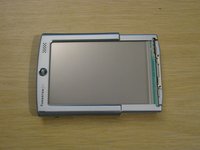
    • Remove the two Phillips #00 screws on either side of the device, on the sliding panel.

    Vraag FixBot

    Voeg opmerking toe

  2. Tungsten T3 Battery Replacement: stap 2, afbeelding 1 van 3 Tungsten T3 Battery Replacement: stap 2, afbeelding 2 van 3 Tungsten T3 Battery Replacement: stap 2, afbeelding 3 van 3
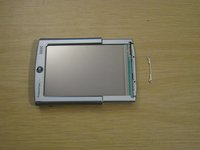
    • Slide out the function panel.

    • Insert a paper clip into the two marked small holes on the back and push downwards while pulling the function panel gently.

    • The connector for the buttons will be revealed.

    Vraag FixBot

    Voeg opmerking toe

  3. Tungsten T3 Battery Replacement: stap 3, afbeelding 1 van 3 Tungsten T3 Battery Replacement: stap 3, afbeelding 2 van 3 Tungsten T3 Battery Replacement: stap 3, afbeelding 3 van 3
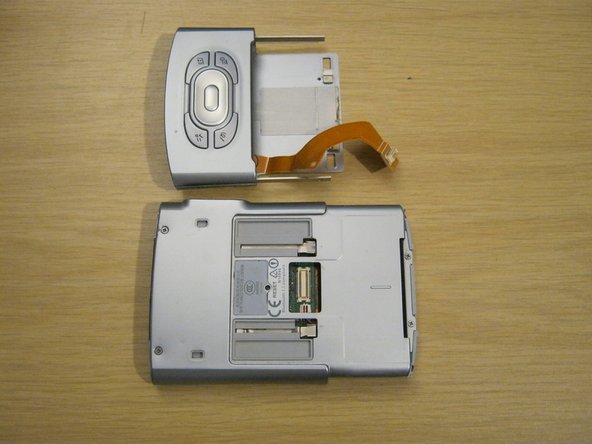
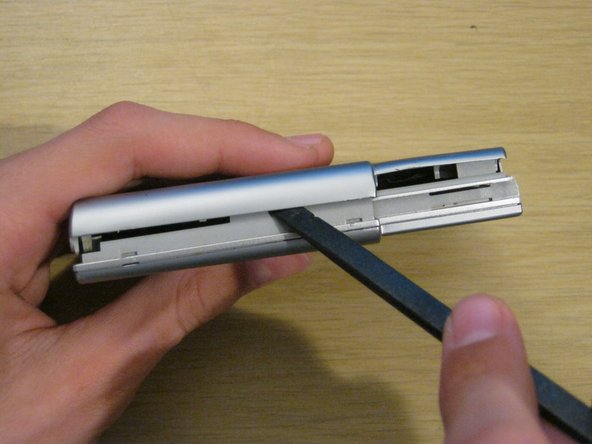
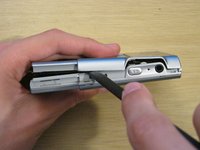
    • Gently remove the function panel from the device.

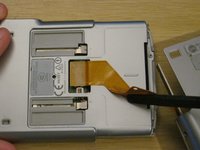
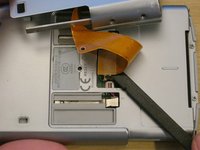
    • Be careful - it's still connected by the button cable. Peel the cable from the device carefully with a spudger - it is attached with a little bit of adhesive.
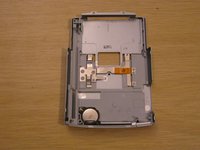
    • Carefully remove the connector and set the panel aside.

    Vraag FixBot

    Voeg opmerking toe

  4. Tungsten T3 Battery Replacement: stap 4, afbeelding 1 van 2 Tungsten T3 Battery Replacement: stap 4, afbeelding 2 van 2
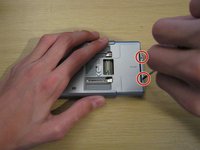
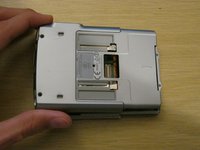
    • Remove the two Phillips #00 screws on the back of the device.

    Vraag FixBot

    Voeg opmerking toe

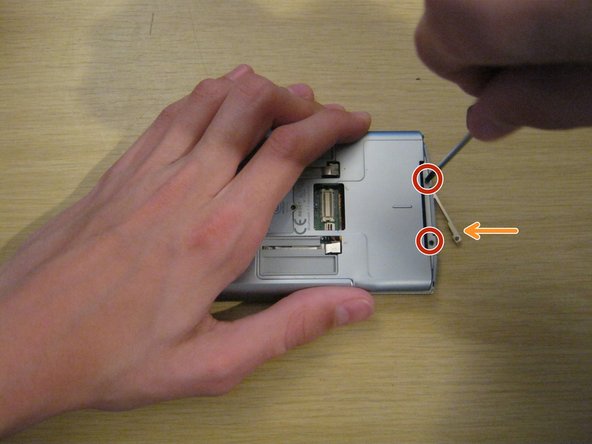
  5. Tungsten T3 Battery Replacement: stap 5, afbeelding 1 van 3 Tungsten T3 Battery Replacement: stap 5, afbeelding 2 van 3 Tungsten T3 Battery Replacement: stap 5, afbeelding 3 van 3
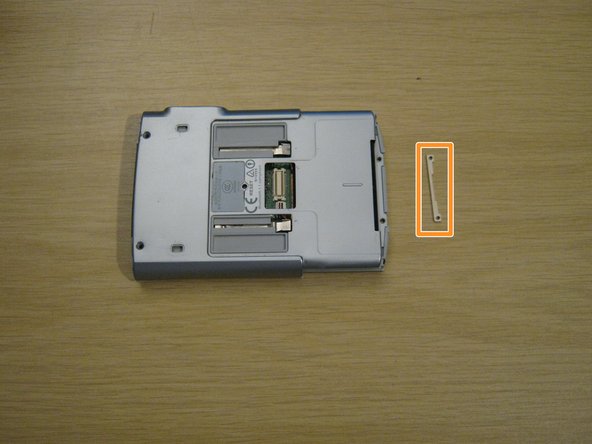
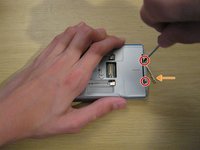
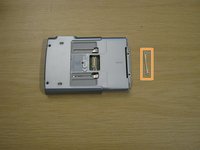
    • Remove the two small Phillips #00 screws at the other end of the device.

    • A small metal part will fall out of the device from the other side. Keep hold of this - you won't be able to put these screws back in without it.

    Vraag FixBot

    Voeg opmerking toe

  6. Tungsten T3 Battery Replacement: stap 6, afbeelding 1 van 3 Tungsten T3 Battery Replacement: stap 6, afbeelding 2 van 3 Tungsten T3 Battery Replacement: stap 6, afbeelding 3 van 3
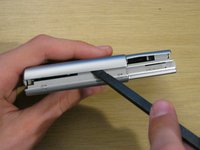
    • Using a spudger, gently separate the back casing from the rest of the device.

    • Be careful - the back casing contains the battery, which is connected by a very thin battery cable.

    Vraag FixBot

    Voeg opmerking toe

  7. Tungsten T3 Battery Replacement: stap 7, afbeelding 1 van 3 Tungsten T3 Battery Replacement: stap 7, afbeelding 2 van 3 Tungsten T3 Battery Replacement: stap 7, afbeelding 3 van 3
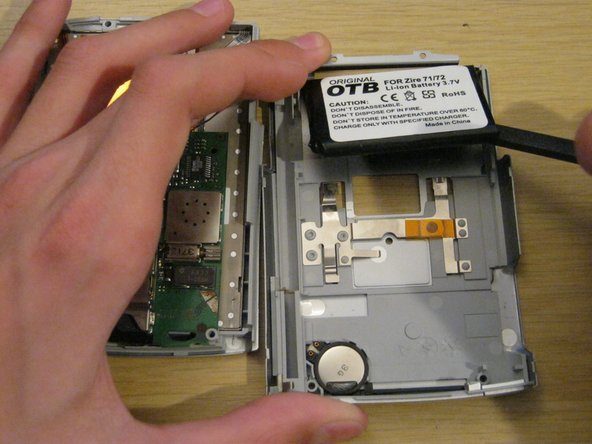
    • Lay the two halves side by side.

    • The battery is usually held to the case by a small amount of adhesive. Carefully peel it up with a spudger.

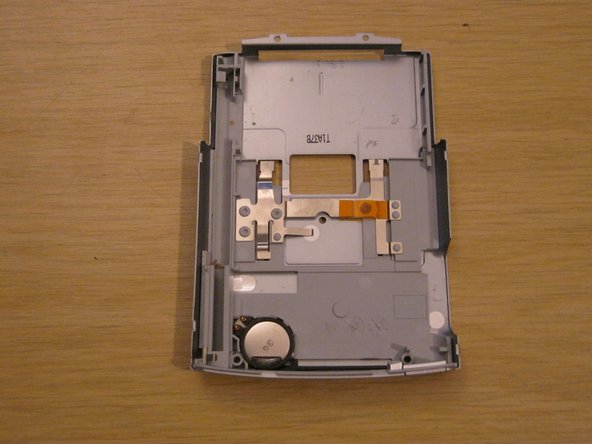
    • Lay the back case aside.

    Vraag FixBot

    Voeg opmerking toe

  8. Tungsten T3 Battery Replacement: stap 8, afbeelding 1 van 3 Tungsten T3 Battery Replacement: stap 8, afbeelding 2 van 3 Tungsten T3 Battery Replacement: stap 8, afbeelding 3 van 3
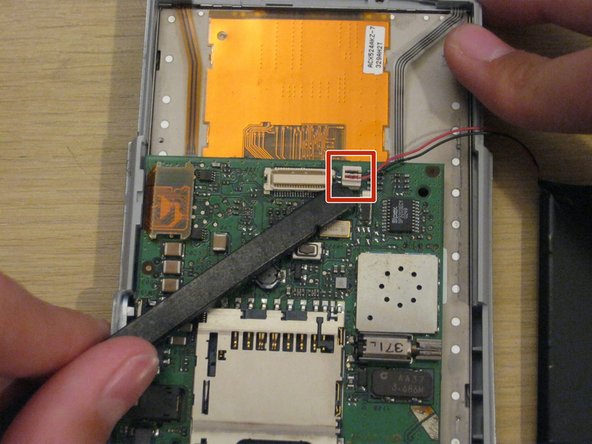
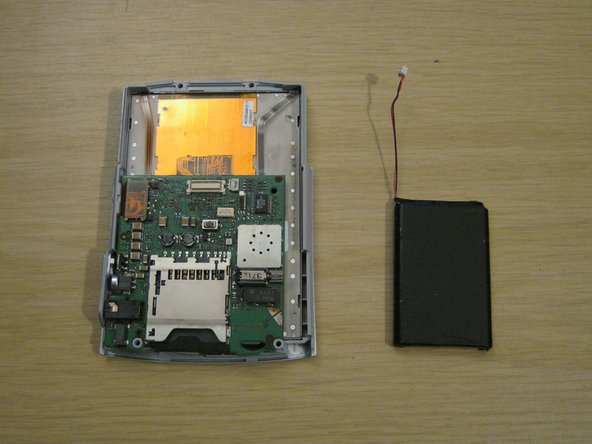
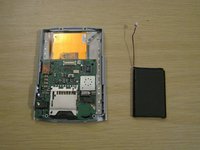
    • You should now be left with the front panel and the battery.

    • Gently disconnect the battery connector from the front panel. It's small and the pins are delicate, so be careful not to bend it.

    • When you install the new battery, you may find it useful to secure it to the back casing with some double-sided tape or even a small amount of glue.

    Vraag FixBot

    Voeg opmerking toe

  9. Tungsten T3 Battery Replacement: stap 9, afbeelding 1 van 2 Tungsten T3 Battery Replacement: stap 9, afbeelding 2 van 2
    • When reassembling your device, remember to place the small metal part on the front of the device and hold it while you insert the two small screws.

    • The screws won't stay in unless they're screwed into this metal part.

    Vraag FixBot

    Voeg opmerking toe

Conclusie

To reassemble your device, follow these instructions in reverse order.

Annuleren: ik heb deze handleiding niet afgemaakt.

11 andere personen hebben deze handleiding voltooid.

Whitney

Lid sinds: 09/08/11

318 Reputatie

3 handleidingen geschreven

Team

University of Maine, Team 1-14, Diaz Fall 2011 Lid van University of Maine, Team 1-14, Diaz Fall 2011

UMAINE-DIAZ-F11S1G14

2 Leden

3 handleidingen geschreven

1Gids Commentaar

The only thing I would add is before replacing the battery, be sure to backup your device since disconnecting the battery will do a total reset.

bill.costa_01 - Antwoord Deel

Voeg opmerking toe

Weergavestatistieken:

Afgelopen 24 uren: 6

Afgelopen 7 dagen: 17

Afgelopen 30 dagen: 82

Altijd: 8,621