Ga door naar hoofdinhoud
Word lid van de reparatiegemeenschap - Account aanmaken

Samsung Galaxy S5 Mini Front-Facing Camera Replacement

Wat je nodig hebt

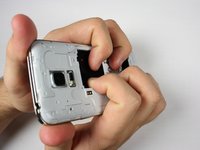
  1. Samsung Galaxy S5 Mini Front-Facing Camera Replacement, Rear Panel: stap 1, afbeelding 1 van 3 Samsung Galaxy S5 Mini Front-Facing Camera Replacement, Rear Panel: stap 1, afbeelding 2 van 3 Samsung Galaxy S5 Mini Front-Facing Camera Replacement, Rear Panel: stap 1, afbeelding 3 van 3
    • Insert a fingernail or a plastic opening tool into the slot located above the power button.

    • Gently pull the panel off the back of the phone.

    • The plastic snaps will make a popping sound as they separate.

    Vraag FixBot
  2. Samsung Galaxy S5 Mini Front-Facing Camera Replacement, Battery: stap 2, afbeelding 1 van 3 Samsung Galaxy S5 Mini Front-Facing Camera Replacement, Battery: stap 2, afbeelding 2 van 3 Samsung Galaxy S5 Mini Front-Facing Camera Replacement, Battery: stap 2, afbeelding 3 van 3
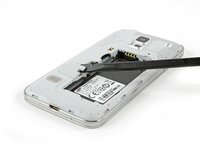
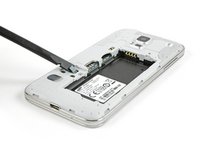
    • Insert fingernail or plastic opening tool into the slot at the bottom of the battery.

    • Gently pry the battery away from the phone.

    • When replacing the battery, ensure the contacts are aligned and press lightly. The battery will appear to fit in multiple directions, so do not force it in.

    Vraag FixBot
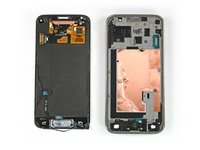
  3. Samsung Galaxy S5 Mini Front-Facing Camera Replacement, Display Assembly: stap 3, afbeelding 1 van 3 Samsung Galaxy S5 Mini Front-Facing Camera Replacement, Display Assembly: stap 3, afbeelding 2 van 3 Samsung Galaxy S5 Mini Front-Facing Camera Replacement, Display Assembly: stap 3, afbeelding 3 van 3
    Gereedschap gebruikt in deze stap:
    iOpener
    $24.95
    • Flip the phone and lay it on a flat surface so that the back is facing towards you.

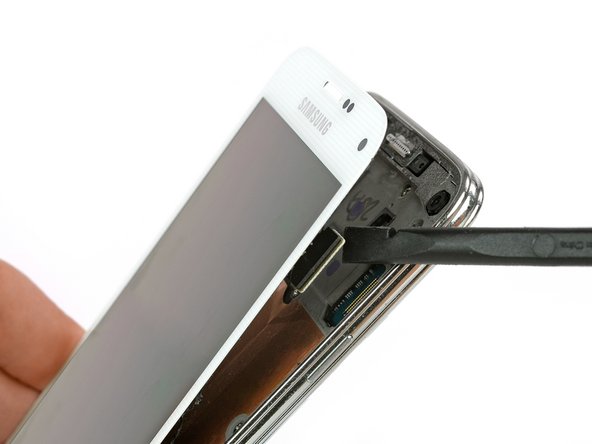
    • Use a spudger or plastic opening tool to pry up the home button cable connector and disconnect it.

    • For reassembly, insert the home button cable connector through the open slot in the display assembly.

    • Use an iOpener to loosen the adhesive beneath the display.

    Vraag FixBot
  4. Samsung Galaxy S5 Mini Front-Facing Camera Replacement: stap 4, afbeelding 1 van 3 Samsung Galaxy S5 Mini Front-Facing Camera Replacement: stap 4, afbeelding 2 van 3 Samsung Galaxy S5 Mini Front-Facing Camera Replacement: stap 4, afbeelding 3 van 3
    • Flip the phone over so it is lying on its back.

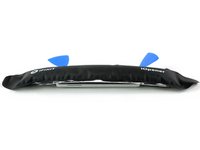
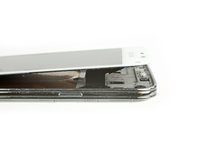
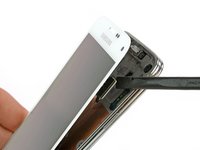
    • Insert a plastic opening tool or a plastic opening pick in the space between the screen and the frame and slide along the right side of the phone to loosen the adhesive.

    • Gently lift the display assembly away from the frame until there is a small gap and leave the first opening pick in the bottom right corner next to your home button.

    • Insert a second opening pick and slide it up to the top left corner of the phone by loosening the adhesive beneath the display.

    • Do not insert the opening pick more than 1/8 inch. There are some components that can be harmed.

    Vraag FixBot
  5. Samsung Galaxy S5 Mini Front-Facing Camera Replacement: stap 5, afbeelding 1 van 3 Samsung Galaxy S5 Mini Front-Facing Camera Replacement: stap 5, afbeelding 2 van 3 Samsung Galaxy S5 Mini Front-Facing Camera Replacement: stap 5, afbeelding 3 van 3
    • Reheat the display of your phone with the iOpener. Especially the top and left side of the front.

    • Insert a third opening pick and slide it carefully to the top left corner of the phone. Be aware of the front camera and the loudspeaker!

    Vraag FixBot
  6. Samsung Galaxy S5 Mini Front-Facing Camera Replacement: stap 6, afbeelding 1 van 3 Samsung Galaxy S5 Mini Front-Facing Camera Replacement: stap 6, afbeelding 2 van 3 Samsung Galaxy S5 Mini Front-Facing Camera Replacement: stap 6, afbeelding 3 van 3
    • Insert a fourth opening pick and slide it to the lower left corner next to your home button.

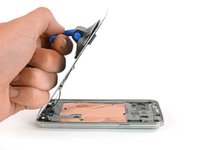
    • Flip the opening pick in the top right corner to lift the display. If it is still sticky, move the four opening picks around the frame as you did before to find remains of adhesive.

    • Do not remove the display assembly from the frame. It is still connected by a cable.

    Vraag FixBot
  7. Samsung Galaxy S5 Mini Front-Facing Camera Replacement: stap 7, afbeelding 1 van 2 Samsung Galaxy S5 Mini Front-Facing Camera Replacement: stap 7, afbeelding 2 van 2
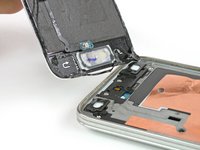
    • Keep the top portion of the display assembly next to the frame.

    • Unplug the display flex connector with a spudger.

    Vraag FixBot
  8. Samsung Galaxy S5 Mini Front-Facing Camera Replacement: stap 8, afbeelding 1 van 3 Samsung Galaxy S5 Mini Front-Facing Camera Replacement: stap 8, afbeelding 2 van 3 Samsung Galaxy S5 Mini Front-Facing Camera Replacement: stap 8, afbeelding 3 van 3
    Gereedschap gebruikt in deze stap:
    Suction Handle
    $2.95
    • Use a suction handle to lift the display off of your phone. The home button cable connector should go with the display through a small gap in the mid frame. If it doesn't, use a tweezer to help a little.

    • Pull the display assembly away from the phone to remove it.

    Vraag FixBot
  9. Samsung Galaxy S5 Mini Front-Facing Camera Replacement, Interior Midframe Assembly: stap 9, afbeelding 1 van 1
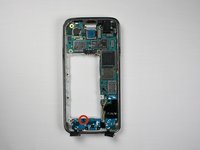
    • Remove the 12 4 mm Phillips screws #00 from the midframe.

    Vraag FixBot
  10. Samsung Galaxy S5 Mini Front-Facing Camera Replacement: stap 10, afbeelding 1 van 1
    • Flip the phone over and lay it on a flat surface so that the back is facing towards you.

    • Unscrew the 4 mm Phillips #00 screw next to the battery slot.

    Vraag FixBot
  11. Samsung Galaxy S5 Mini Front-Facing Camera Replacement: stap 11, afbeelding 1 van 1
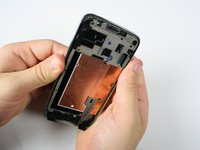
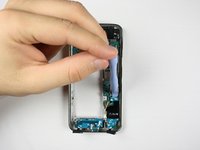
    • Circle the midframe with a blow dryer or use the iOpener to loosen the adhesive on the midframe.

    • Circling the midframe for 10 to 30 seconds with a blowdryer should loosen the adhesive enough.

    Vraag FixBot
  12. Samsung Galaxy S5 Mini Front-Facing Camera Replacement: stap 12, afbeelding 1 van 3 Samsung Galaxy S5 Mini Front-Facing Camera Replacement: stap 12, afbeelding 2 van 3 Samsung Galaxy S5 Mini Front-Facing Camera Replacement: stap 12, afbeelding 3 van 3
    • Spread pressure out evenly to avoid damage or bending of the midframe.

    • Apply pressure to the battery slot on back of the phone to separate the midframes.

    Vraag FixBot
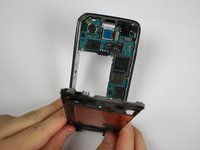
  13. Samsung Galaxy S5 Mini Front-Facing Camera Replacement, Motherboard Assembly: stap 13, afbeelding 1 van 3 Samsung Galaxy S5 Mini Front-Facing Camera Replacement, Motherboard Assembly: stap 13, afbeelding 2 van 3 Samsung Galaxy S5 Mini Front-Facing Camera Replacement, Motherboard Assembly: stap 13, afbeelding 3 van 3
    Gereedschap gebruikt in deze stap:
    Tweezers
    $4.99
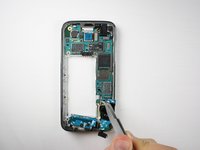
    • Unscrew the 3 mm Phillips #00 screw holding the daughterboard to the motherboard assembly.

    • Use a plastic opening tool or spudger to pry the daughterboard from its socket.

    • Use tweezers to pull the cables connecting the daughterboard out from the motherboard.

    Vraag FixBot
  14. Samsung Galaxy S5 Mini Front-Facing Camera Replacement: stap 14, afbeelding 1 van 3 Samsung Galaxy S5 Mini Front-Facing Camera Replacement: stap 14, afbeelding 2 van 3 Samsung Galaxy S5 Mini Front-Facing Camera Replacement: stap 14, afbeelding 3 van 3
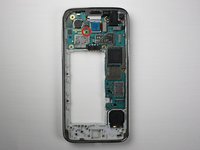
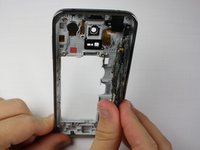
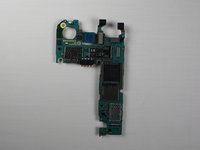
    • Remove the 3 mm Phillips #00 screw holding the motherboard to the frame.

    • Pull the motherboard from the frame and lay it on a flat surface.

    Vraag FixBot
  15. Samsung Galaxy S5 Mini Front-Facing Camera Replacement, Front-Facing Camera: stap 15, afbeelding 1 van 3 Samsung Galaxy S5 Mini Front-Facing Camera Replacement, Front-Facing Camera: stap 15, afbeelding 2 van 3 Samsung Galaxy S5 Mini Front-Facing Camera Replacement, Front-Facing Camera: stap 15, afbeelding 3 van 3
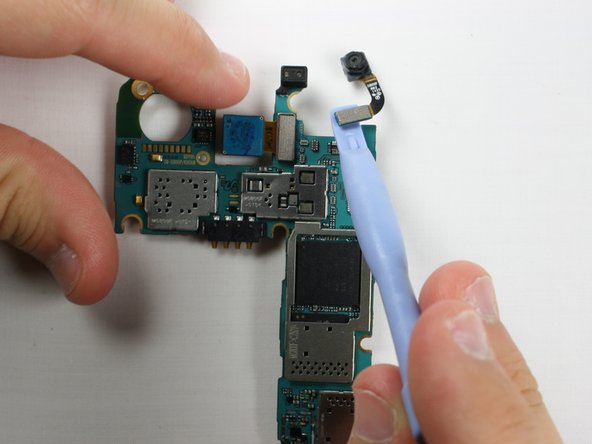
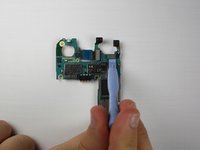
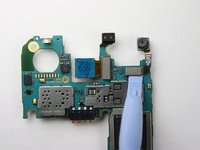
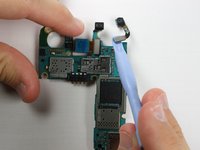
    • Use a plastic opening tool or spudger to pry off the front-facing camera from the motherboard.

    Vraag FixBot
Conclusie

To reassemble your device, follow these instructions in reverse order.

2 andere personen hebben deze handleiding voltooid.

Jon Kuzmich

Lid sinds: 09/29/14

2.014 Reputatie

7 handleidingen geschreven

Team

Cal Poly, Team 12-4, Forte Fall 2014 Lid van Cal Poly, Team 12-4, Forte Fall 2014

CPSU-FORTE-F14S12G4

5 Leden

38 handleidingen geschreven

0Gids Commentaar

Voeg opmerking toe

Weergavestatistieken:

Afgelopen 24 uren: 1

Afgelopen 7 dagen: 17

Afgelopen 30 dagen: 95

Altijd: 1,723