Inleiding
Follow this guide to replace the joystick switch on a SCUF PlayStation 5 DualSense controller.
Joysticks typically go wrong when they've been used extensively, as they start to drift or get clogged up and function incorrectly (or not at all), which is where this guide comes in. This is also ideal for a cosmetic upgrade if your sticks are worn down or damaged.
When you get to Step 11 desoldering is required. Using a soldering iron can be dangerous if used incorrectly as the iron is heated to extremely high temperatures and can burn. For more information on soldering, take a look at the How to Solder and Desolder Connections guide.
Wat je nodig hebt
-
-
Insert an opening pick underneath the middle trim at the bottom-right corner of the controller to release the clips.
-
Loosen the rest of the clips and take the middle trim out.
-
-
-
Pull the scuff buttons off the back of the controller by sliding them down.
-
-
-
-
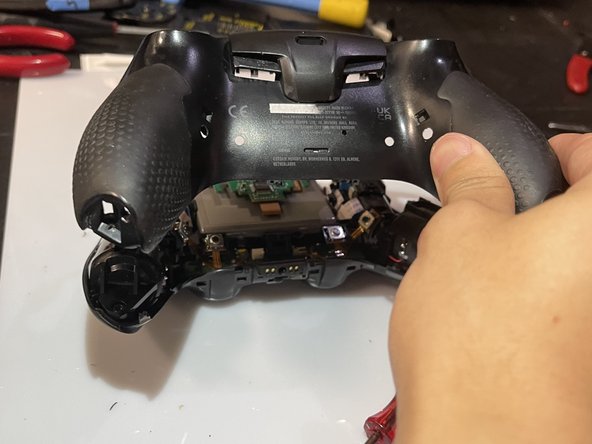
Slide the prying tool down the edge of the rear casing of the controller to remove the rear case.
-
-
-
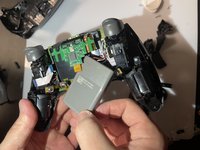
Slide the battery out of the controller. It's grey and held in by a couple of wires, so be careful not to damage them.
-
-
-
Unplug the battery to finish removing the battery from the controller.
-
-
-
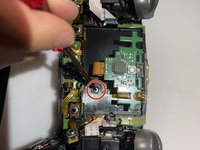
Unscrew the screw on the back of the controller to remove the battery bracket.
-
-
-
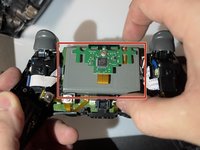
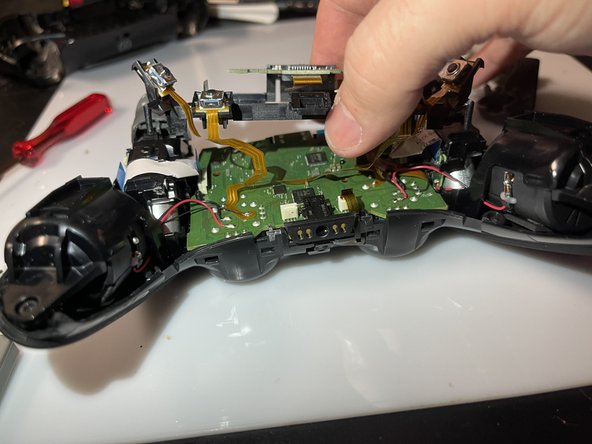
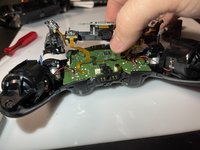
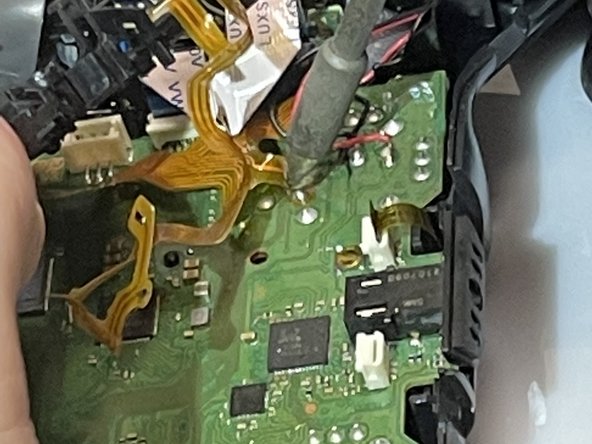
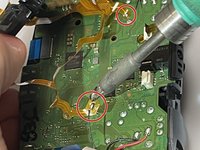
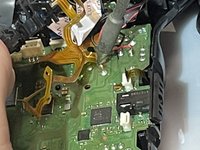
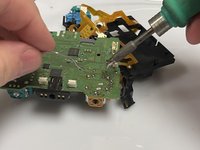
Use a soldering iron to desolder the ribbon cables on the motherboard.
-
-
Gereedschap gebruikt in deze stap:Desoldering Pump$3.99
-
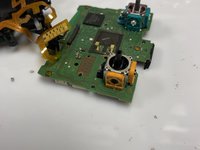
Use the soldering iron and the desoldering pump to desolder the 14 connections for the component.
-


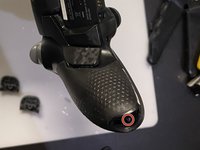
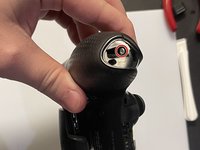


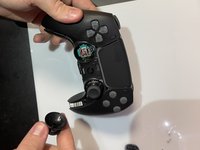
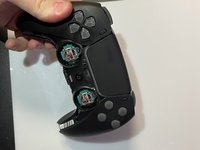









To reassemble your device, follow these instructions in reverse order.
Annuleren: ik heb deze handleiding niet afgemaakt.
3 andere personen hebben deze handleiding voltooid.



