Ga door naar hoofdinhoud
Word lid van de reparatiegemeenschap - Account aanmaken

One Education Infinity:One Camera Assembly Replacement

Wat je nodig hebt

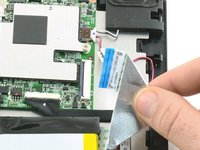
  1. One Education Infinity:One Camera Assembly Replacement, Battery: stap 1, afbeelding 1 van 2 One Education Infinity:One Camera Assembly Replacement, Battery: stap 1, afbeelding 2 van 2
    • Use a spudger to disconnect the black bundled cable connector from the motherboard.

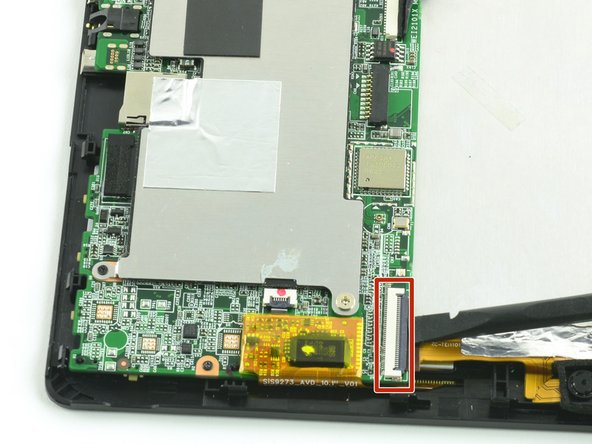
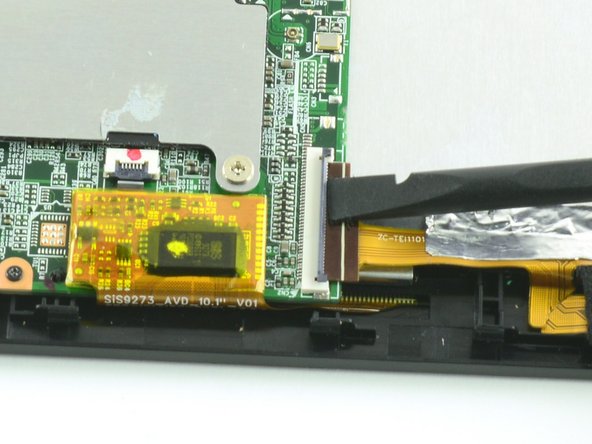
  2. One Education Infinity:One Camera Assembly Replacement: stap 2, afbeelding 1 van 3 One Education Infinity:One Camera Assembly Replacement: stap 2, afbeelding 2 van 3 One Education Infinity:One Camera Assembly Replacement: stap 2, afbeelding 3 van 3
    • Use a spudger to lift the black tab on top of the ZIF connector.

    • Slide the ribbon cable out of the connector.

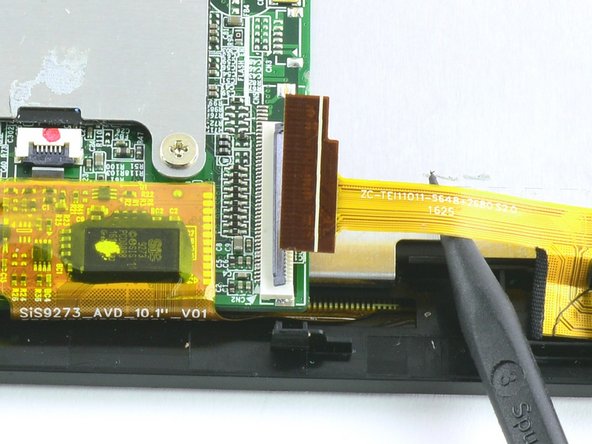
  3. One Education Infinity:One Camera Assembly Replacement: stap 3, afbeelding 1 van 3 One Education Infinity:One Camera Assembly Replacement: stap 3, afbeelding 2 van 3 One Education Infinity:One Camera Assembly Replacement: stap 3, afbeelding 3 van 3
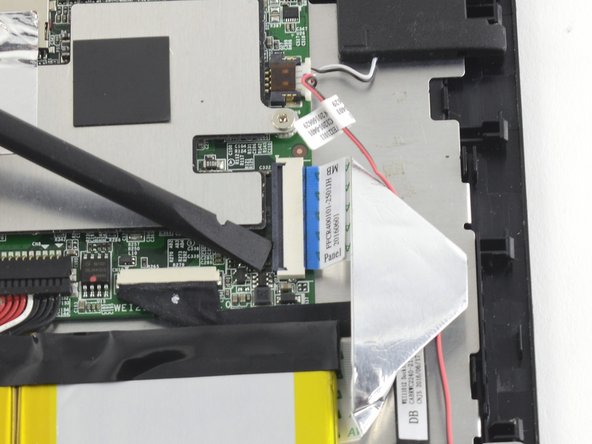
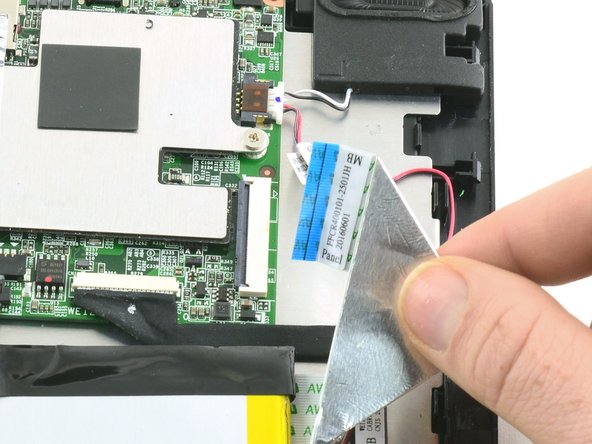
    • Use a spudger to flip up the black retaining flap on the ZIF connector.

    • Pull the folded ribbon cable straight out of the connector.

    • This ribbon cable must be disconnected before removing the battery because it is attached to the battery with adhesive.

  4. One Education Infinity:One Camera Assembly Replacement: stap 4, afbeelding 1 van 1
    • Use a spudger to pry the battery away from the device.

    • Always use ESD safe tools when working with delicate electrical components.

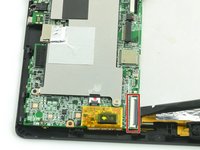
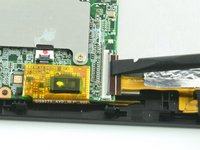
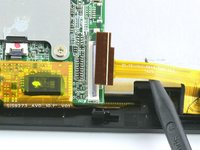
  5. One Education Infinity:One Camera Assembly Replacement, Camera Assembly: stap 5, afbeelding 1 van 3 One Education Infinity:One Camera Assembly Replacement, Camera Assembly: stap 5, afbeelding 2 van 3 One Education Infinity:One Camera Assembly Replacement, Camera Assembly: stap 5, afbeelding 3 van 3
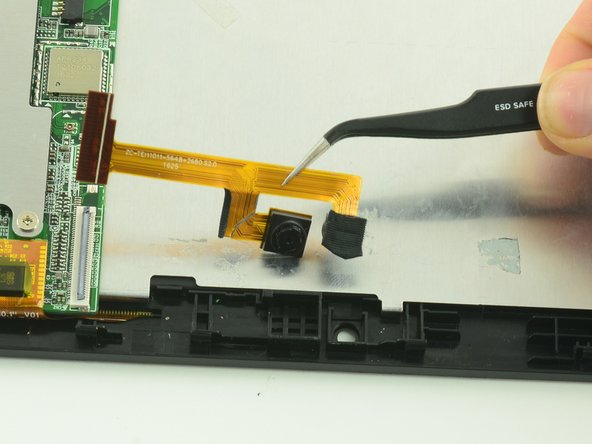
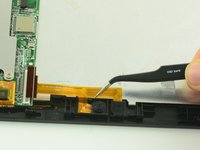
    • Use a spudger to flip up the black flap on the camera's ZIF connector.

    • Pull the ribbon cable straight out of the connector.

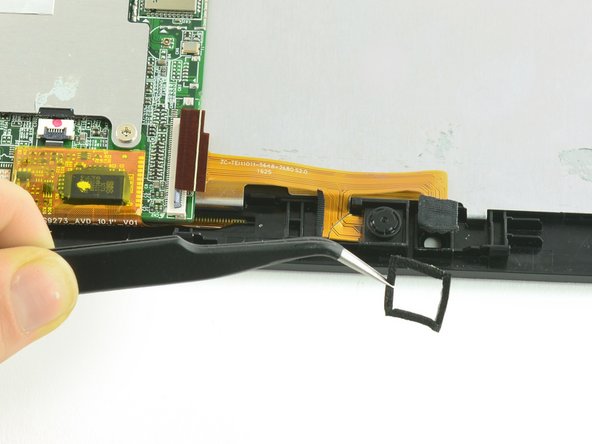
  6. One Education Infinity:One Camera Assembly Replacement: stap 6, afbeelding 1 van 2 One Education Infinity:One Camera Assembly Replacement: stap 6, afbeelding 2 van 2
    Gereedschap gebruikt in deze stap:
    Tweezers
    $4.99
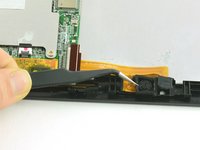
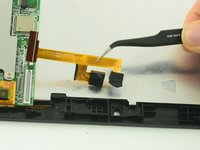
    • Use tweezers to remove the black cushion surrounding the camera lens.

  7. One Education Infinity:One Camera Assembly Replacement: stap 7, afbeelding 1 van 2 One Education Infinity:One Camera Assembly Replacement: stap 7, afbeelding 2 van 2
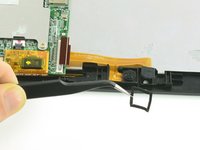
    • Use tweezers to lift the camera assembly away from the device.

    • Lift straight up to avoid tearing the delicate ribbon cable on the retaining wall.

Conclusie

To reassemble your device, follow these instructions in reverse order.

Één andere persoon heeft deze handleiding voltooid.

Taylor Bratsch

Lid sinds: 09/06/16

6.098 Reputatie

14 handleidingen geschreven

0Gids Commentaar

Voeg opmerking toe

Weergavestatistieken:

Afgelopen 24 uren: 0

Afgelopen 7 dagen: 3

Afgelopen 30 dagen: 11

Altijd: 299