Inleiding
Installing a new microphone may be necessary if those receiving calls from you are unable to hear you. Installation should only be done as a last resort, after trying all other possible solutions as listed in the Nokia 8290 Troubleshooting Guide. Installation requires no prior knowledge of mobile phone microphones.
Wat je nodig hebt
-
-
Locate the small button on the top of the phone.
-
Depress the button.
-
With your other hand, pull the front cover away from the phone.
 Vraag FixBot
-
-
-
Remove all six 5.3 mm long T6 screws.
-
Remove the circuit board/faceplate sub-assembly from the back of the phone.
-
-
-
-
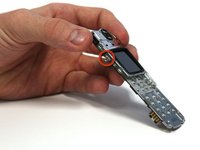
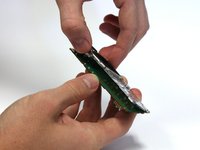
Using your fingers, pull the small plastic tab away from the circuit board/faceplate sub-assembly.
-
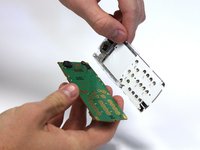
Rotate the faceplate away from the circuit board.
-
Gently remove the faceplate from the circuit board, taking care to not break the small plastic tab on the other side of the sub-assembly.
-
-
-
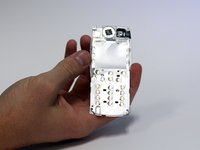
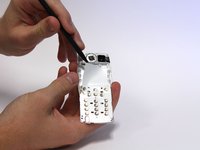
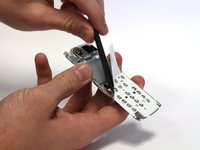
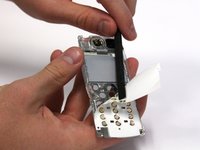
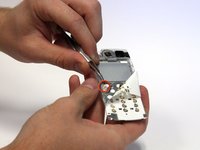
Use the spudger to peel back the top-left corner of the white adhesive film. This can be done by working the spudger back and forth underneath the film.
-
-
Gereedschap gebruikt in deze stap:Tweezers$4.99
-
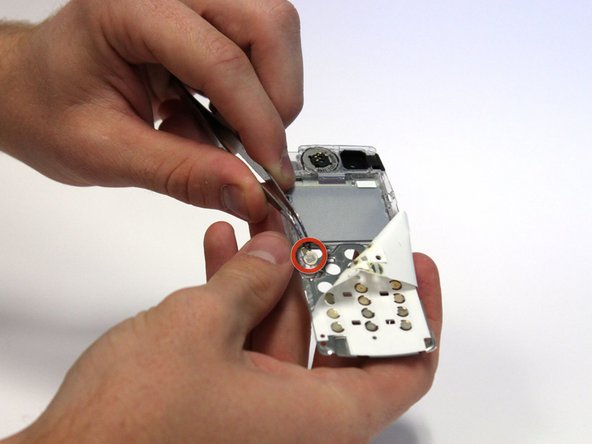
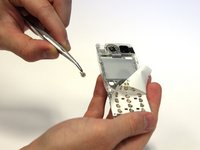
Continue to peel the film back until you can see the microphone.
-
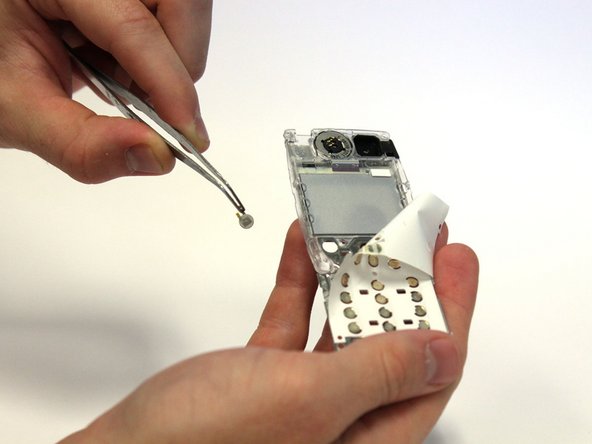
Use tweezers to remove the microphone.
-






To reassemble your device, follow these instructions in reverse order.
Annuleren: ik heb deze handleiding niet afgemaakt.
Één andere persoon heeft deze handleiding voltooid.

Team

Clemson, Team 15-3, Benson Fall 2012 Lid van Clemson, Team 15-3, Benson Fall 2012
CLEM-BENSON-F12S15G3
3 Leden
44 handleidingen geschreven
