Inleiding
This guide will show you how to replace the most important part of your Nintendo 3DS XL, the motherboard. The motherboard is the central part of your device, it's where everything happens!
Wat je nodig hebt
-
-
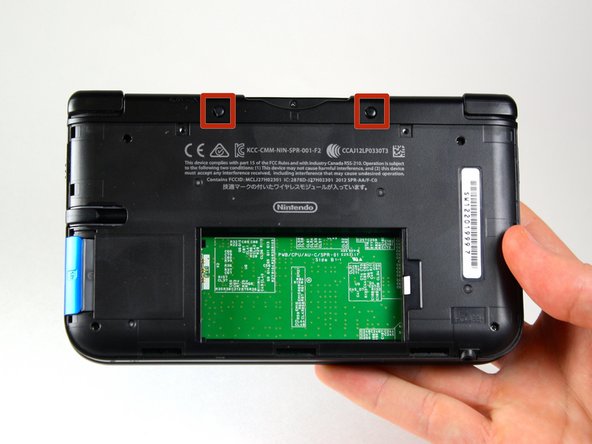
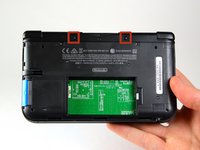
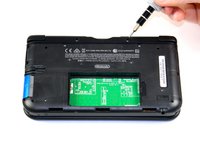
Loosen the two #00 Phillips 4.2 mm-length screws located at the top of the back cover.
 Vraag FixBot
-
-
-
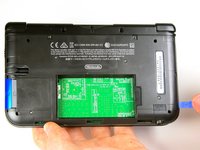
Hold the device so that the cover is facing up.
-
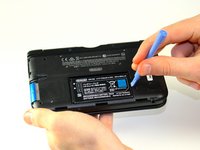
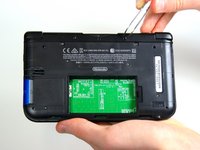
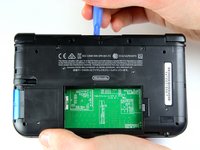
Using a plastic opening tool, pry off the cover starting at the top right corner.
-
Hold the edge of the cover to ensure it does not reattach.
-
Look for the small section below the stylus compartment. Pry off the cover at that point if it is still attached.
-
Take off the cover of the device and set it aside.
-
-
-
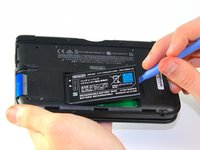
Insert the plastic opening tool into the opening located on the right side of the battery.
-
Pry off the battery from the lower casing.
-
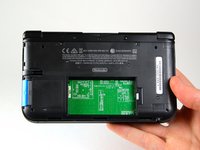
Lift the battery out of the case and set aside.
-
-
Gereedschap gebruikt in deze stap:Tweezers$4.99
-
Using tweezers pull out the rubber bumpers that are located at the top of the device on either side of the game cartridge compartment.
-
-
-
Remove the 2.3 mm screw located above the game cartridge slot with a Phillips #00 screwdriver.
-
-
-
With a plastic opening tool pry off the lower case starting at the bottom edge and working around the perimeter.
-
Two ribbon cables connect the case to the circuit board. Be careful to not pull the case too hard and rip the ribbon cables.
-
-
-
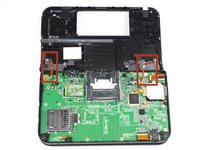
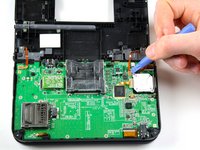
Disconnect the ribbon cables located underneath the left and right bumpers by prying up the base of the cables with a plastic opening tool.
-
Completely remove the lower case from the rest of the device and set aside.
-
-
-
-
Position the device such that the game cartridge slot is located at the top.
-
Locate the circle pad on the right side of the device.
-
Remove the two 7.5 mm screws on the upper left and the bottom right corners.
-
-
-
Using the flat head side of the spudger carefully lift up the retaining flap that attaches the circle pad ribbon to the motherboard.
-
Remove the ribbon and circle pad joystick.
-
-
-
Position the device such that the game cartridge slot is located at the top.
-
Locate the IR board on the upper right side of the motherboard.
-
Remove the IR board with a plastic opening tool by inserting the tool below the IR board and gently prying up.
-
-
Gereedschap gebruikt in deze stap:Tweezers$4.99
-
Locate the volume switch on the right side of the motherboard next to the circle pad joystick.
-
Using tweezers, carefully remove the volume board from the casing. It will still be attached to the motherboard by a ribbon cable.
-
-
-
Using the flat head side of the spudger carefully lift up the flap that attaches the volume board ribbon to the motherboard.
-
Remove the volume board and set aside.
-
-
-
Remove the black plastic pieces from the lower left and right hand corners with either your fingers or tweezers.
-
-
-
Using the flat head side of the spudger carefully lift up the flaps that attach the two smaller ribbons to the motherboard.
-
Remove the ribbons from the flaps.
-
-
-
Using the flat head side of the spudger carefully lift up the flaps that attach the wider ribbons to the motherboard.
-
Remove the ribbons from the opened flaps.
-
-
-
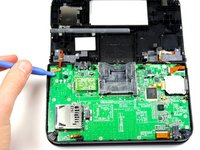
Using the flat head side of the spudger carefully lift up the flap that attaches the ribbon to the motherboard.
-
Remove the ribbon from the flap.
-
-
-
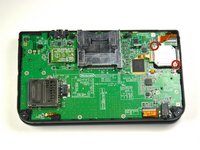
Use a Phillips #00 screwdriver to remove ten 3.0 mm screws that are located around the face of the motherboard.
-
-
-
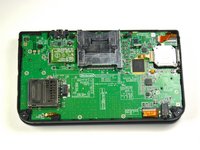
Carefully lift the board straight up just enough to clear the two plastic mounts located near the top corners of the cartridge slot.
-
Gently flip the motherboard over the top side.
-
-
-
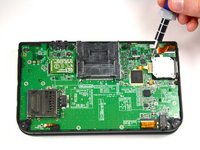
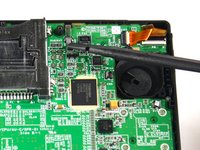
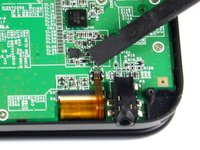
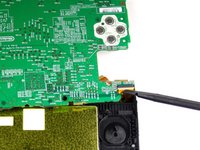
Using the flat head side of the spudger carefully lift up the flap that attaches the wider ribbon on the upper right side to the motherboard.
-
Remove the ribbon from the opened flap.
-
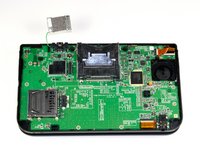
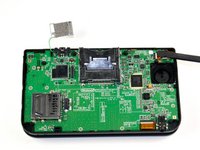
Set the motherboard aside.
-














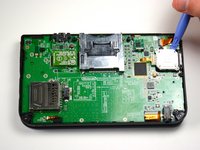
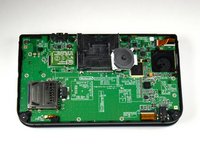


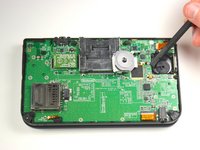
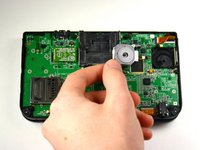


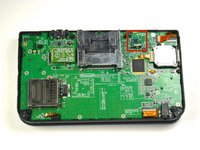
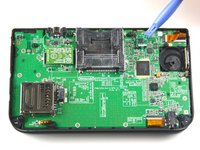


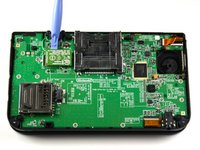
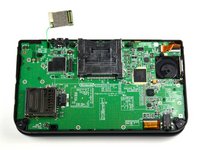


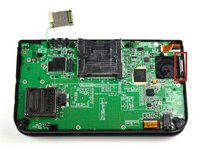
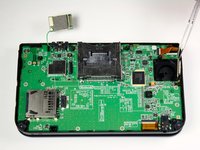


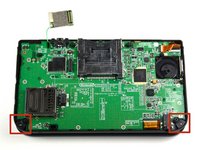
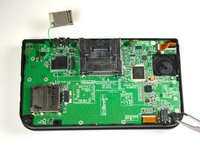




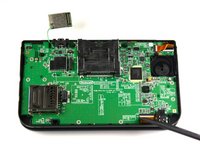
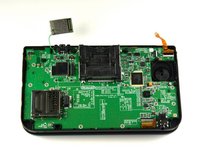


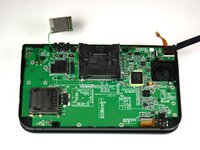
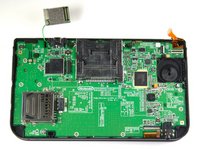


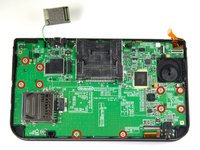
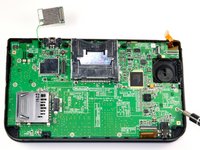


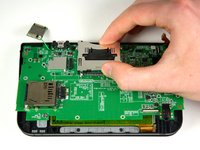
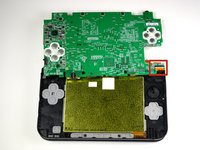


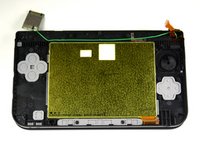
To reassemble your device, follow these instructions in reverse order.
Annuleren: ik heb deze handleiding niet afgemaakt.
57 andere personen hebben deze handleiding voltooid.

Team

Cal Poly, Team 9-13, Regan Spring 2014 Lid van Cal Poly, Team 9-13, Regan Spring 2014
CPSU-REGAN-S14S9G13
5 Leden
56 handleidingen geschreven
14Gids Commentaar
Does anyone know how to fix the flap on the ribbon because I accidentally removed the whole thing
How do you fix it so it will stop shutting down on start up?
