Ga door naar hoofdinhoud

MSI Force GC30 V2 ABXY Buttons Replacement

Wat je nodig hebt

  1. MSI Force GC30 V2 ABXY Buttons Replacement, Back Cover: stap 1, afbeelding 1 van 1
    • Puncture the sticker where indicated using a screwdriver, then remove the 9.1 mm-long Phillips screw.

    • Remove the six 9.2 mm-long Phillips #0 screws.

  2. MSI Force GC30 V2 ABXY Buttons Replacement: stap 2, afbeelding 1 van 3 MSI Force GC30 V2 ABXY Buttons Replacement: stap 2, afbeelding 2 van 3 MSI Force GC30 V2 ABXY Buttons Replacement: stap 2, afbeelding 3 van 3
    • Insert an opening pick in the gap between the front and rear case.

    • Slide the pick around the perimeter of the controller while prying until it fully releases.

  3. MSI Force GC30 V2 ABXY Buttons Replacement, Battery: stap 3, afbeelding 1 van 1
    • Use tweezers to grip the white battery connector.

    • Pull the battery connector directly out of its port.

    • Do not pull on the wires.

  4. MSI Force GC30 V2 ABXY Buttons Replacement: stap 4, afbeelding 1 van 1
    • The battery is secured to the motherboard with a mild adhesive. If necessary, apply a small amount of high-concentration isopropyl alcohol beneath the battery to loosen the adhesive.

    • Pry carefully around the battery until it fully releases.

    • Take care not to puncture or bend the battery.

    • Remove the battery.

  5. MSI Force GC30 V2 ABXY Buttons Replacement, Vibration Motor: stap 5, afbeelding 1 van 3 MSI Force GC30 V2 ABXY Buttons Replacement, Vibration Motor: stap 5, afbeelding 2 van 3 MSI Force GC30 V2 ABXY Buttons Replacement, Vibration Motor: stap 5, afbeelding 3 van 3
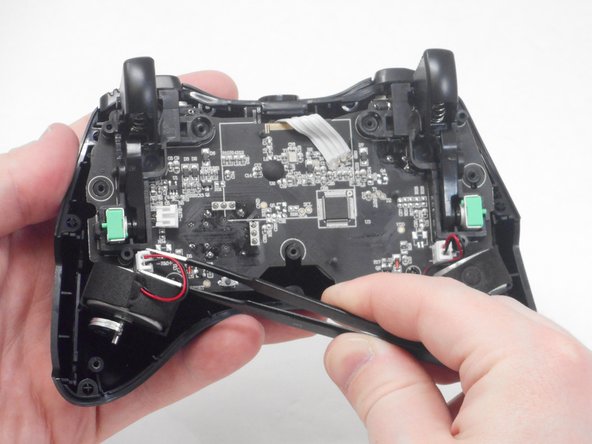
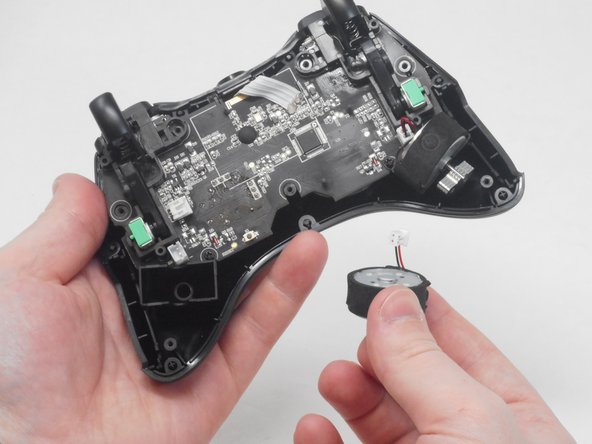
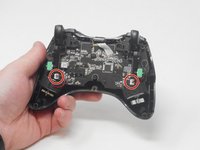
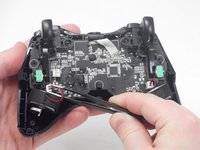
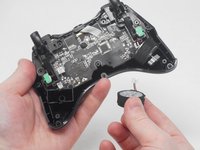
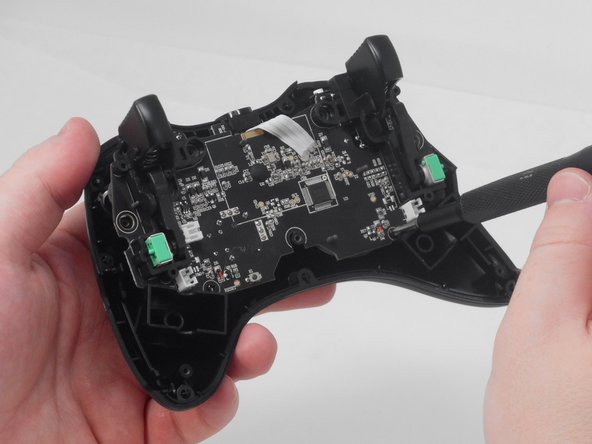
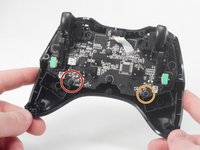
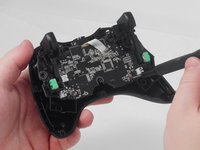
    • Use blunt tweezers to disconnect both of the vibration motor connectors from the motherboard.

    • Grip the white connectors, not the wires.

    • Carefully remove both the right and left vibration motors from their housing.

  6. MSI Force GC30 V2 ABXY Buttons Replacement, ABXY Buttons: stap 6, afbeelding 1 van 2 MSI Force GC30 V2 ABXY Buttons Replacement, ABXY Buttons: stap 6, afbeelding 2 van 2
    • Remove the 7.1 mm-long Phillips #0 screw.

    • Remove the 7 mm-long Phillips #0 screw.

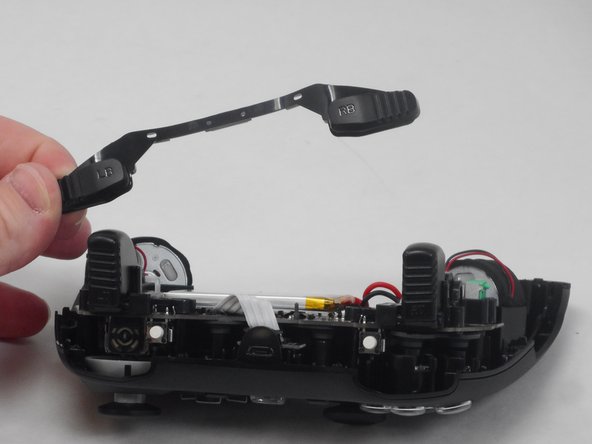
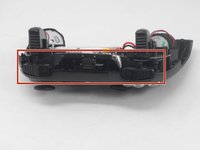
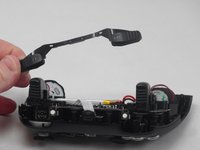
  7. MSI Force GC30 V2 ABXY Buttons Replacement: stap 7, afbeelding 1 van 2 MSI Force GC30 V2 ABXY Buttons Replacement: stap 7, afbeelding 2 van 2
    • Remove the left/right bumper assembly.

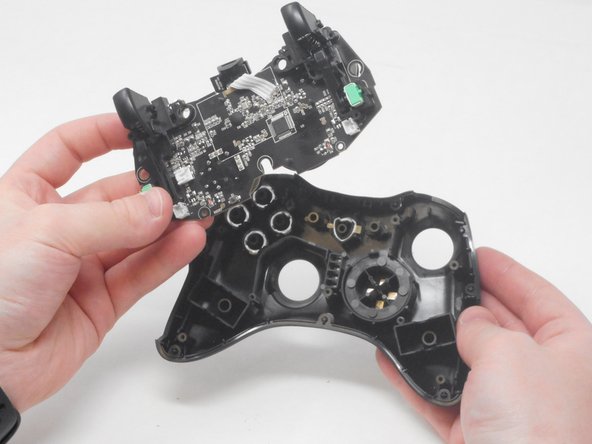
  8. MSI Force GC30 V2 ABXY Buttons Replacement: stap 8, afbeelding 1 van 2 MSI Force GC30 V2 ABXY Buttons Replacement: stap 8, afbeelding 2 van 2
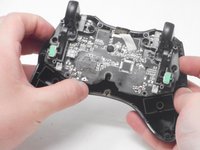
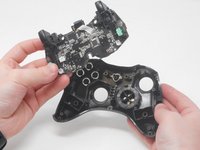
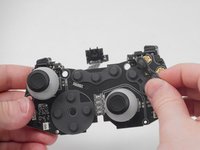
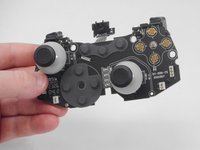
    • Carefully lift the motherboard out of its casing and remove it.

  9. MSI Force GC30 V2 ABXY Buttons Replacement: stap 9, afbeelding 1 van 2 MSI Force GC30 V2 ABXY Buttons Replacement: stap 9, afbeelding 2 van 2
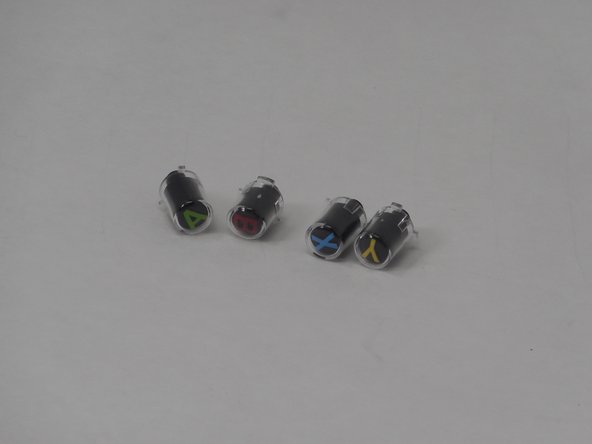
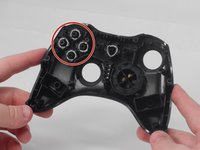
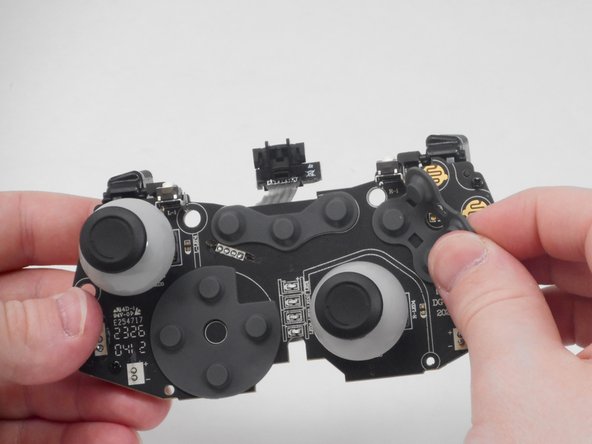
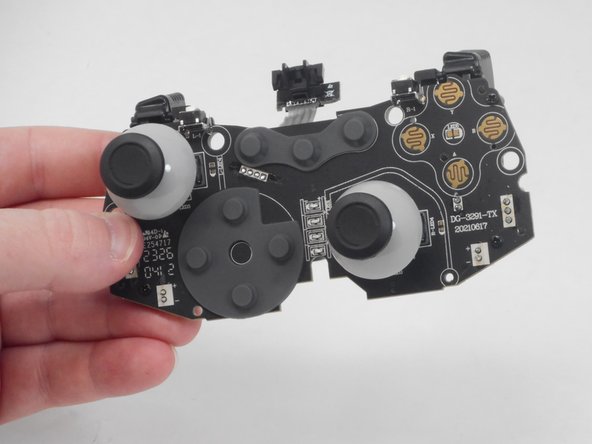
    • Remove the ABXY button either by pulling them out or turning the controller the other side and letting the buttons fall out.

  10. MSI Force GC30 V2 ABXY Buttons Replacement: stap 10, afbeelding 1 van 3 MSI Force GC30 V2 ABXY Buttons Replacement: stap 10, afbeelding 2 van 3 MSI Force GC30 V2 ABXY Buttons Replacement: stap 10, afbeelding 3 van 3
    • Remove the ABXY button membrane by carefully lifting it off the motherboard.

Conclusie

To reassemble your device, follow these instructions in reverse order.

Matthew Harber

Lid sinds: 02/26/24

503 Reputatie

4 handleidingen geschreven

0Gids Commentaar

Voeg opmerking toe

Weergavestatistieken:

Afgelopen 24 uren: 2

Afgelopen 7 dagen: 12

Afgelopen 30 dagen: 34

Altijd: 576