Inleiding
This guide will involve using basic tools to replace the case of the Logitech Harmony 950.
Wat je nodig hebt
-
-
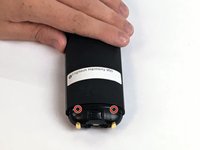
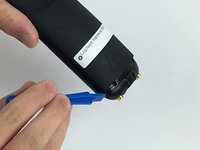
Use the Opening Tool to open the port cover at the bottom of the remote control.
-
Bend the cover back to gain easy access to the screws.
-
-
-
-
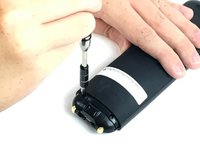
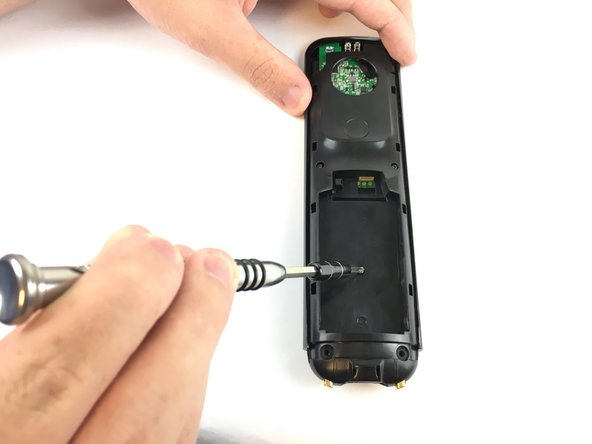
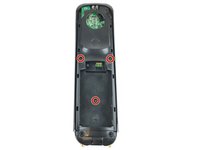
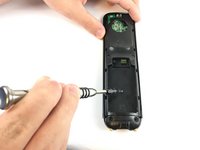
Use the Phillips #1 screwdriver to remove the (3) three 6mm screws.
-
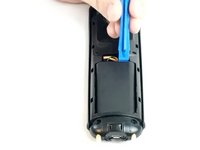
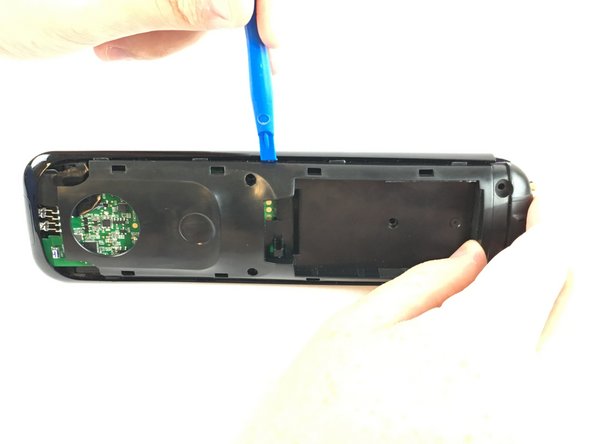
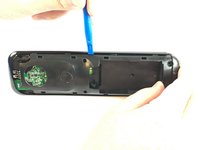
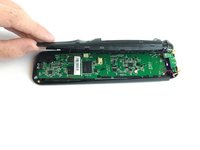
Push the opening tool into the gap along the side of the remote, then slide it across until you hear clicking sounds.
-
-
Gereedschap gebruikt in deze stap:Tweezers$3.99
-
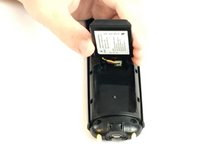
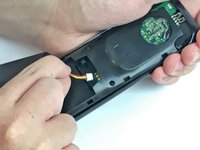
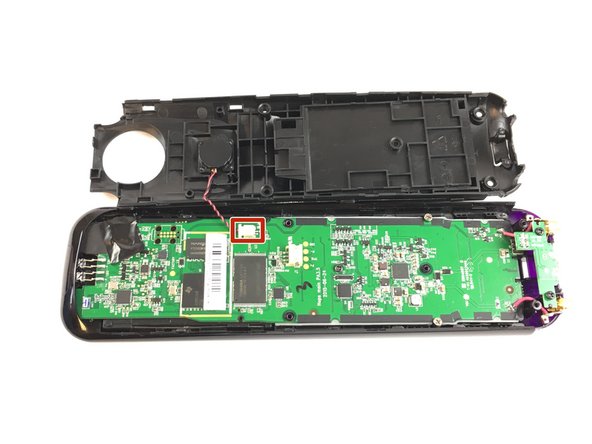
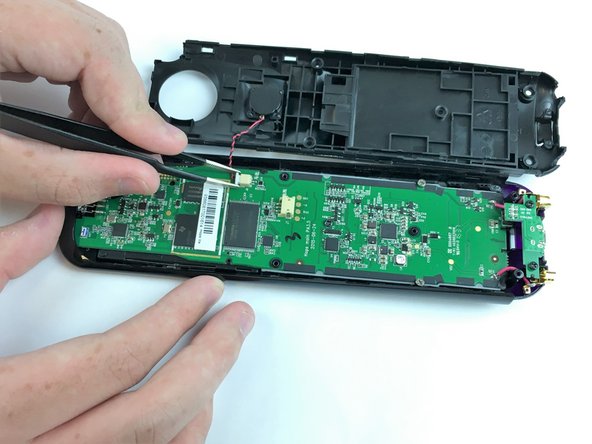
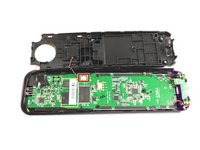
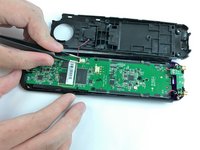
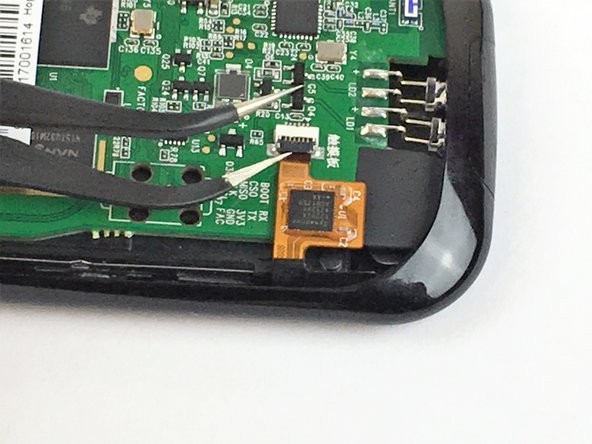
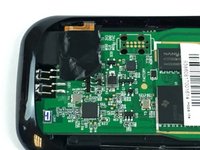
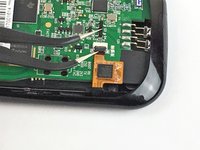
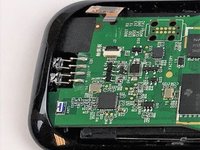
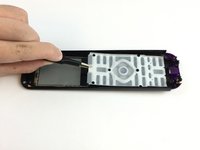
Use the angled Tweezers to carefully pull the white cable end off of the remote and disconnect it.
-









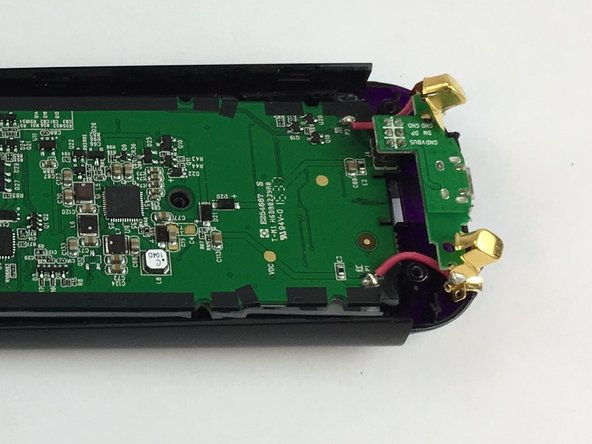
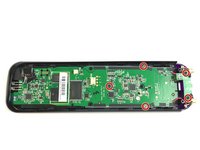
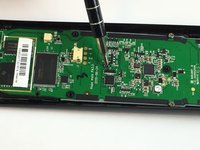
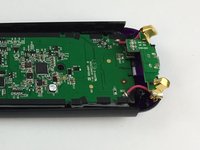



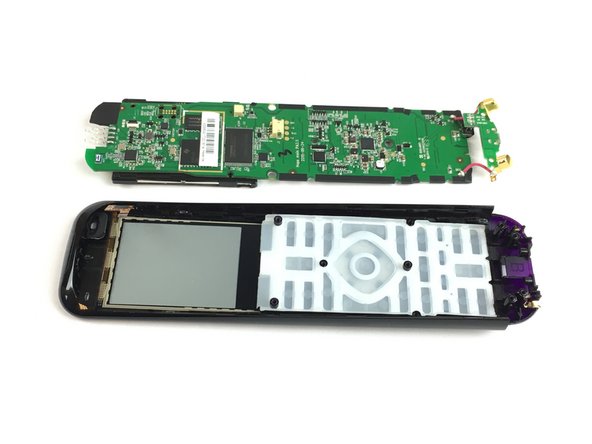


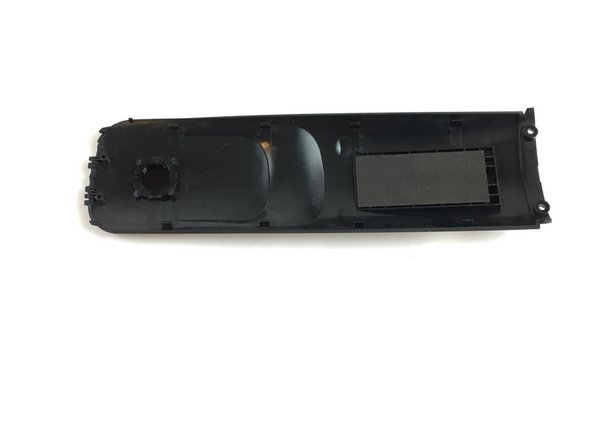
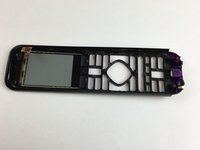
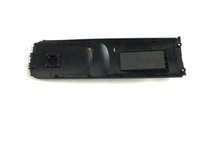
To reassemble your device, follow these instructions in reverse order.
Annuleren: ik heb deze handleiding niet afgemaakt.
3 andere personen hebben deze handleiding voltooid.



Team

USF Tampa, Team S2-G2, Passmore Fall 2017 Lid van USF Tampa, Team S2-G2, Passmore Fall 2017
USFT-PASSMORE-F17S2G2
4 Leden
7 handleidingen geschreven
4Gids Commentaar
where can this casing be purchased?
Parts are required obviously!!
Is the usb bottom cap part of the replacement case? If not can u get one?
