Ga door naar hoofdinhoud

How to fix scratches in the screen of a macbook

Wat je nodig hebt

  1. How to fix scratches in the screen of a macbook, How to Fix your Macbook screen with Toothpaste: stap 1, afbeelding 1 van 1
    • This is a guide how I fixed the scratches in my screen.

  2. How to fix scratches in the screen of a macbook, what do you need?: stap 2, afbeelding 1 van 1
    • You just need some toothpaste, an old toothbrush and some soft cloth. I used tissue.

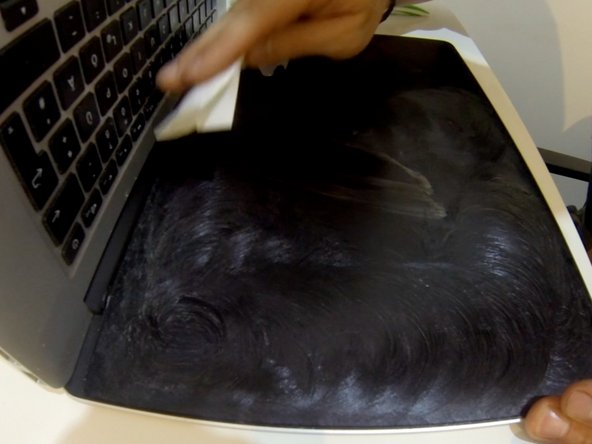
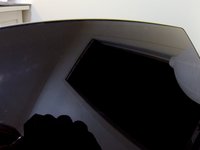
  3. How to fix scratches in the screen of a macbook, Fix your scratches: stap 3, afbeelding 1 van 2 How to fix scratches in the screen of a macbook, Fix your scratches: stap 3, afbeelding 2 van 2
    • Add some toothpaste on the screen, deal it out with the toothbrush and polish the screen with the soft cloth. You may need to add a very little water to the cloth if the toothpaste gets to sticky.

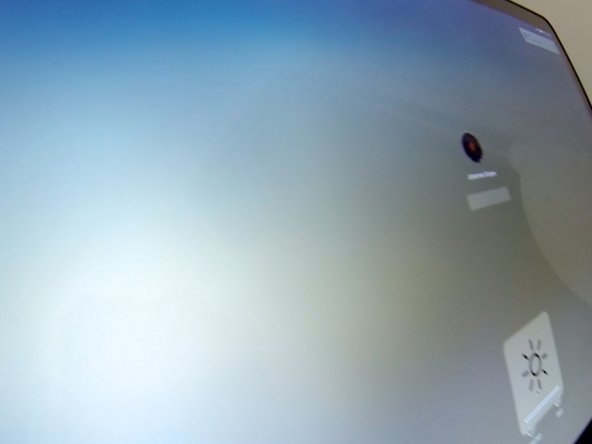
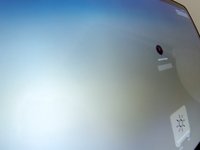
  4. How to fix scratches in the screen of a macbook, The result: stap 5, afbeelding 1 van 2 How to fix scratches in the screen of a macbook, The result: stap 5, afbeelding 2 van 2
    • No scratches. Everything looks nice again.

Conclusie

To reassemble your device, follow these instructions in reverse order.

Één andere persoon heeft deze handleiding voltooid.

mojografx

Lid sinds: 04/15/16

37 Reputatie

1 Handleiding geschreven

0Gids Commentaar

Voeg opmerking toe

Weergavestatistieken:

Afgelopen 24 uren: 1

Afgelopen 7 dagen: 3

Afgelopen 30 dagen: 14

Altijd: 2,839