Ga door naar hoofdinhoud

How to Install and Remove Tiles

Wat je nodig hebt

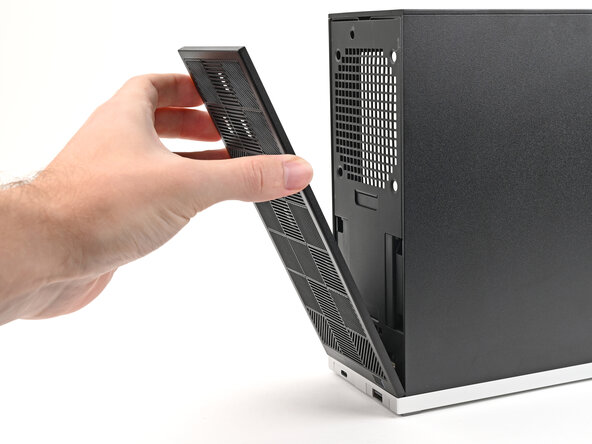
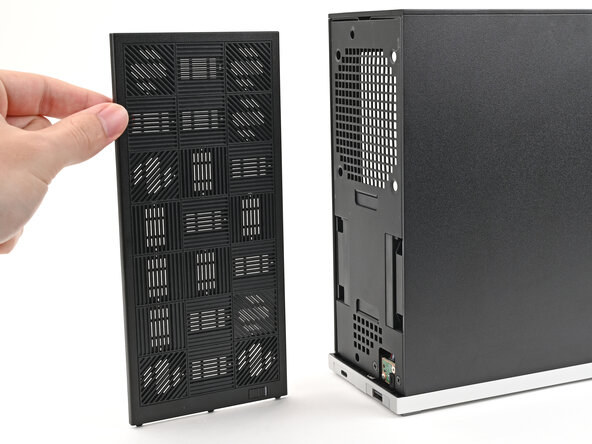
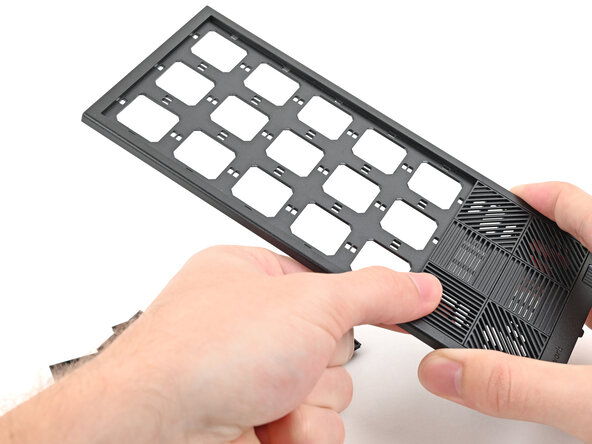
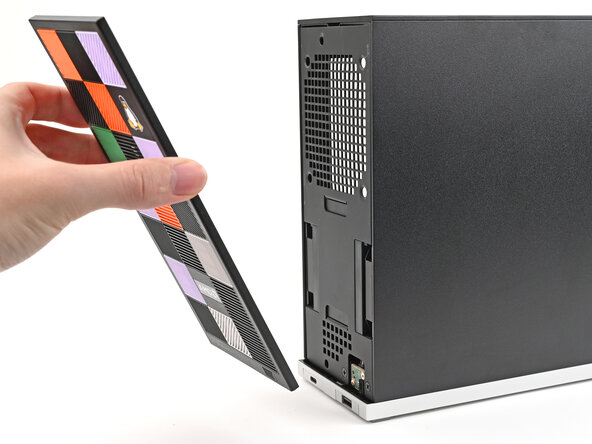
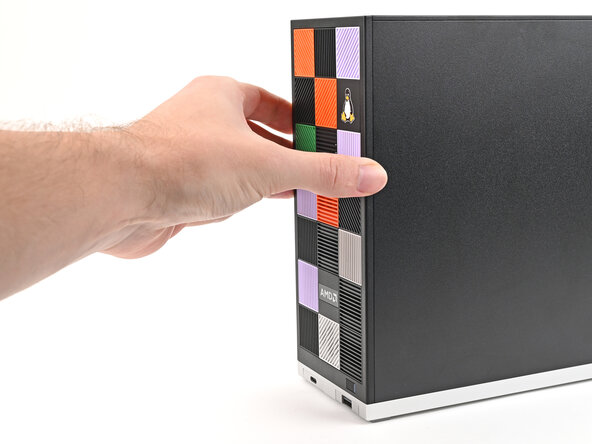
  1. How to Install and Remove Tiles, Remove the Front Panel: stap 1, afbeelding 1 van 3 How to Install and Remove Tiles, Remove the Front Panel: stap 1, afbeelding 2 van 3 How to Install and Remove Tiles, Remove the Front Panel: stap 1, afbeelding 3 van 3
    • Use your fingers to pull the Front Panel off the magnets securing it to the chassis.

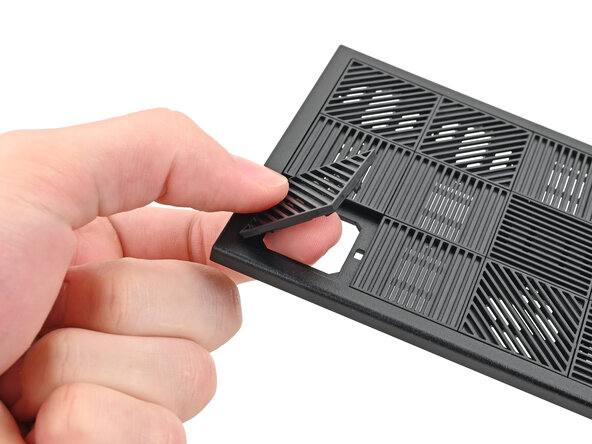
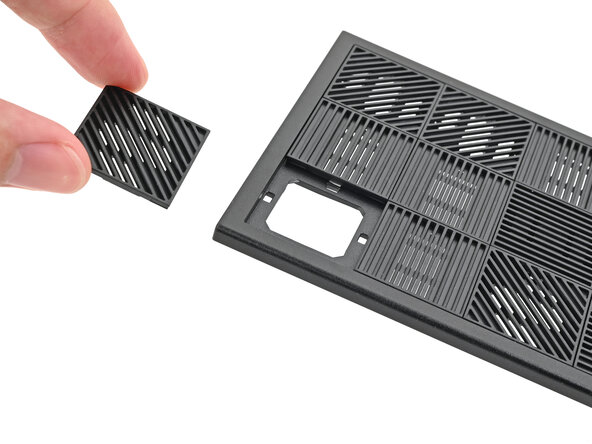
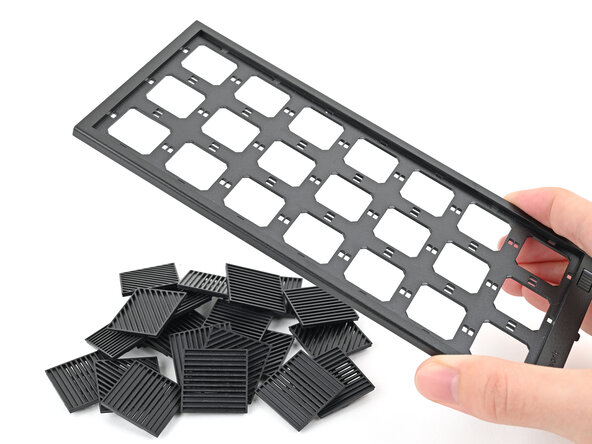
  2. How to Install and Remove Tiles, Remove the Tiles: stap 2, afbeelding 1 van 3 How to Install and Remove Tiles, Remove the Tiles: stap 2, afbeelding 2 van 3 How to Install and Remove Tiles, Remove the Tiles: stap 2, afbeelding 3 van 3
    • Use your fingers to push the bottom of the Tile up and off the front panel and release its clips.

    • Remove the Tile.

  3. How to Install and Remove Tiles: stap 3, afbeelding 1 van 3 How to Install and Remove Tiles: stap 3, afbeelding 2 van 3 How to Install and Remove Tiles: stap 3, afbeelding 3 van 3
    • Repeat this procedure for the remaining tiles.

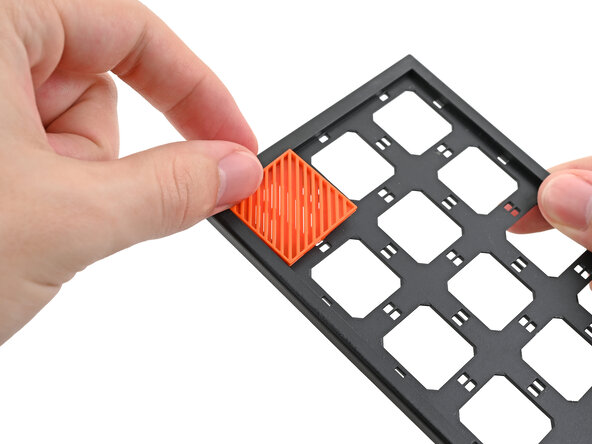
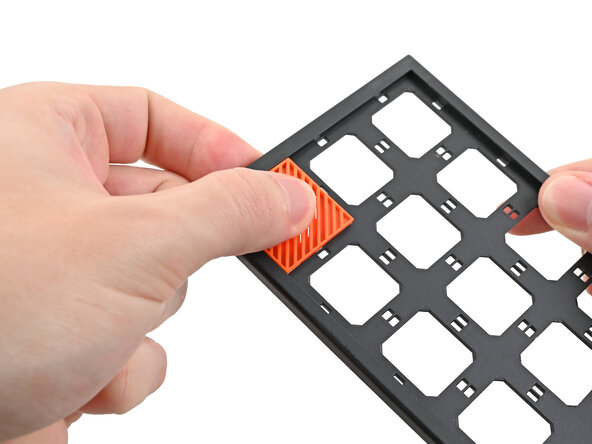
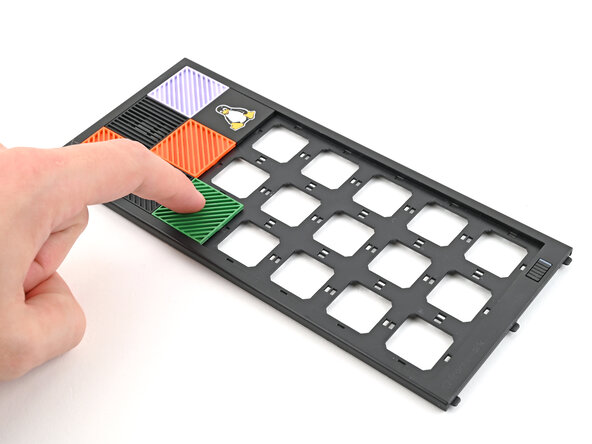
  4. How to Install and Remove Tiles, Install the Tiles: stap 4, afbeelding 1 van 3 How to Install and Remove Tiles, Install the Tiles: stap 4, afbeelding 2 van 3 How to Install and Remove Tiles, Install the Tiles: stap 4, afbeelding 3 van 3
    • Tiles can be installed in any orientation, even the ones with graphics.

    • Lay a Tile over an open slot on your Front Panel.

    • Use your fingers to press the tile into the slot and engage the clips.

    • You'll hear and feel an audible "click" when the clips engage.

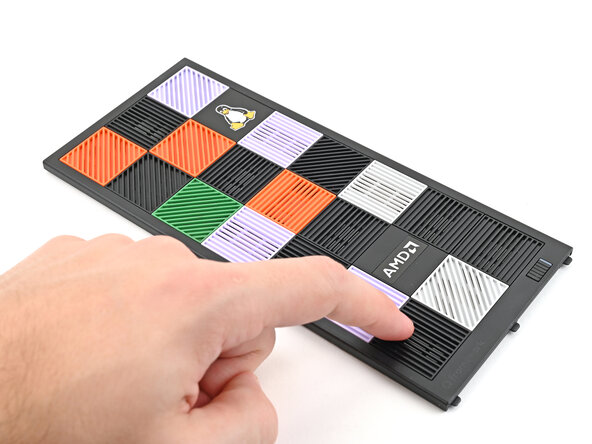
  5. How to Install and Remove Tiles: stap 5, afbeelding 1 van 3 How to Install and Remove Tiles: stap 5, afbeelding 2 van 3 How to Install and Remove Tiles: stap 5, afbeelding 3 van 3
    • Install the remaining Tiles.

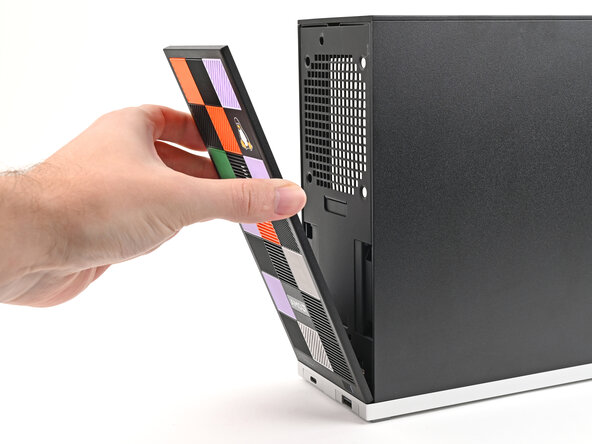
  6. How to Install and Remove Tiles: stap 6, afbeelding 1 van 3 How to Install and Remove Tiles: stap 6, afbeelding 2 van 3 How to Install and Remove Tiles: stap 6, afbeelding 3 van 3
    • Lay the bottom of the Front Panel on the small, protruding lip in the silver base to align its tabs.

    • Press the Front Panel flat to the chassis and let it align to the magnets.

Conclusie

If you need help, contact Framework support.

Alex Diaz-Kokaisl

Lid sinds: 01/16/22

213.377 Reputatie

1.040 handleidingen geschreven

0Gids Commentaar

Voeg opmerking toe

Weergavestatistieken:

Afgelopen 24 uren: 0

Afgelopen 7 dagen: 3

Afgelopen 30 dagen: 14

Altijd: 180