Ga door naar hoofdinhoud

Haute42 S13 Button and Switch Replacement

Wat je nodig hebt

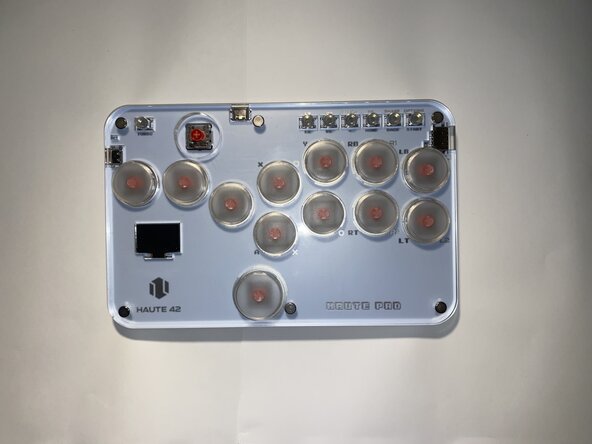
  1. Haute42 S13 Button and Switch Replacement, Button Switch: stap 1, afbeelding 1 van 1
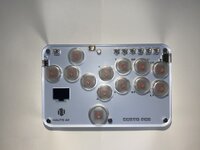
    • Unplug the controller from any device it is connected to and make sure it is powered off.

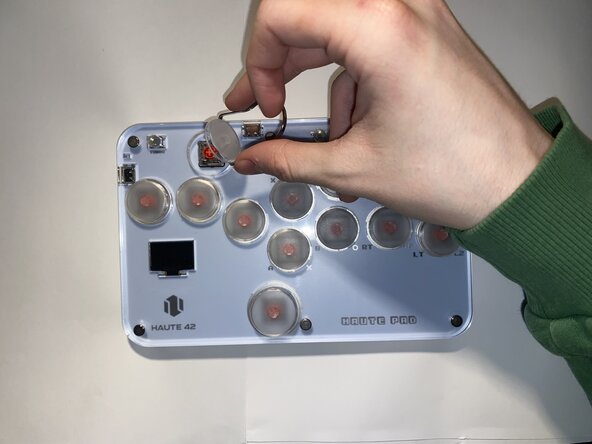
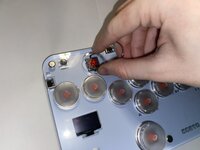
  2. Haute42 S13 Button and Switch Replacement: stap 2, afbeelding 1 van 3 Haute42 S13 Button and Switch Replacement: stap 2, afbeelding 2 van 3 Haute42 S13 Button and Switch Replacement: stap 2, afbeelding 3 van 3
    • Use a keycap puller to remove the keycap from its socket.

    • Avoid using excessive force to prevent damaging the device.

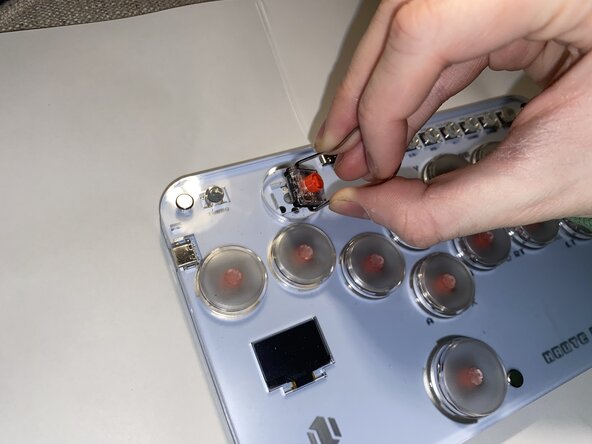
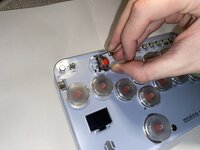
  3. Haute42 S13 Button and Switch Replacement: stap 3, afbeelding 1 van 3 Haute42 S13 Button and Switch Replacement: stap 3, afbeelding 2 van 3 Haute42 S13 Button and Switch Replacement: stap 3, afbeelding 3 van 3
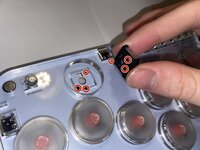
    • Use the keycap/switch puller to remove the switch from its socket.

    • Be careful not to damage the controller while removing the switch.

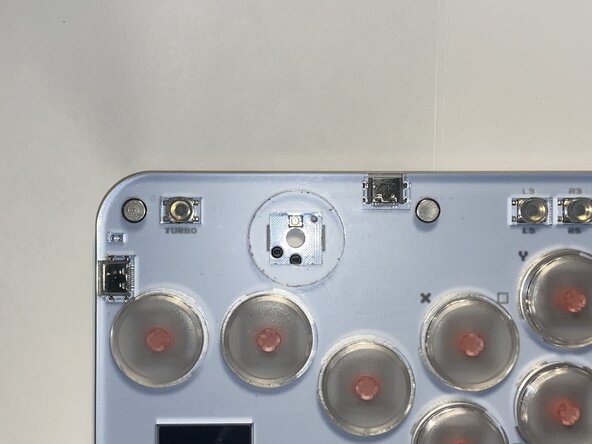
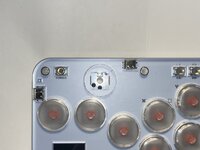
  4. Haute42 S13 Button and Switch Replacement: stap 4, afbeelding 1 van 2 Haute42 S13 Button and Switch Replacement: stap 4, afbeelding 2 van 2
    • Align the pins of the new switch with the holes in the socket and replace the switch.

    • You will feel the pins slide into place.

    • Do not press the switch in until you know you have aligned it correctly, doing so may damage the pins on the switch.

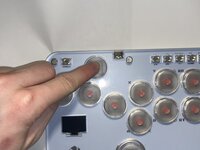
  5. Haute42 S13 Button and Switch Replacement: stap 5, afbeelding 1 van 1
    • Use your finger to push the switch into place.

    • You should hear a click when it connects.

    • Try moving it to make sure it is firmly in place. It should not move at all when attached to the controller.

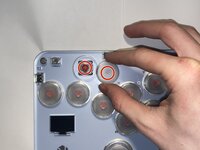
  6. Haute42 S13 Button and Switch Replacement: stap 6, afbeelding 1 van 3 Haute42 S13 Button and Switch Replacement: stap 6, afbeelding 2 van 3 Haute42 S13 Button and Switch Replacement: stap 6, afbeelding 3 van 3
    • Align the cross on the keycap and the cross on the switch and gently press the keycap onto the switch.

    • Avoid applying excessive pressure to prevent damaging the new switch.

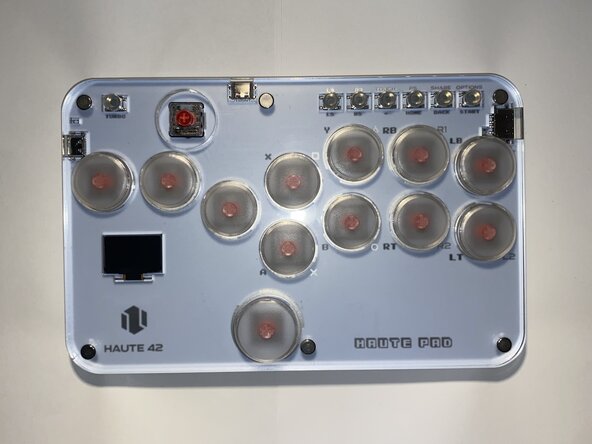
  7. Haute42 S13 Button and Switch Replacement: stap 7, afbeelding 1 van 1
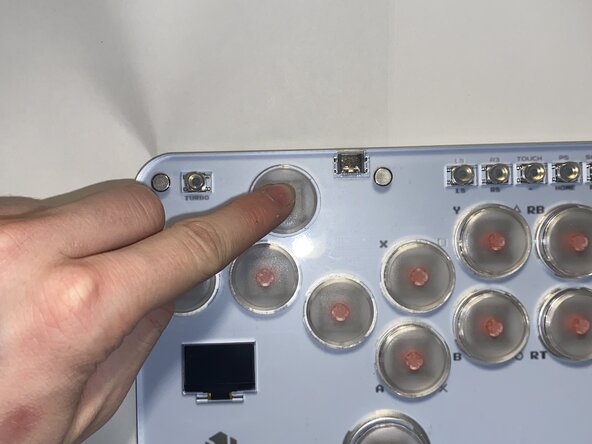
    • Take a look at the OLED input display on the controller while pressing it to check if the button is fully functional.

    • On the screen, the button should highlight itself and the input history should be displayed at the bottom. If it all works, congratulations! You have successfully replaced this button.

Eindstreep

2 andere personen hebben deze handleiding voltooid.

Owen Santin

Lid sinds: 02/01/25

175 Reputatie

1 Handleiding geschreven

Team

0Gids Commentaar

Voeg opmerking toe

Weergavestatistieken:

Afgelopen 24 uren: 2

Afgelopen 7 dagen: 29

Afgelopen 30 dagen: 113

Altijd: 927