Ga door naar hoofdinhoud
Word lid van de reparatiegemeenschap - Account aanmaken

HP ProBook 440 G1 Optical Drive Replacement

Wat je nodig hebt

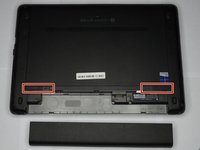
  1. HP ProBook 440 G1 Optical Drive Replacement, Battery: stap 1, afbeelding 1 van 2 HP ProBook 440 G1 Optical Drive Replacement, Battery: stap 1, afbeelding 2 van 2
    • Make sure the laptop is turned off before you start.

    • Push and hold the release tab on the right and left toward the center.

    Vraag FixBot
  2. HP ProBook 440 G1 Optical Drive Replacement: stap 2, afbeelding 1 van 2 HP ProBook 440 G1 Optical Drive Replacement: stap 2, afbeelding 2 van 2
    • Pull the battery out.

    Vraag FixBot
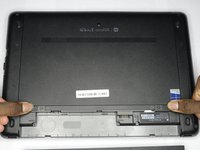
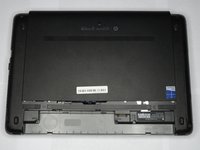
  3. HP ProBook 440 G1 Optical Drive Replacement, Backplate: stap 3, afbeelding 1 van 3 HP ProBook 440 G1 Optical Drive Replacement, Backplate: stap 3, afbeelding 2 van 3 HP ProBook 440 G1 Optical Drive Replacement, Backplate: stap 3, afbeelding 3 van 3
    • Push and hold the release tabs on the right and left toward the center again.

    Vraag FixBot
  4. HP ProBook 440 G1 Optical Drive Replacement: stap 4, afbeelding 1 van 1
    • Slide the backplate off.

    Vraag FixBot
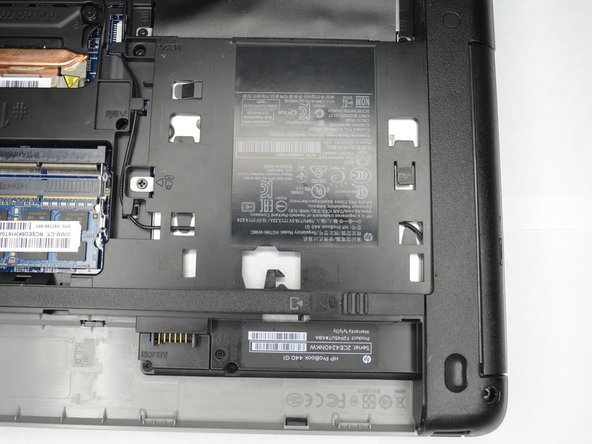
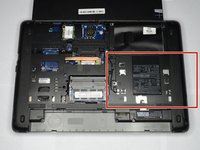
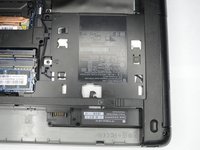
  5. HP ProBook 440 G1 Optical Drive Replacement, Optical Drive: stap 5, afbeelding 1 van 2 HP ProBook 440 G1 Optical Drive Replacement, Optical Drive: stap 5, afbeelding 2 van 2
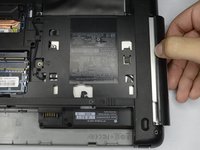
    • Locate the optical drive, near the battery on the right side.

    Vraag FixBot
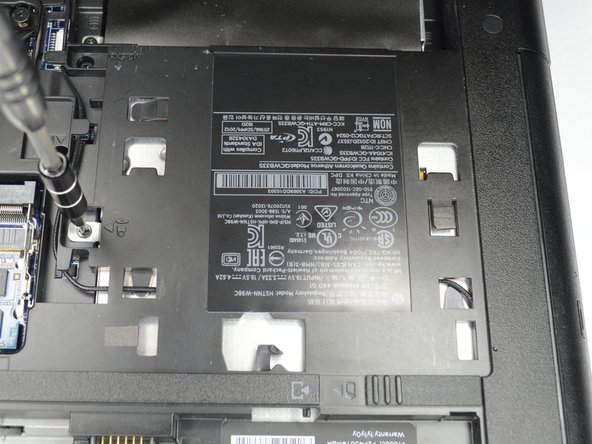
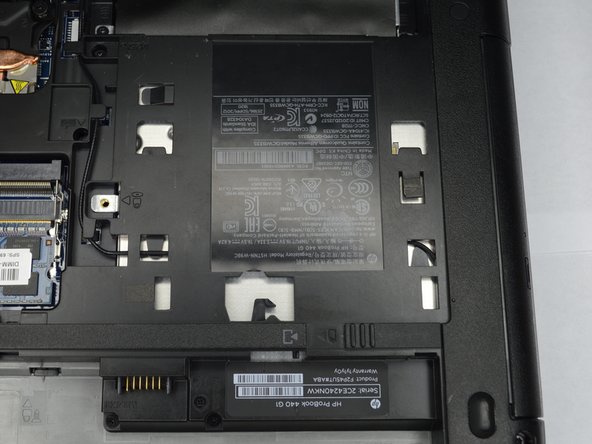
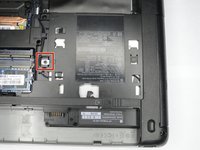
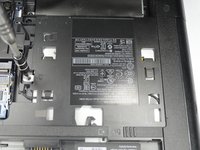
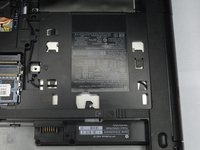
  6. HP ProBook 440 G1 Optical Drive Replacement: stap 6, afbeelding 1 van 3 HP ProBook 440 G1 Optical Drive Replacement: stap 6, afbeelding 2 van 3 HP ProBook 440 G1 Optical Drive Replacement: stap 6, afbeelding 3 van 3
    • Remove the Philips PM2.5x6.0 screw that attaches the optical drive to the computer.

    Vraag FixBot
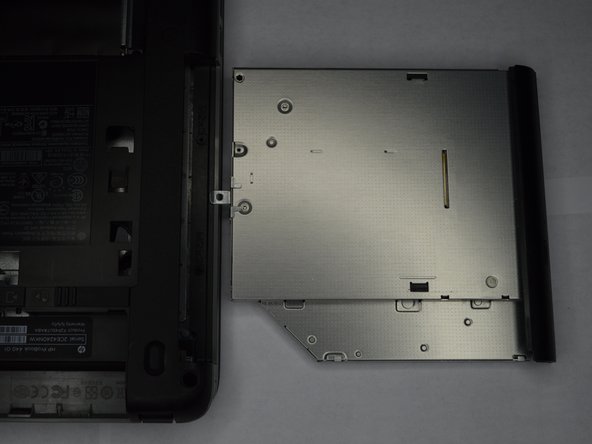
  7. HP ProBook 440 G1 Optical Drive Replacement: stap 7, afbeelding 1 van 2 HP ProBook 440 G1 Optical Drive Replacement: stap 7, afbeelding 2 van 2
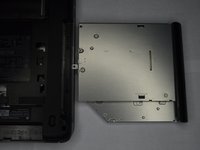
    • Slowly remove the optical drive, by pulling it straight out of the slot.

    Vraag FixBot
Conclusie

To reassemble your device, follow these instructions in reverse order.

Één andere persoon heeft deze handleiding voltooid.

0Gids Commentaar

Voeg opmerking toe

Weergavestatistieken:

Afgelopen 24 uren: 0

Afgelopen 7 dagen: 5

Afgelopen 30 dagen: 34

Altijd: 836