Ga door naar hoofdinhoud
Word lid van de reparatiegemeenschap - Account aanmaken

GoPro Hero4 Black Camera Sensor Replacement

Wat je nodig hebt

  1. GoPro Hero4 Black Camera Sensor Replacement, Midframe Housing: stap 1, afbeelding 1 van 3 GoPro Hero4 Black Camera Sensor Replacement, Midframe Housing: stap 1, afbeelding 2 van 3 GoPro Hero4 Black Camera Sensor Replacement, Midframe Housing: stap 1, afbeelding 3 van 3
    Gereedschap gebruikt in deze stap:
    Tweezers
    $4.99
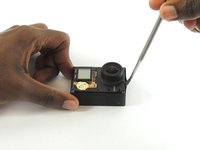
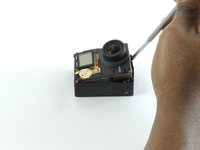
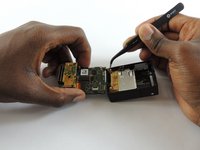
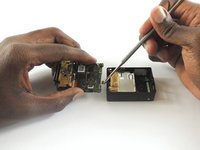
    • Remove the faceplate by carefully prying around the edge using a plastic opening tool. Loosen the clips on the edge, then pull the faceplate off.

    • Use the tweezers to lift the faceplate from the rest of the device.

    • The power button on the front of the GoPro may pop off. Ensure to align it properly during reassembly.

    Vraag FixBot
  2. GoPro Hero4 Black Camera Sensor Replacement: stap 2, afbeelding 1 van 2 GoPro Hero4 Black Camera Sensor Replacement: stap 2, afbeelding 2 van 2
    • Using a #00 Phillips head screwdriver, remove the following screws:

    • One 4.6 mm screw

    • Three 8.2 mm screws

    • Two 6.1 mm screws

    Vraag FixBot
  3. GoPro Hero4 Black Camera Sensor Replacement: stap 3, afbeelding 1 van 2 GoPro Hero4 Black Camera Sensor Replacement: stap 3, afbeelding 2 van 2
    • Insert a metal spudger between the back plastic housing and the camera board assembly. Working around the edge to be careful of the inner components, carefully remove the camera.

    Vraag FixBot
  4. GoPro Hero4 Black Camera Sensor Replacement: stap 4, afbeelding 1 van 3 GoPro Hero4 Black Camera Sensor Replacement: stap 4, afbeelding 2 van 3 GoPro Hero4 Black Camera Sensor Replacement: stap 4, afbeelding 3 van 3
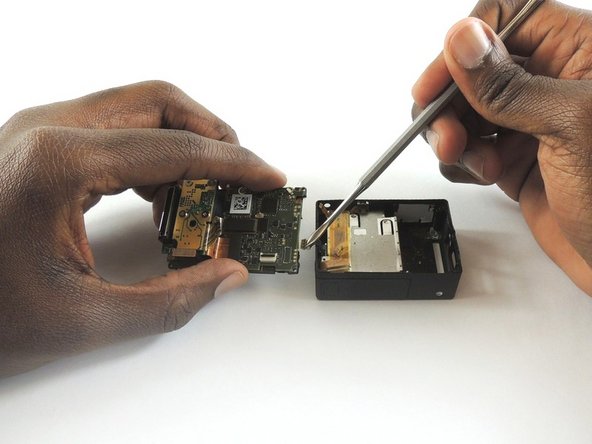
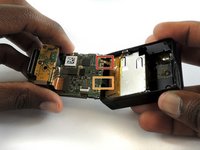
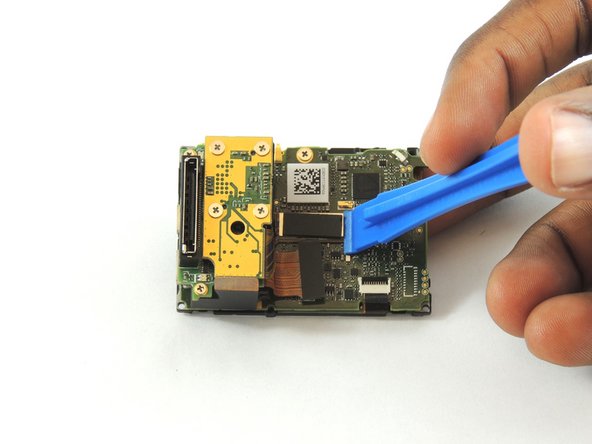
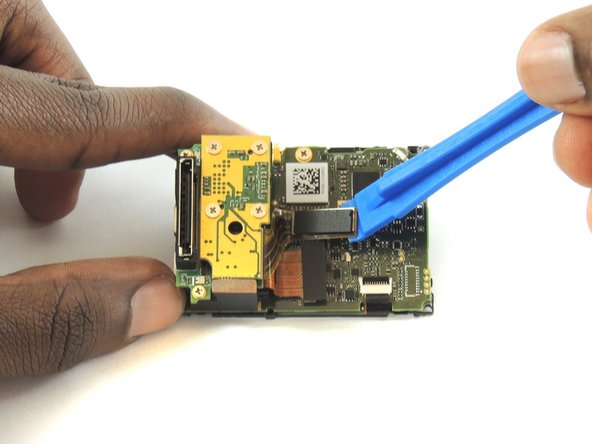
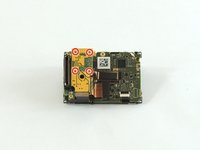
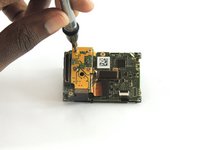
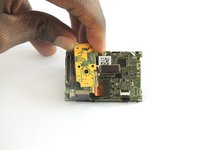
    • Using tweezers, remove the ribbon strip by pulling on it. This will remove the connection.

    • Push down on the three wires with the metal spudger and the clip will disconnect from the motherboard.

    • The clip must be pulled up and away from the motherboard. Attempting to slide it out will damage the clip.

    • During reassembly, remove the black tape on the ribbon cable, turn the camera upside down so you can see the port, and reinsert the cable with tweezers. It's a lot easier!

    Vraag FixBot
  5. GoPro Hero4 Black Camera Sensor Replacement, Camera Sensor: stap 5, afbeelding 1 van 3 GoPro Hero4 Black Camera Sensor Replacement, Camera Sensor: stap 5, afbeelding 2 van 3 GoPro Hero4 Black Camera Sensor Replacement, Camera Sensor: stap 5, afbeelding 3 van 3
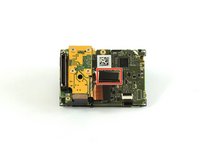
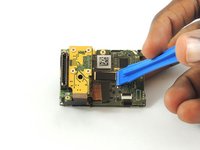
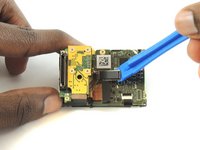
    • Using a plastic opening tool, separate the camera sensor's connector from the motherboard.

    Vraag FixBot
  6. GoPro Hero4 Black Camera Sensor Replacement: stap 6, afbeelding 1 van 3 GoPro Hero4 Black Camera Sensor Replacement: stap 6, afbeelding 2 van 3 GoPro Hero4 Black Camera Sensor Replacement: stap 6, afbeelding 3 van 3
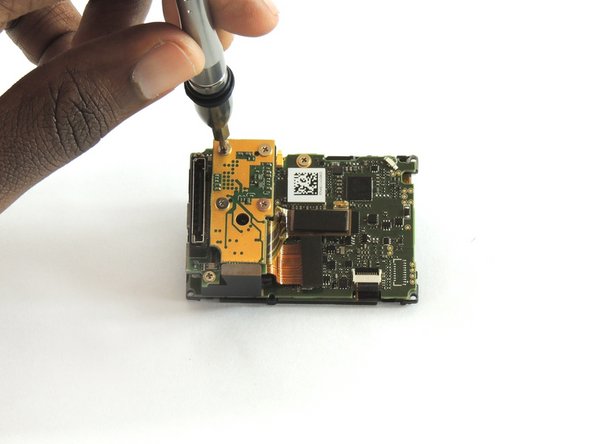
    • Using a #00 Phillips head screwdriver, remove the four 3.0mm screws holding the camera sensor.

    Vraag FixBot
Conclusie

To reassemble your device, follow these instructions in reverse order.

8 andere personen hebben deze handleiding voltooid.

Jeffrey Goethe

Lid sinds: 02/20/17

674 Reputatie

3 handleidingen geschreven

Team

USF Tampa, Team S2-G1, Sullivan Spring 2017 Lid van USF Tampa, Team S2-G1, Sullivan Spring 2017

USFT-SULLIVAN-S17S2G1

4 Leden

12 handleidingen geschreven

2Gids Commentaar

not easy to return the ribbon back to its place! it’s easier to throw your gopro after doing this.

popoypoi22 - Antwoord Deel

Hi, is the sensor for black and silver same? Thank you

Jakub Kunický - Antwoord Deel

Voeg opmerking toe

Weergavestatistieken:

Afgelopen 24 uren: 1

Afgelopen 7 dagen: 13

Afgelopen 30 dagen: 64

Altijd: 4,594