Inleiding
This guide can be used to remove and replace a screen on a Dell Insprion 15-3521. The tools needed are a small Phillips screwdriver, and a small flat screwdriver or like prying device.
Wat je nodig hebt


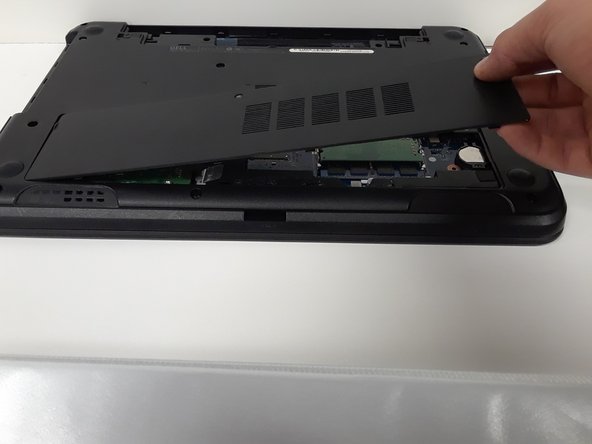


To reassemble your device, follow these instructions in reverse order.
Annuleren: ik heb deze handleiding niet afgemaakt.
3 andere personen hebben deze handleiding voltooid.



Team

Michigan Tech, Team S3-G8, Galliah Fall 2017 Lid van Michigan Tech, Team S3-G8, Galliah Fall 2017
MTU-GALLIAH-F17S3G8
1 Lid
1 handleiding geschreven
2Gids Commentaar
Hello good day, I have a question, I have managed to replace the screen and the computer started the first time without problems, but after I started it again the computer did not turn on the screen again, will you have any possible solution?
Hi, Did you ever fix this problem? I'm having the same issue.
