Ga door naar hoofdinhoud

Dell Latitude 9410 2-in-1 SSD Replacement

Wat je nodig hebt

  1. Dell Latitude 9410 2-in-1 SSD Replacement, Base Panel: stap 1, afbeelding 1 van 1
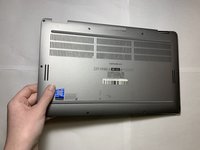
    • Ensure that the laptop is unplugged and powered off before beginning.

    • Place the laptop upside down on a flat surface.

  2. Dell Latitude 9410 2-in-1 SSD Replacement: stap 2, afbeelding 1 van 2 Dell Latitude 9410 2-in-1 SSD Replacement: stap 2, afbeelding 2 van 2
    • Use a Phillips #00 screwdriver to loosen the ten captive screws.

    • The screws are permanently fastened to the base panel; do not attempt to remove them.

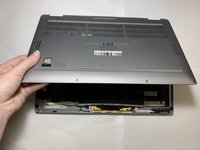
  3. Dell Latitude 9410 2-in-1 SSD Replacement: stap 3, afbeelding 1 van 3 Dell Latitude 9410 2-in-1 SSD Replacement: stap 3, afbeelding 2 van 3 Dell Latitude 9410 2-in-1 SSD Replacement: stap 3, afbeelding 3 van 3
    • Carefully lift off the back panel.

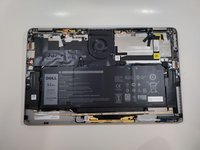
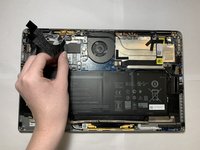
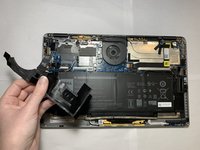
  4. Dell Latitude 9410 2-in-1 SSD Replacement, SSD: stap 4, afbeelding 1 van 3 Dell Latitude 9410 2-in-1 SSD Replacement, SSD: stap 4, afbeelding 2 van 3 Dell Latitude 9410 2-in-1 SSD Replacement, SSD: stap 4, afbeelding 3 van 3
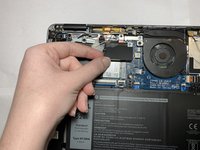
    • Carefully peel back and remove the black tape around the top left corner of the motherboard.

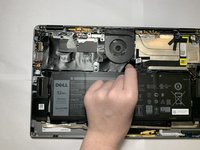
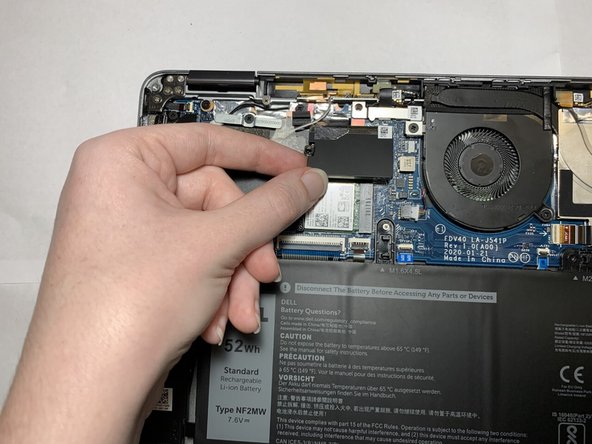
  5. Dell Latitude 9410 2-in-1 SSD Replacement: stap 5, afbeelding 1 van 3 Dell Latitude 9410 2-in-1 SSD Replacement: stap 5, afbeelding 2 van 3 Dell Latitude 9410 2-in-1 SSD Replacement: stap 5, afbeelding 3 van 3
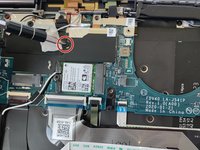
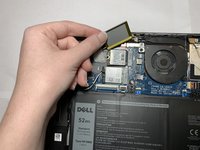
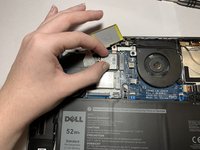
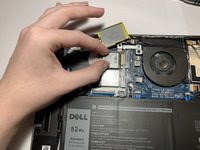
    • Use a Phillips #00 screwdriver to remove the 2 mm screw, loosening the bracket that covers the SSD.

    • Carefully lift the off the bracket.

    • The bracket is attached to the laptop and cannot be removed completely.

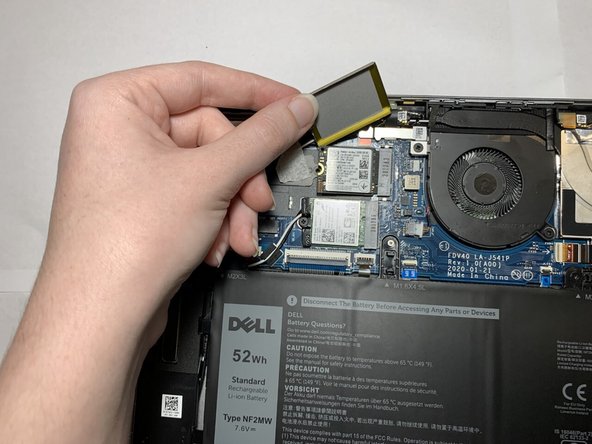
  6. Dell Latitude 9410 2-in-1 SSD Replacement: stap 6, afbeelding 1 van 3 Dell Latitude 9410 2-in-1 SSD Replacement: stap 6, afbeelding 2 van 3 Dell Latitude 9410 2-in-1 SSD Replacement: stap 6, afbeelding 3 van 3
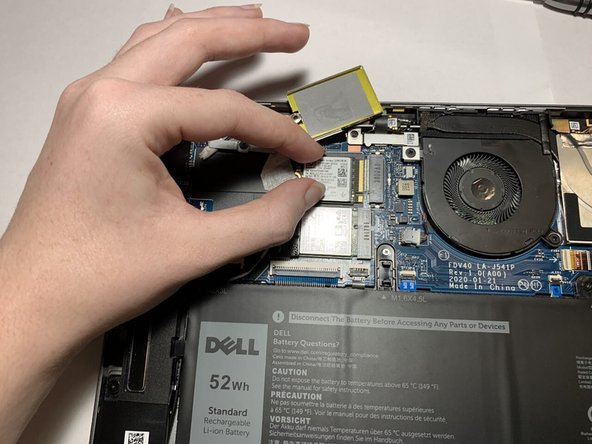
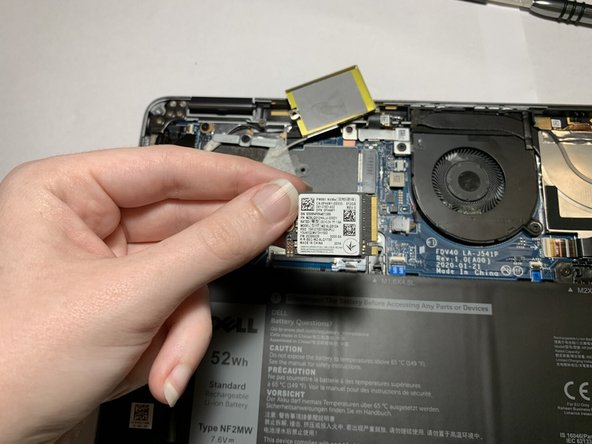
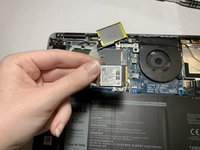
    • Grip the SSD and pull directly backward until the SSD releases from its port.

Conclusie

To reassemble your device, follow these instructions in reverse order.

0Gids Commentaar

Voeg opmerking toe

Weergavestatistieken:

Afgelopen 24 uren: 0

Afgelopen 7 dagen: 10

Afgelopen 30 dagen: 27

Altijd: 1,485