Ga door naar hoofdinhoud
Word lid van de reparatiegemeenschap - Account aanmaken
Battery Removal

Alleen vereisten
Deze gids is alleen bedoeld voor beginners! Deze gids maakt deel uit van een andere procedure en is niet bedoeld om alleen te worden gebruikt.

Wat je nodig hebt

  1. Battery Removal, Safety precautions: stap 1, afbeelding 1 van 1
    • Before you begin your repair, unplug your UPS.

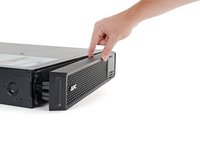
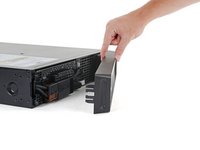
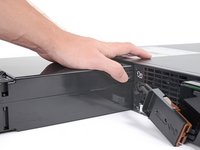
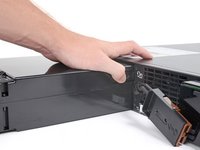
  2. Battery Removal, Remove the front bezel: stap 2, afbeelding 1 van 2 Battery Removal, Remove the front bezel: stap 2, afbeelding 2 van 2
    • Plastic clips secure the front bezel.

    • Pull the left edge of the front bezel away from the device to release the plastic clip.

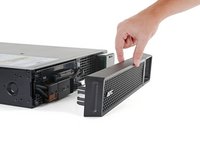
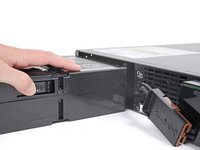
  3. Battery Removal: stap 3, afbeelding 1 van 3 Battery Removal: stap 3, afbeelding 2 van 3 Battery Removal: stap 3, afbeelding 3 van 3
    • Continue pulling the left edge of the front bezel away from the device until the right clip releases.

    • Remove the front bezel.

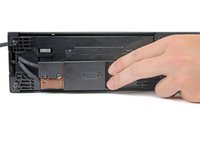
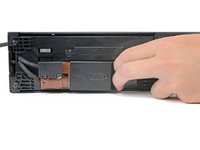
  4. Battery Removal, Disconnect the battery: stap 4, afbeelding 1 van 3 Battery Removal, Disconnect the battery: stap 4, afbeelding 2 van 3 Battery Removal, Disconnect the battery: stap 4, afbeelding 3 van 3
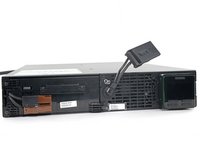
    • Use the cutout in the battery connector to pull it toward the right edge of the device and disconnect it.

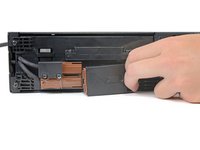
  5. Battery Removal, Reposition the battery connector: stap 5, afbeelding 1 van 3 Battery Removal, Reposition the battery connector: stap 5, afbeelding 2 van 3 Battery Removal, Reposition the battery connector: stap 5, afbeelding 3 van 3
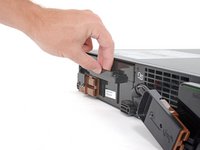
    • Lift and rotate the battery connector to move it out of the way of the battery assembly.

  6. Battery Removal, Unfasten the battery assembly: stap 6, afbeelding 1 van 1
    • Use a Phillips driver to remove the three 23 mm‑long screws securing the battery assembly.

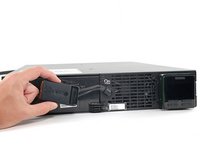
  7. Battery Removal, Remove the battery assembly: stap 7, afbeelding 1 van 2 Battery Removal, Remove the battery assembly: stap 7, afbeelding 2 van 2
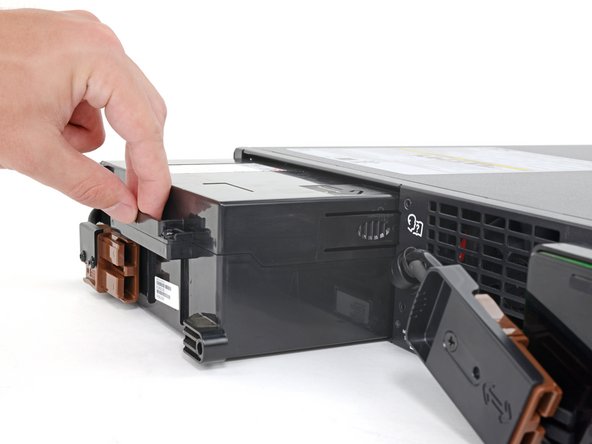
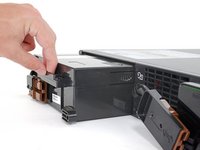
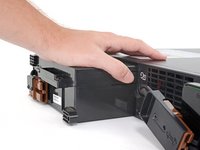
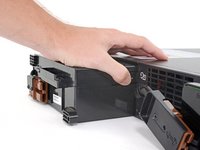
    • Pull the battery assembly out of the housing until it stops at its first plastic tab.

    • You'll feel the assembly stop abruptly and hear the plastic tab "click."

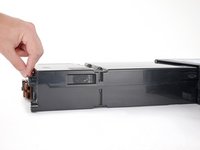
  8. Battery Removal: stap 8, afbeelding 1 van 3 Battery Removal: stap 8, afbeelding 2 van 3 Battery Removal: stap 8, afbeelding 3 van 3
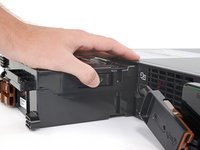
    • Depress the plastic tab while pulling on the battery assembly until it clears the tab.

  9. Battery Removal: stap 9, afbeelding 1 van 2 Battery Removal: stap 9, afbeelding 2 van 2
    • Continue pulling the battery assembly out of the housing until it stops at its second plastic tab.

    • You'll feel the assembly stop abruptly and hear the plastic tab "click."

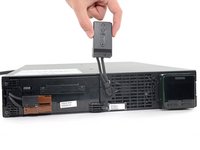
  10. Battery Removal: stap 10, afbeelding 1 van 3 Battery Removal: stap 10, afbeelding 2 van 3 Battery Removal: stap 10, afbeelding 3 van 3
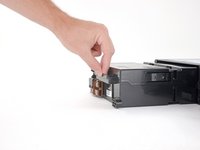
    • Depress the plastic tab while pulling on the battery assembly until it’s free from the housing.

Conclusie

To reassemble your device, follow these instructions in reverse order.

Alex Diaz-Kokaisl

Lid sinds: 01/16/22

227.554 Reputatie

1.106 handleidingen geschreven

Team

iFixit Lid van iFixit

Staff

124 Leden

24.304 handleidingen geschreven

0Gids Commentaar

Voeg opmerking toe

Weergavestatistieken:

Afgelopen 24 uren: 0

Afgelopen 7 dagen: 0

Afgelopen 30 dagen: 3

Altijd: 28