Inleiding
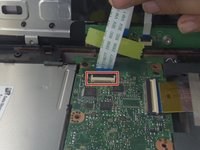
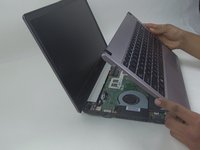
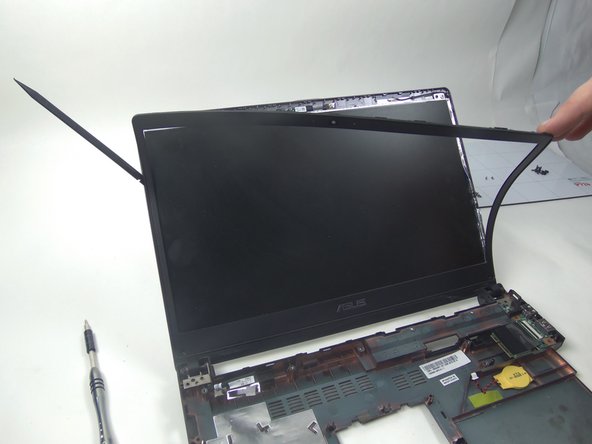
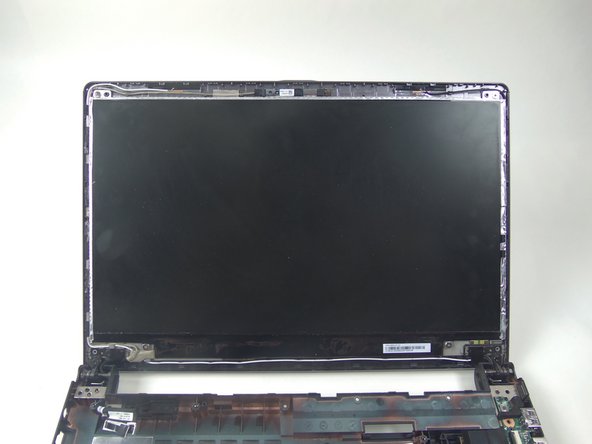
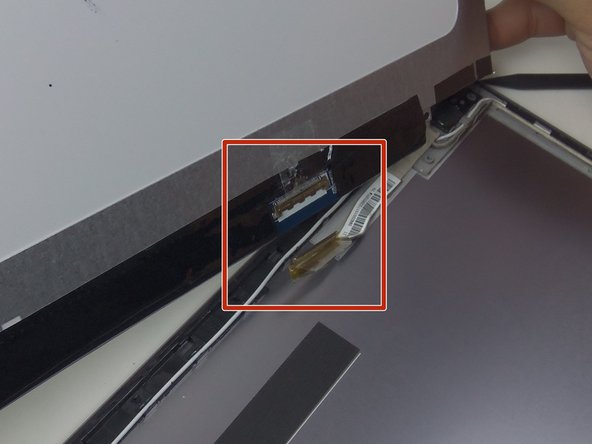
This guide demonstrates how to replace the LED screen. There are ZIF connectors and a face place.
Wat je nodig hebt
-
-
Remove 9 screws from bottom of notebook using PH00 bit + 1 under hard drive bay.
-
Remove 3 screws from bottom of notebook using PH00 bit. 1 is same screw spec as the other 9, and 2 are shorter.
-
-


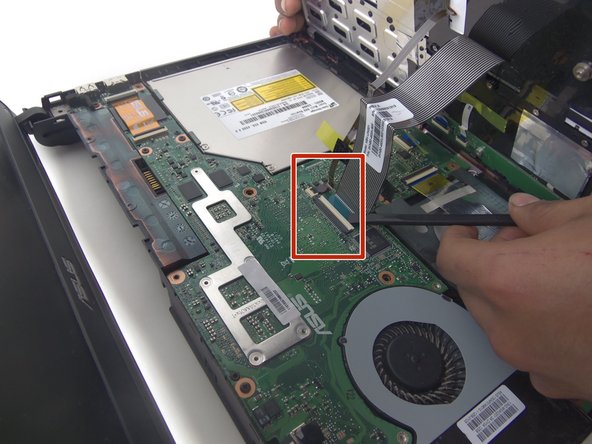

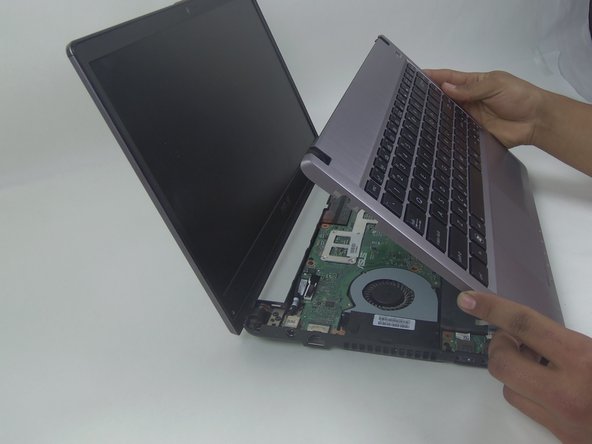


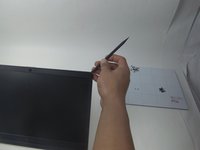
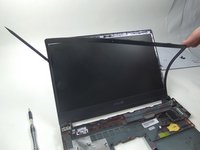
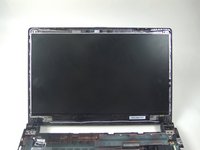

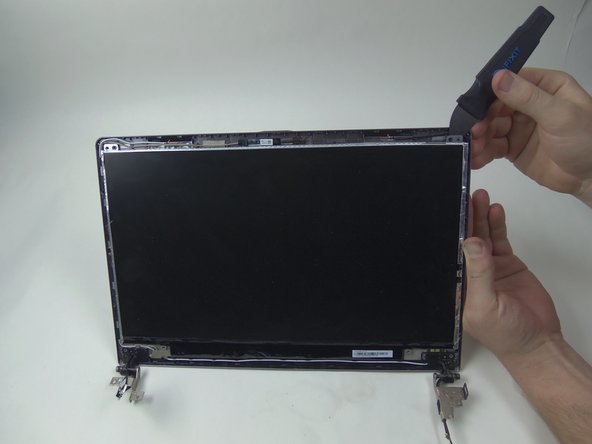
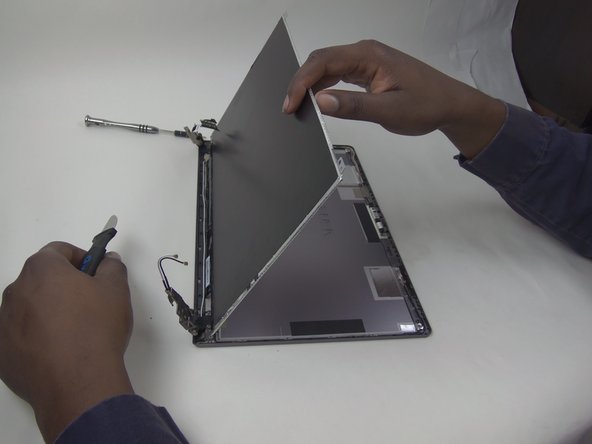
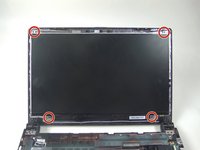
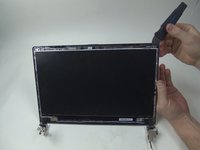
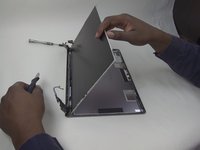

To reassemble your device, follow these instructions in reverse order.



Team

South Arkansas Community College, Team 1-1, Mitchell Spring 2017 Lid van South Arkansas Community College, Team 1-1, Mitchell Spring 2017
SACC-MITCHELL-S17S1G1
5 Leden
5 handleidingen geschreven
1Gids Commentaar
Ich weiß nicht warum aber mein Laptop der zeigt mir immer ein blauen Bildschirm an und da steht irgendwas von Software Update bitte helfen sie mir ich will nicht sehr viel Geld ausgeben
