Ga door naar hoofdinhoud

Angry Miao Xmas Key Switch Replacement

Wat je nodig hebt

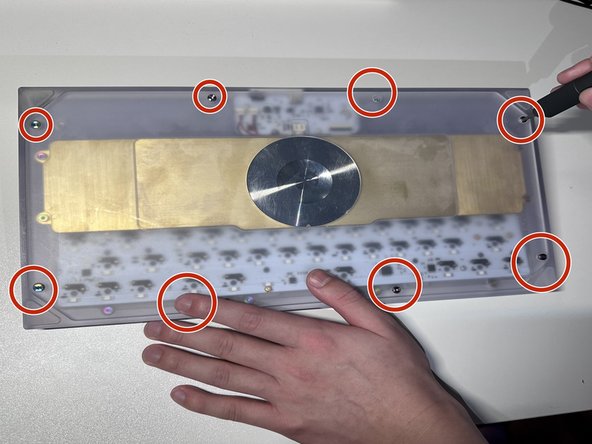
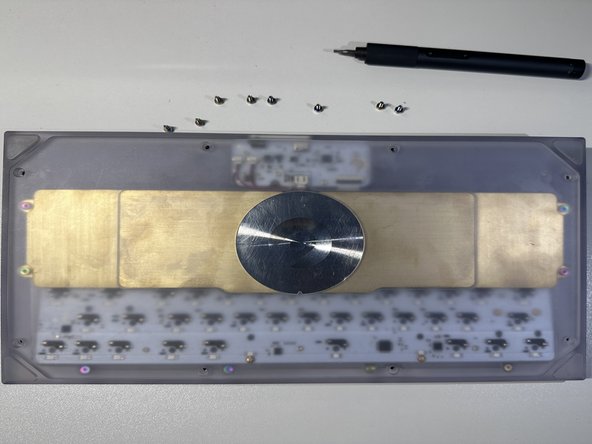
  1. Angry Miao Xmas Key Switch Replacement, Key Switch: stap 1, afbeelding 1 van 3 Angry Miao Xmas Key Switch Replacement, Key Switch: stap 1, afbeelding 2 van 3 Angry Miao Xmas Key Switch Replacement, Key Switch: stap 1, afbeelding 3 van 3
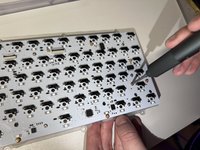
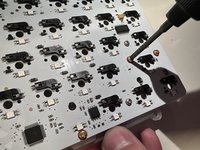
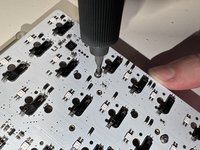
    • Facing the keyboard downwards, remove eight 26 mm screws holding the keyboard together.

    • Rotate the screws in a counterclockwise motion to unscrew.

  2. Angry Miao Xmas Key Switch Replacement: stap 2, afbeelding 1 van 1
    • Remove the 4 screws of the brass weight in the same counterclockwise motion as done in previous steps.

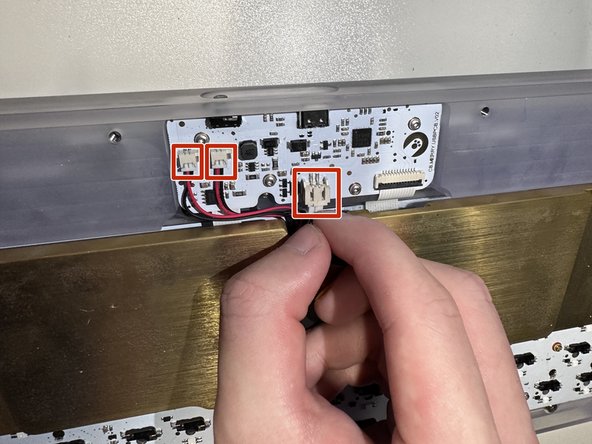
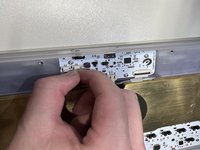
  3. Angry Miao Xmas Key Switch Replacement: stap 3, afbeelding 1 van 2 Angry Miao Xmas Key Switch Replacement: stap 3, afbeelding 2 van 2
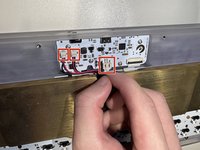
    • Carefully disconnect the brass battery from the top housing by removing the 3 cables.

  4. Angry Miao Xmas Key Switch Replacement: stap 4, afbeelding 1 van 3 Angry Miao Xmas Key Switch Replacement: stap 4, afbeelding 2 van 3 Angry Miao Xmas Key Switch Replacement: stap 4, afbeelding 3 van 3
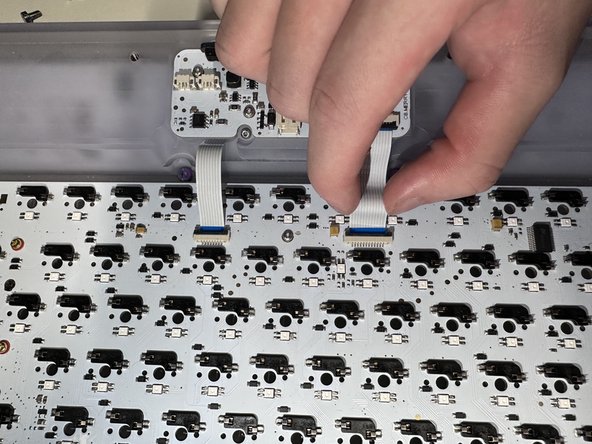
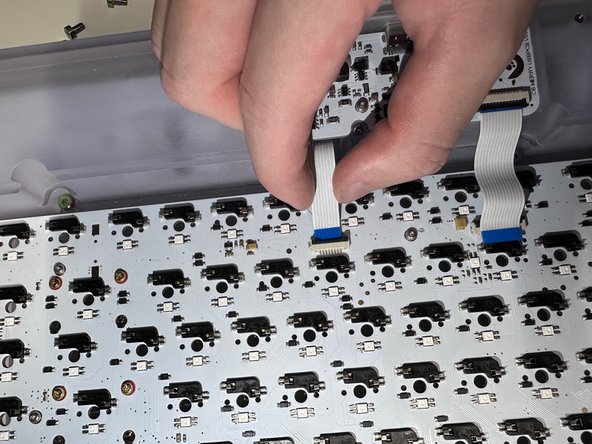
    • When flipped upside down, the back of keyboard will look like this.

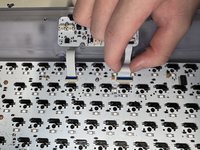
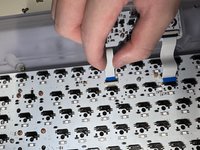
    • Remove the brass weight, then disconnect the keyboard PCB by removing the 2 ribbons from the latch holding it down.

  5. Angry Miao Xmas Key Switch Replacement: stap 5, afbeelding 1 van 1
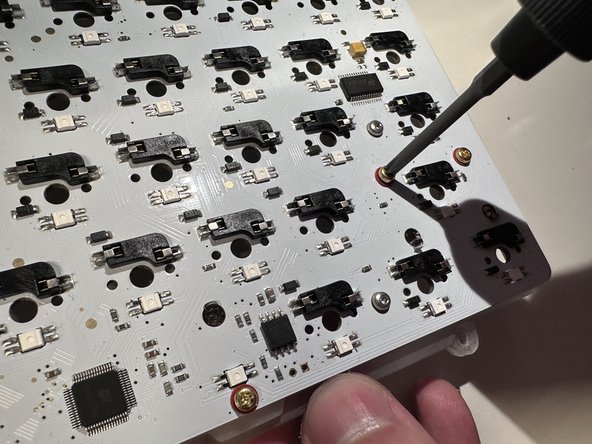
    • Remove the 2 screws attached on top and take PCB kit out.

  6. Angry Miao Xmas Key Switch Replacement: stap 6, afbeelding 1 van 3 Angry Miao Xmas Key Switch Replacement: stap 6, afbeelding 2 van 3 Angry Miao Xmas Key Switch Replacement: stap 6, afbeelding 3 van 3
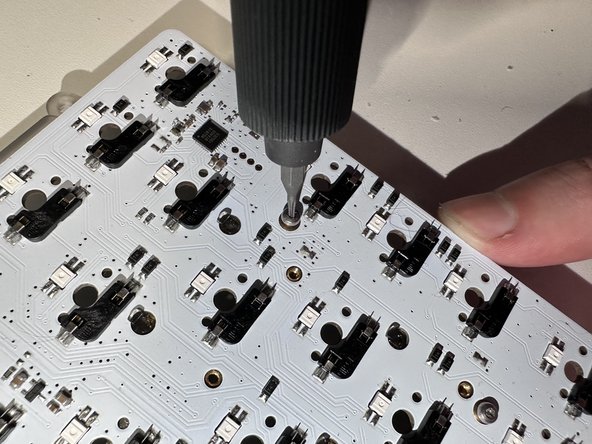
    • Remove the rest of the screws in the same way which will separate the plate, mute mount, and PCB.

  7. Angry Miao Xmas Key Switch Replacement: stap 7, afbeelding 1 van 3 Angry Miao Xmas Key Switch Replacement: stap 7, afbeelding 2 van 3 Angry Miao Xmas Key Switch Replacement: stap 7, afbeelding 3 van 3
    Gereedschap gebruikt in deze stap:
    Tweezers
    $4.99
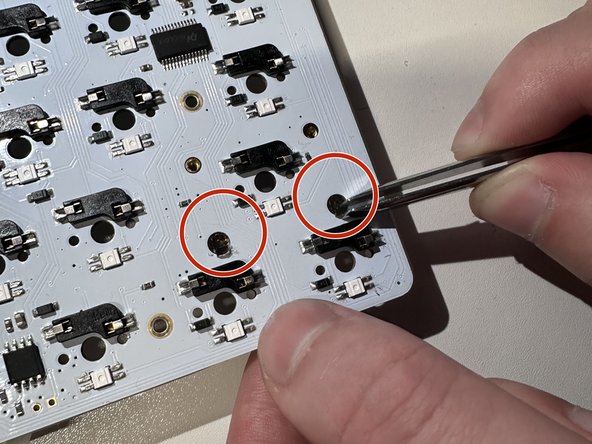
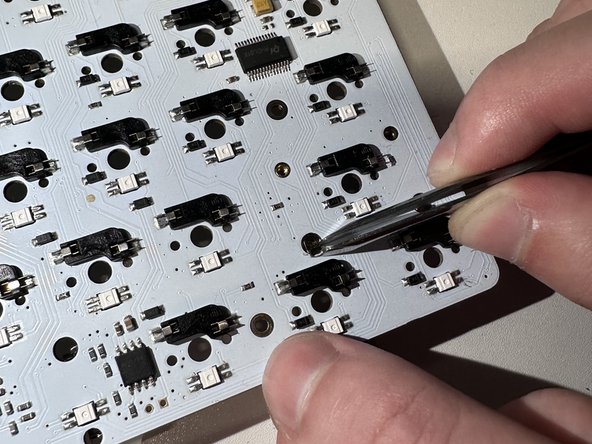
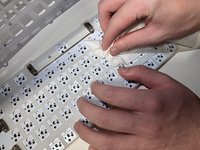
    • Clean the PCB.

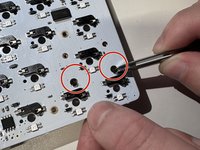
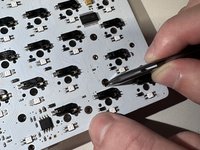
    • Pull out the cover by using tweezers.

  8. Angry Miao Xmas Key Switch Replacement: stap 8, afbeelding 1 van 1
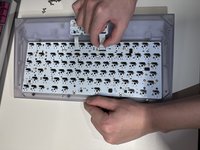
    • Install the new key switches by pressing on the PCB.

Conclusie

To reassemble your device, follow these instructions in reverse order.

Één andere persoon heeft deze handleiding voltooid.

Qiu Yunfan

Lid sinds: 02/02/23

169 Reputatie

1 Handleiding geschreven

0Gids Commentaar

Voeg opmerking toe

Weergavestatistieken:

Afgelopen 24 uren: 1

Afgelopen 7 dagen: 4

Afgelopen 30 dagen: 22

Altijd: 242