Inleiding
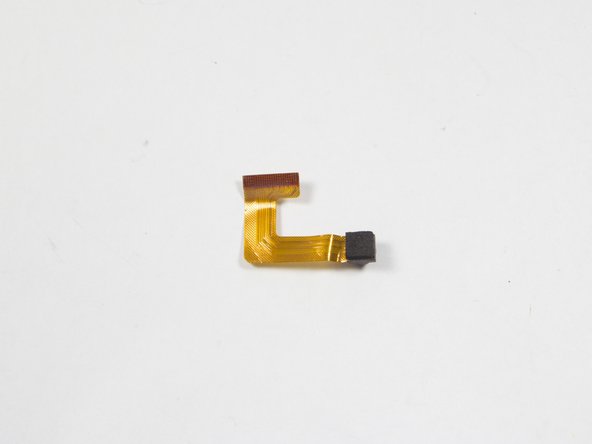
This guide provides essential information and steps on how to replace a faulty camera, including a step by step disassembling and removing instructions. Follow steps 1-3 to open the device. Ignore steps 4 and 5 and go straight to step 6 after doing so.
Wat je nodig hebt
-
-
Remove the two 00 Phillips screws located in the right hand side of the tablet.
-
-
-
-
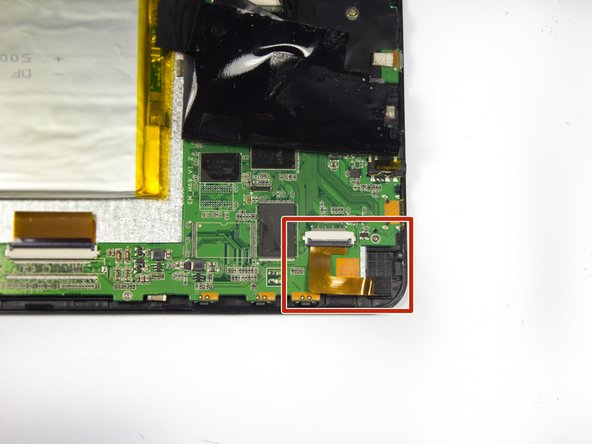
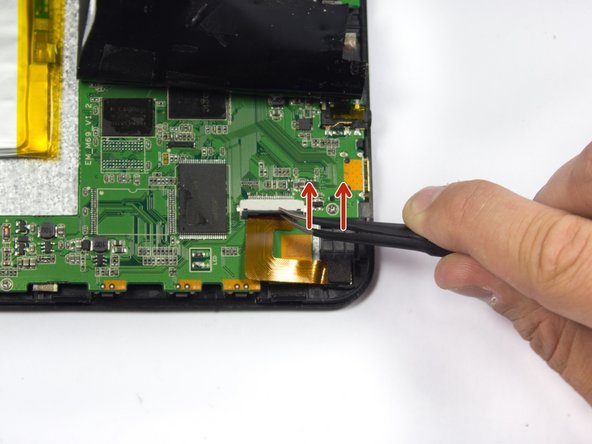
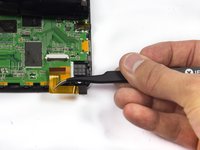
Start by removing the electrical tape covering the camera, located at the top left corner of the device.
-




To reassemble your device, follow these instructions in reverse order. Do not forget to put electrical tape back in place.
Annuleren: ik heb deze handleiding niet afgemaakt.
Één andere persoon heeft deze handleiding voltooid.



Team

UMass Dartmouth, Team 7-1, Cichon Spring 2015 Lid van UMass Dartmouth, Team 7-1, Cichon Spring 2015
UMASSD-CICHON-S15S7G1
4 Leden
12 handleidingen geschreven
