-
-
Put the unit upside down and take off the rubber bottom cover. It is better to start at a corner.
-
-


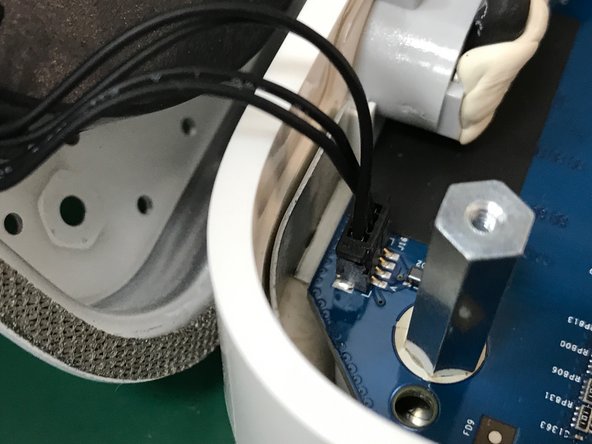
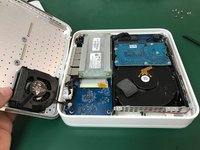

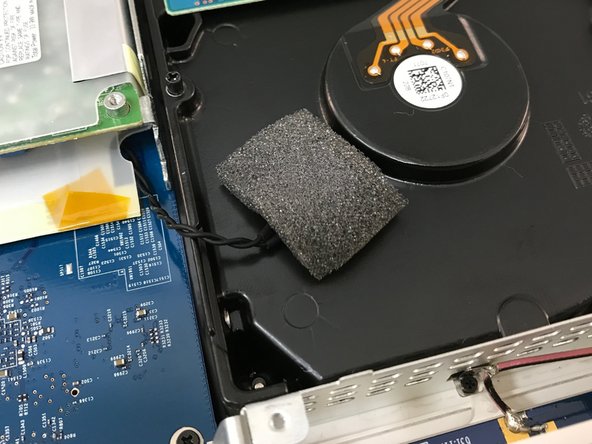

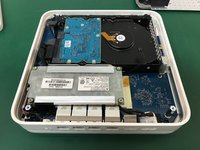
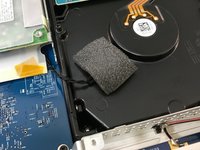
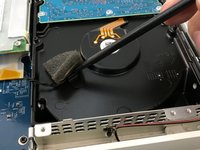

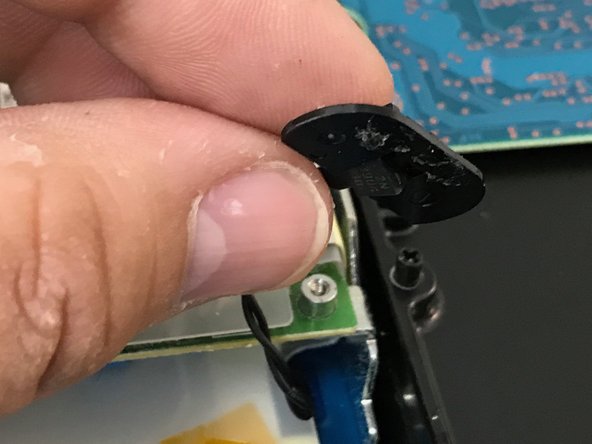
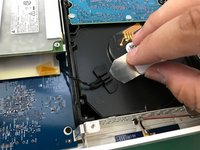
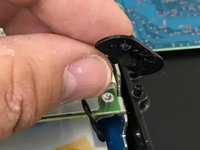


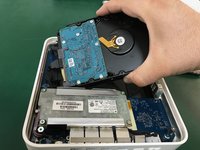
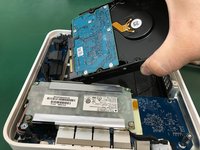


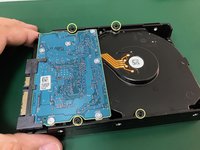
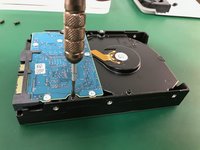
To reassemble your gadget, follow these instructions backward.
Annuleren: ik heb deze handleiding niet afgemaakt.
50 andere personen hebben deze handleiding voltooid.
Met dank aan deze vertalers:
100%


Deze vertalers helpen ons de wereld te repareren! Doe je mee?
Begin met vertalen ›



Team

Tecnico Center Teatinos, S.L. Lid van Tecnico Center Teatinos, S.L.
Business
1 Lid
4 handleidingen geschreven
15Gids Commentaar
I replaced a dead drive in about 30 mins following these instructions. The steps are clear, straight forward and the photos were extremely helpful. Many thanks as I now have a renovated AirPort Time Capsule.
I just replaced the 2 TB WDC Green with a WD Red Pro 4 TB with this guide in less than 30 min. Except for the fan cable it was a cake walk.
Successfully upgraded my A1409 to a Western Digital - WD100PURZ - 5400 RPM Class SATA 6 Gb/s 256MB Cache 3.5. There are two additional steps: (a), there is a rubber strip around the original drive that reduces noise and protects the drive, gently remove from the original drive and place on the new drive; (b) once the rubber strip is on the drive, it is hard to get into place, angle the drive towards the connector side, and press in.
