
 1
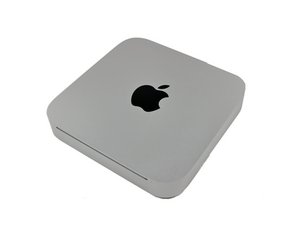
1 Mini Server 2010 - Fan doesn't work
I tried to upgrade one of the 2 HDDs to an SSD, and when I reassembled the Mini, it started overheating because the fan didn't come on.
Opened it up again, checked all connectors, same issue.
- Put in a new fan, same issue.
- Put in a new HDD sensor, same issue
- Disconnected HDD sensors, same issue
- Re-installed original HDD, same issue.
I've also zapped the NVRAM, and of course SMC resets after you've had it unplugged anyway.
Any ideas?
Is dit een goede vraag?
Score
0

 339
339  975
975 


6 opmerkingen
Have you checked the temperature sensors? They can easily become damaged, resulting in a number of cooling issues. There are temperature sensors connected to the HDD and optical drive in those units.
door Nicolas Zevchek
No that vein how about using an app like TG Pro so you can 'see' whats really happening.
door DanJ
Thanks guys, yes I'm using TG Pro and even tried "Macs Fan Control", both report 0 RPM.
I've let it boot with the case open, and it's not turning on the fan for sure. Temperature sensors seem to work as the temperatures are reported in those apps...
Just not sure as to why the fan is not activated...
door Simon
Then you've damaged the logic board some how.
door DanJ
Yeah, that's what I fear. Everything else works though, boots up and everything, it just doesn't run the fan and then overheats...
Any way to test anything?
door Simon
1 commentaar meer tonen